
Add coordinates to your records
“Near me” needs one thing: a location on each record — a latitude and a longitude Search Stack can measure. Shops, cinemas, depots, airports: if you can put a pin on a map for it, you can search it by distance.
Give each record a location
[
  { "name": "Riverside Cinema", "city": "Bristol", "lat": 51.4545, "lon": -2.5879 },
  { "name": "Harbour Screen",   "city": "Bournemouth", "lat": 50.7192, "lon": -1.8808 }
]
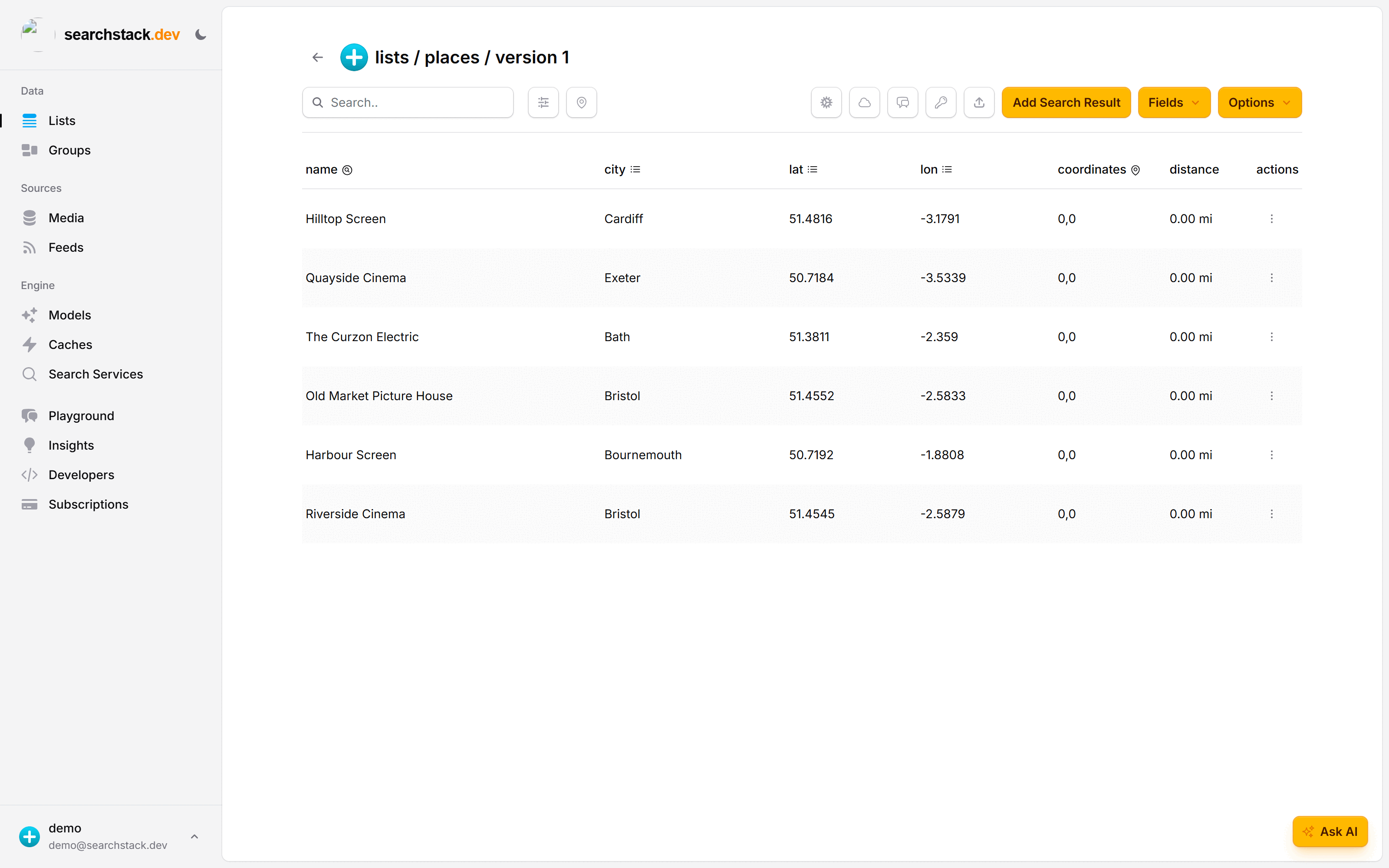
Create a list — places — and import a file of them with the list's Import
button. When the fields are named recognisably (lat/lon, as here), Search Stack
spots the pair and sets up coordinates by itself — note the coordinates and
distance columns alongside the imported fields.
Mark the field as coordinates
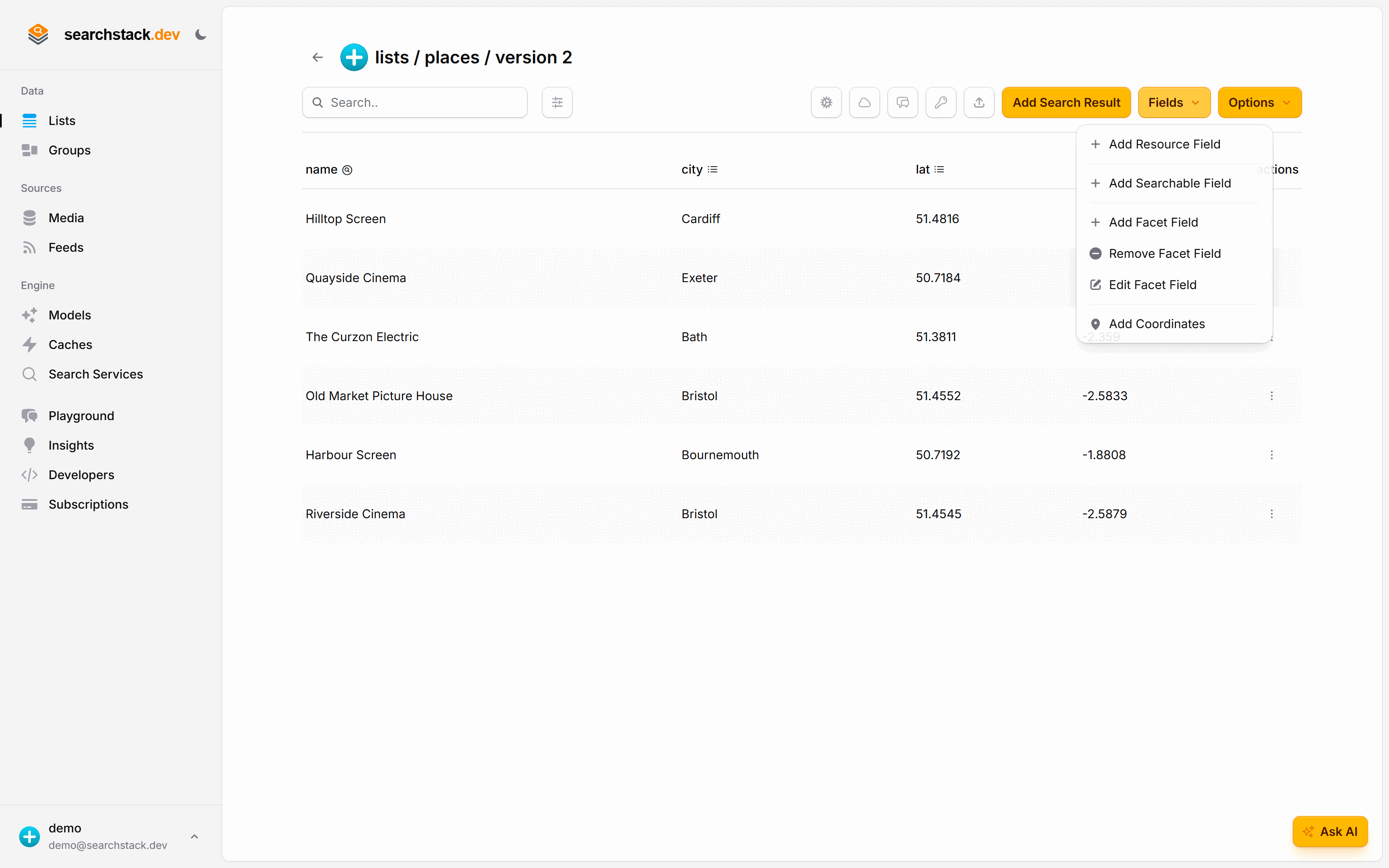
If your location fields are named something Search Stack doesn't recognise, open the list's Fields menu and choose Add Coordinates. That tells the engine to treat the pair as a location rather than two numbers, which is what unlocks measuring distance and filtering to a radius.
Or from code, one request does the same:
POST https://api.searchstack.dev/coordinates/Demo/places
X-API-Key: {your key}
Go deeper: Coordinate fields and geo search in the reference.