
Make them searchable
Files aren't searched directly — records are. Each record points at one file, and Search Stack reads that file's text into the record.
A record per file
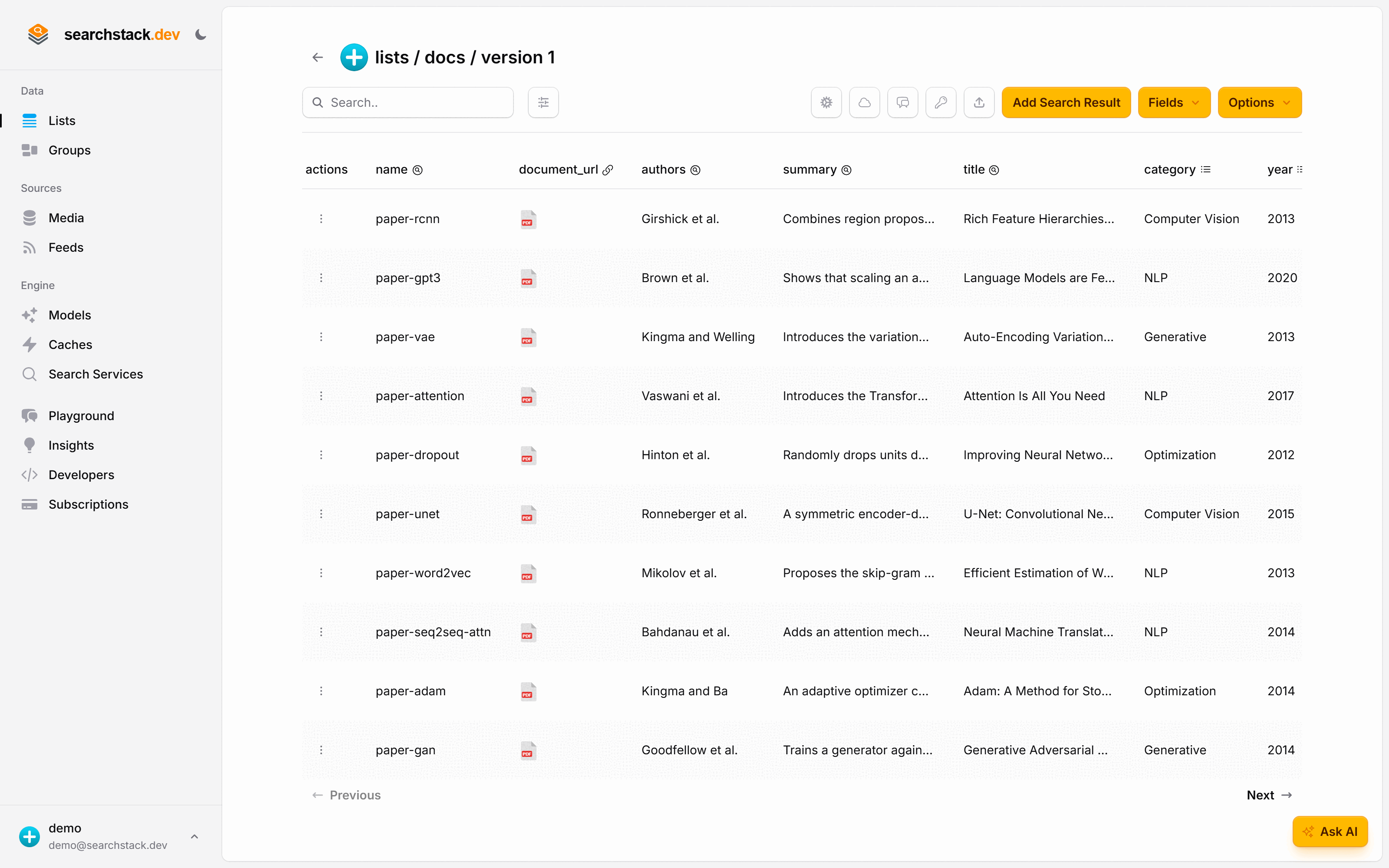
Create a list — docs — with one record per file. Each record carries a
document field holding the file's address, plus whatever you want to show with a result: a title,
the authors, a category.
- Text is extracted automatically as each record lands. Nothing to configure, nothing to run.
- Attach an embedding model too if you want search by meaning on top of the extracted text.
Or from code
One request — the document field's address is all extraction needs:
POST https://api.searchstack.dev/search-result/Demo/docs/with-fields
X-API-Key: {your key}
Content-Type: application/json

[
  {
    "name": "paper-attention",
    "title": "Attention Is All You Need",
    "authors": "Vaswani et al.",
    "document_url": "https://.../papers/paper-attention.pdf"
  }
]
Go deeper: Fields — resources, documents, and what gets searched in the reference.