
Add your photos
Searching photos by what they look like takes one piece of setup: an image embedding model on the list. Where a text model reads words into meaning, an image model reads pictures into it — two visually similar photos land close together, so “find ones like this” becomes a distance check.
Create a list with an image model
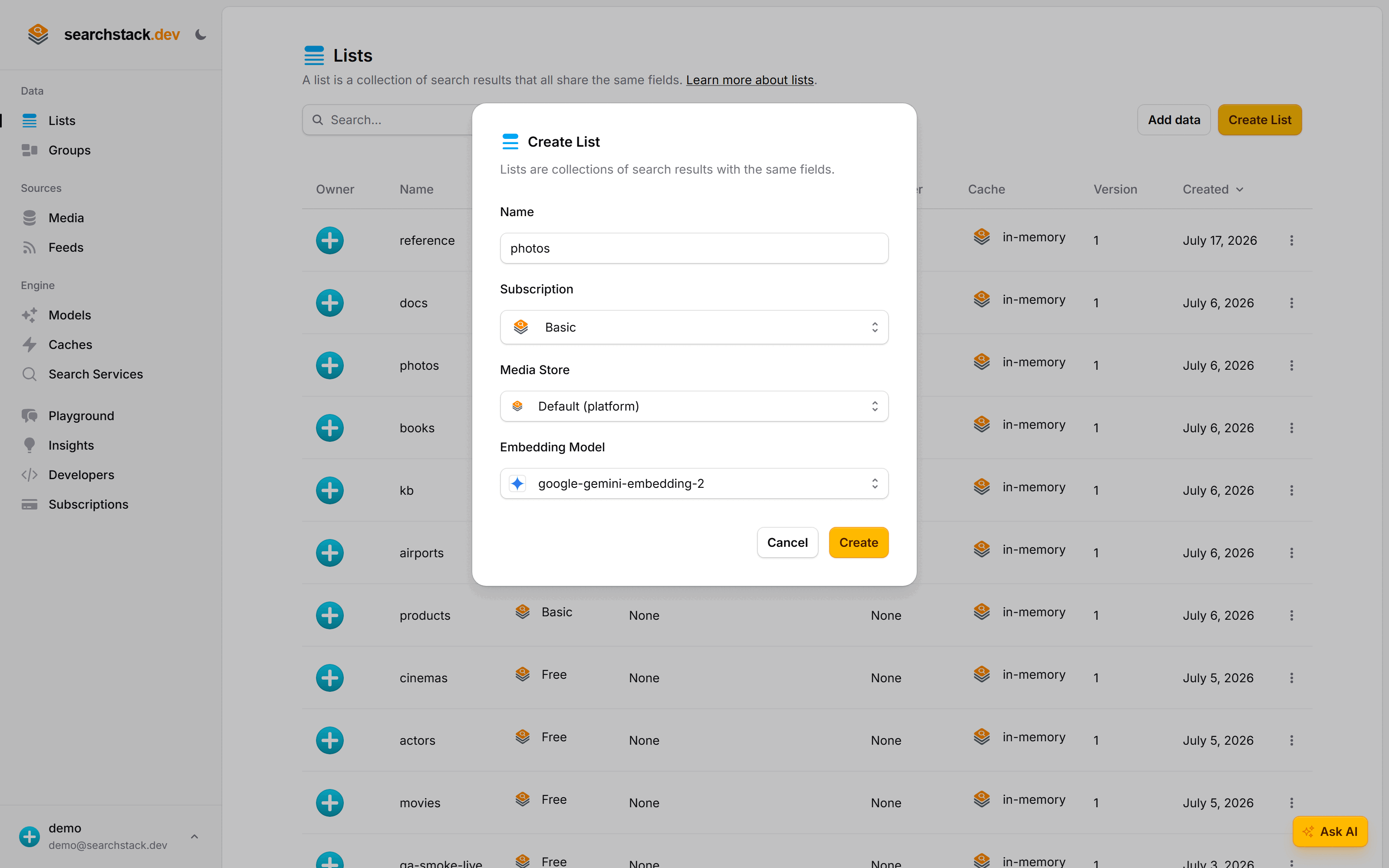
In the console choose Create List, name it photos, and pick an embedding model that
understands images from the Embedding Model dropdown — here, google-gemini-embedding-2.
Load the photos
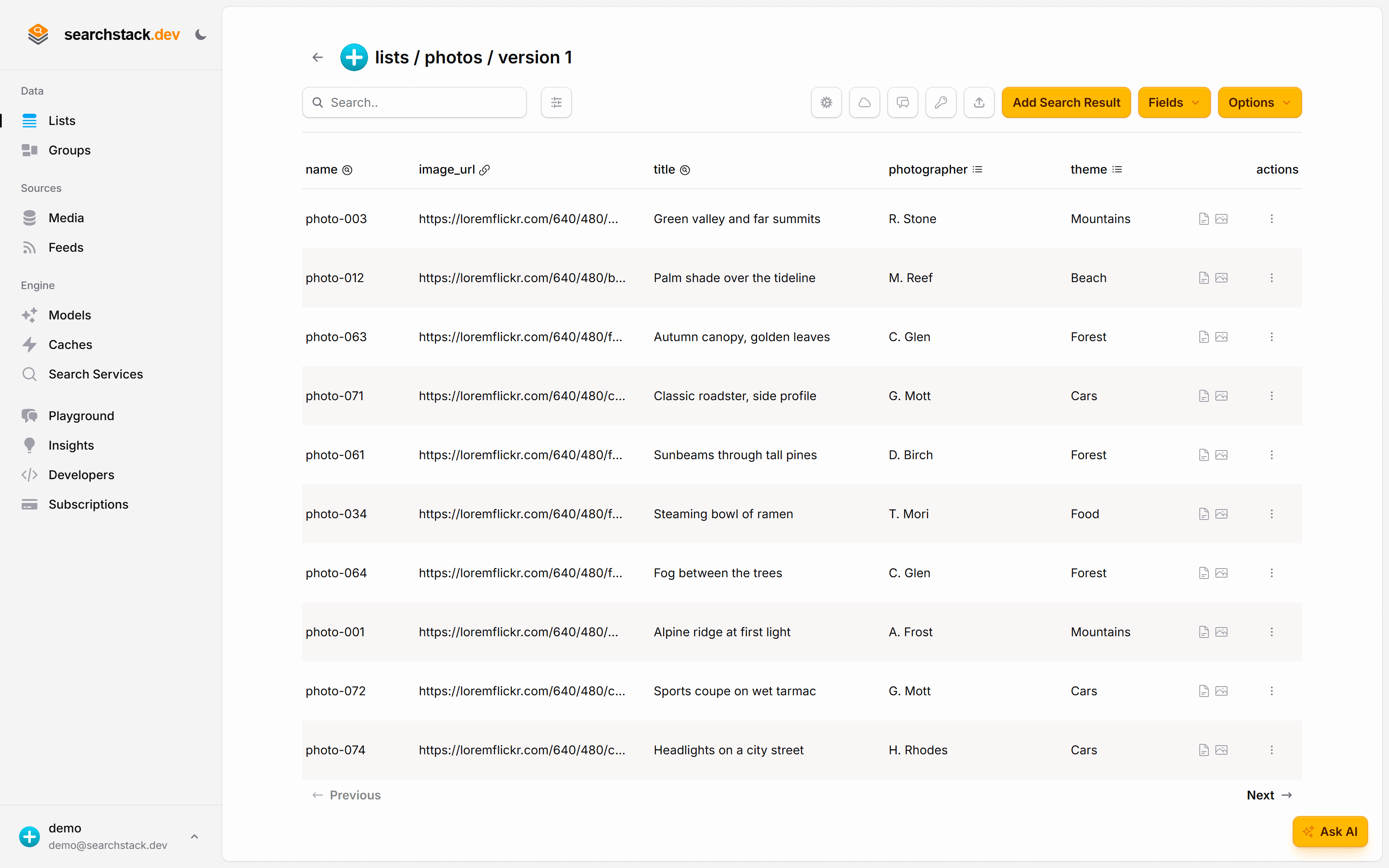
Each photo is a record with an image field pointing at the picture — a URL, or a file in a media store. Use Import on the list for a file of records, or Add Search Result one at a time.
- Nothing to tag — the model embeds each image as it lands.
- A title and a couple of filter fields (photographer, theme) are good for display, but the search never reads them.
From code, the same import is one request:
POST https://api.searchstack.dev/search-result/Demo/photos/with-fields
X-API-Key: {your key}
Content-Type: application/json

[
  { "name": "Harbour at dawn", "image": "https://.../harbour-dawn.jpg" },
  { "name": "Pine ridge",      "image": "https://.../pine-ridge.jpg" }
]
Go deeper: Embedding models, including image models in the reference.