
Browse with filters and counts
Every control on the storefront — the rails, the counts, the price range, the sort — is the search you just built, dressed as a shop.
Filters that count
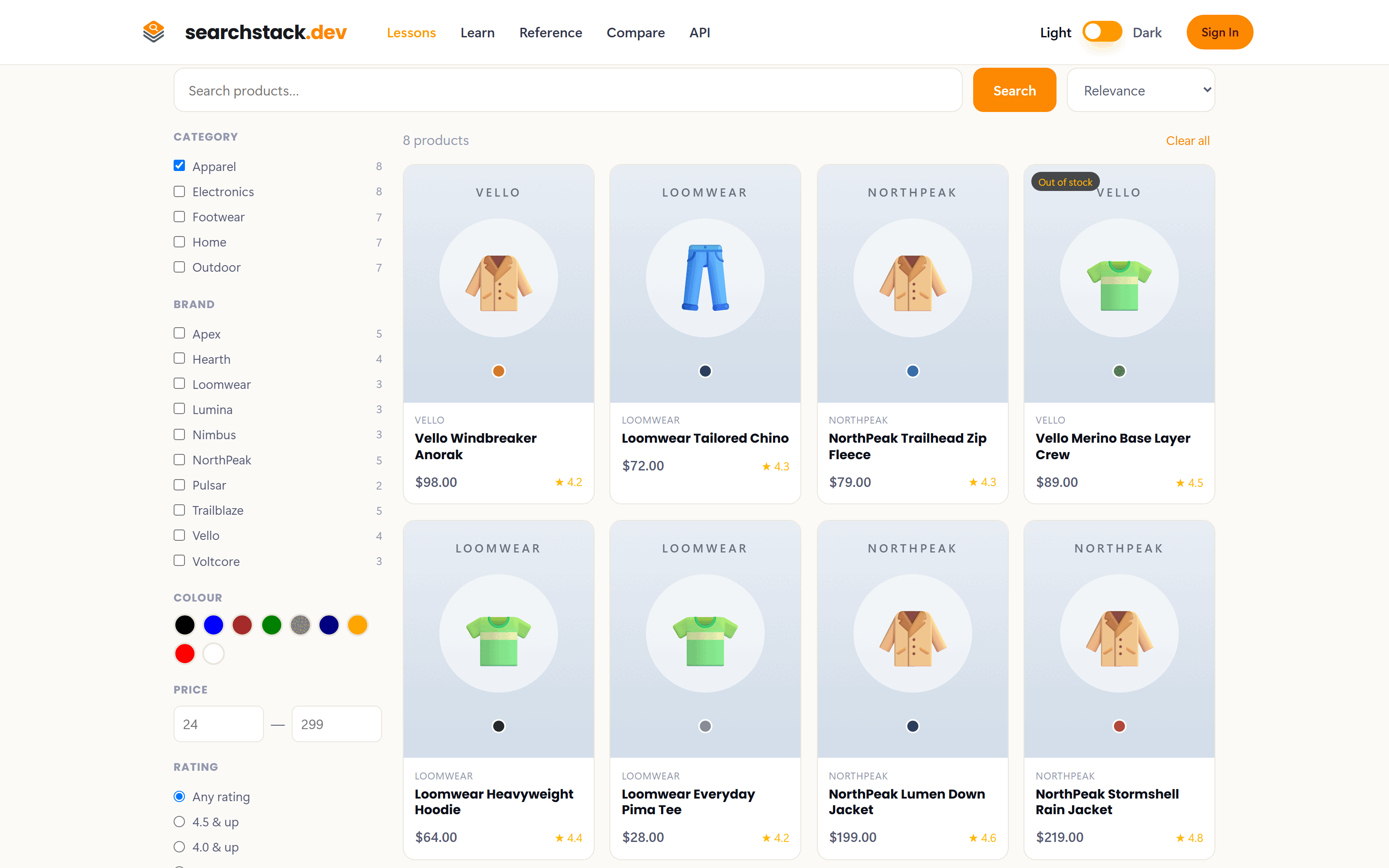
The storefront starts empty: results are earned by a search or a filter. Tick Apparel and the 8 apparel products appear, and every option on every rail shows how many results it would leave — “Pulsar (2)” tells a shopper what to expect before they click.
Suggest as they type, search when they mean it
The search box uses both endpoints, each where it belongs:
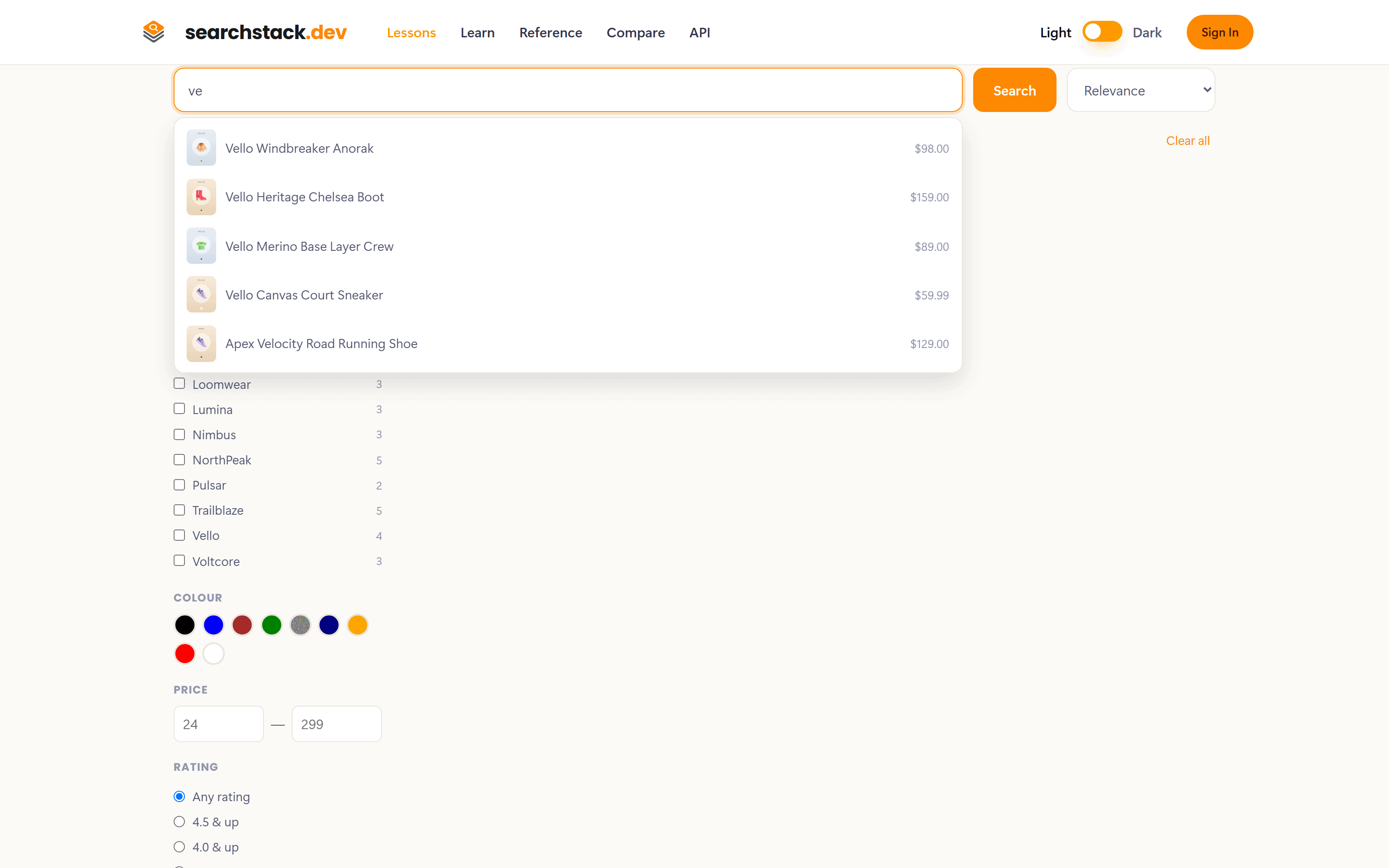
- suggest — the dropdown under the box as the shopper types. “ve” prefix-matches every Vello product by name, with the current filters still applied.
- search — runs on Search, Enter, or picking a suggestion. The grid doesn't move until then.
What your page asks for
The shopper's query and ticks become the query and filter, their sort choice
becomes the ordering, and the counts come from the facets. As filters change, the page re-runs the same
requests from the last step:
GET https://api.searchstack.dev/search/Demo/products/1?query=&filter=category eq 'Apparel' and in_stock eq true
X-API-Key: {your key}
A read-only key is safe to use straight from the browser, so a static shop page can do all of this with no server of yours in the loop.
Go deeper: Searching — filters, sorting, paging and counts in the reference.