
Show the posters
Posters ride along with each result, but nobody searches for a film by its image address.
What a resource is
A resource is a value carried with each result purely so your app can use it: a poster URL, a deep link, a price, an external ID. It's returned in every search response, but never indexed — so it doesn't bloat or slow your search.
The three field types, side by side:
| Field type | Search it? | Filter by it? | Returned? | Good for |
|---|---|---|---|---|
| Searchable | Yes | No | Yes | title, plot, tagline |
| Facet | No | Yes | Yes | genre, year, rating |
| Resource | No | No | Yes | poster URL, deep link, ID |
Add a poster field
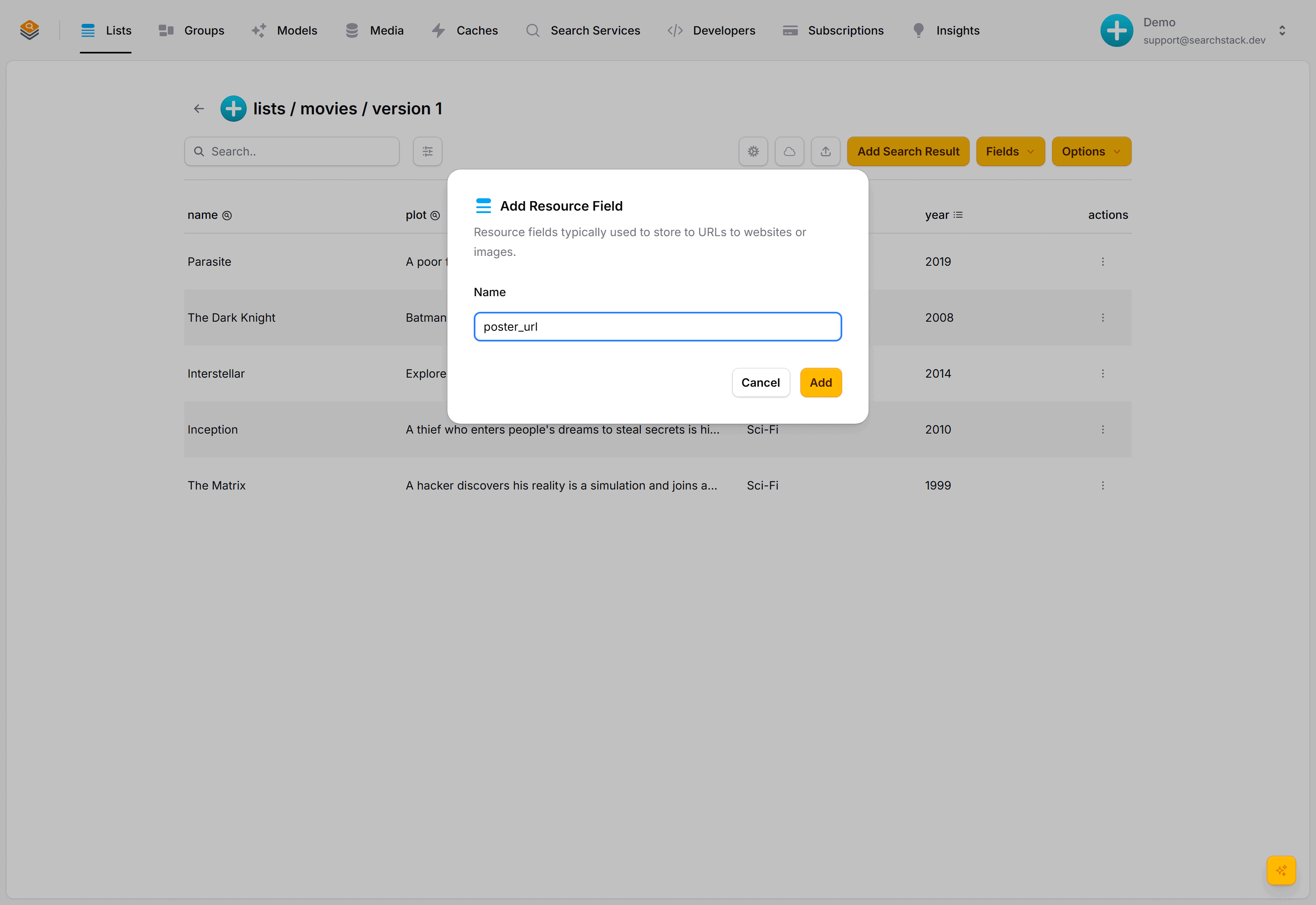
On the movies list, choose Fields then Add Resource Field, and name it poster_url.
Edit each film and paste in its poster address:
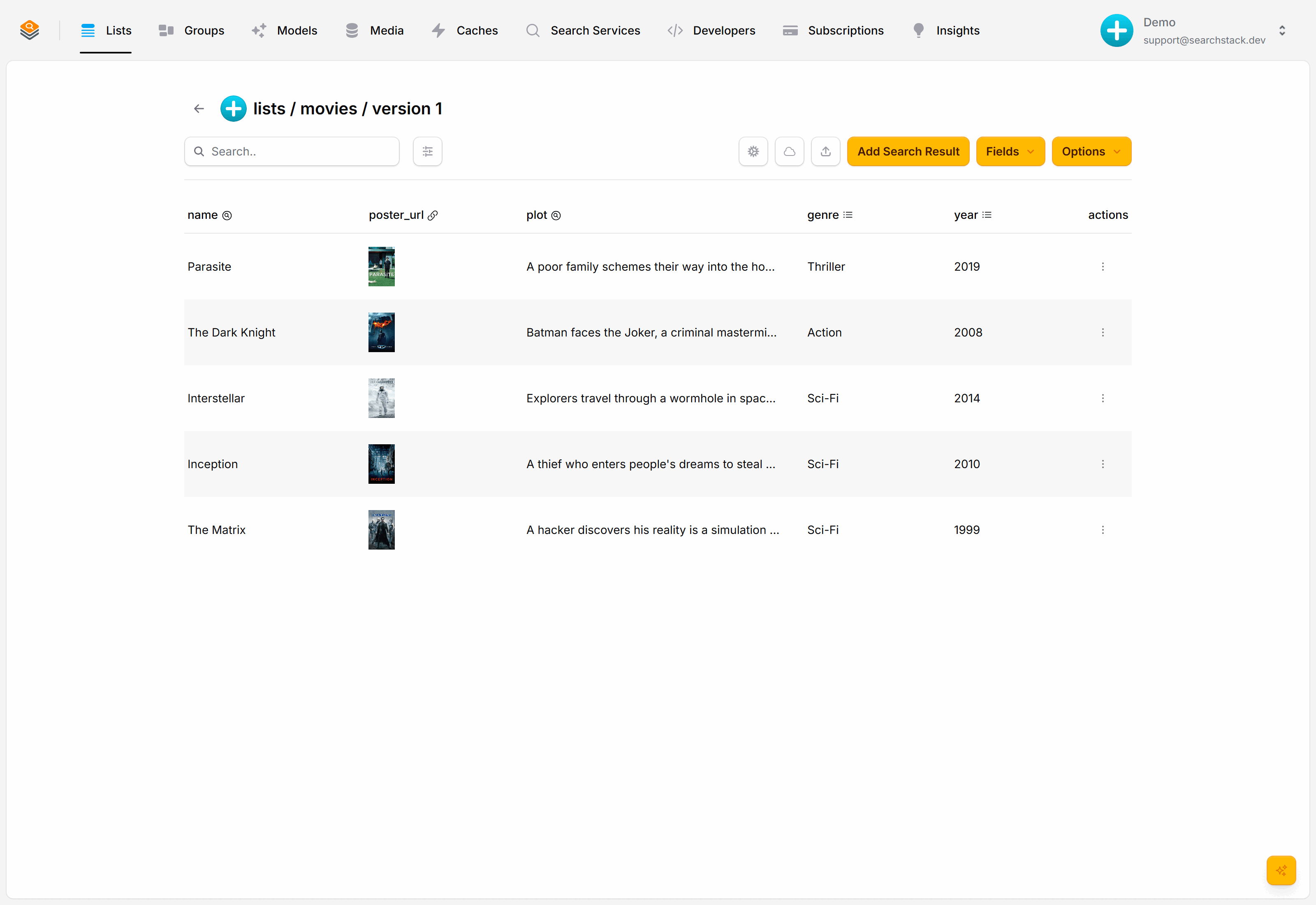
It comes back with every result
Search as normal. The poster is in the response, ready to drop into an <img> tag:
GET https://api.searchstack.dev/search/Demo/movies/1?query=matrix
X-API-Key: {your key}
{
"results": [
{
"name": "The Matrix",
"fields": {
"genre": "Sci-Fi",
"year": 1999,
"poster_url": "https://image.tmdb.org/t/p/w500/f89U3ADr1oiB1s9GkdPOEpXUk5H.jpg"
}
}
],
"count": 1,
"total_count": 1
}Which type to pick:
- A visitor might type it → searchable.
- A visitor might click it to narrow results → facet.
- Your app just displays it → resource.
Go deeper: Resource fields and how the field types differ in the reference.