
Search films and actors as one
Two lists, one box.
What a group is
A group is a single searchable thing made of several lists. Search it and Search Stack searches every member list, merges the matches and ranks them together, so “hemsworth” returns both the actor and their films in one response. The underlying lists don't change.
Create the group
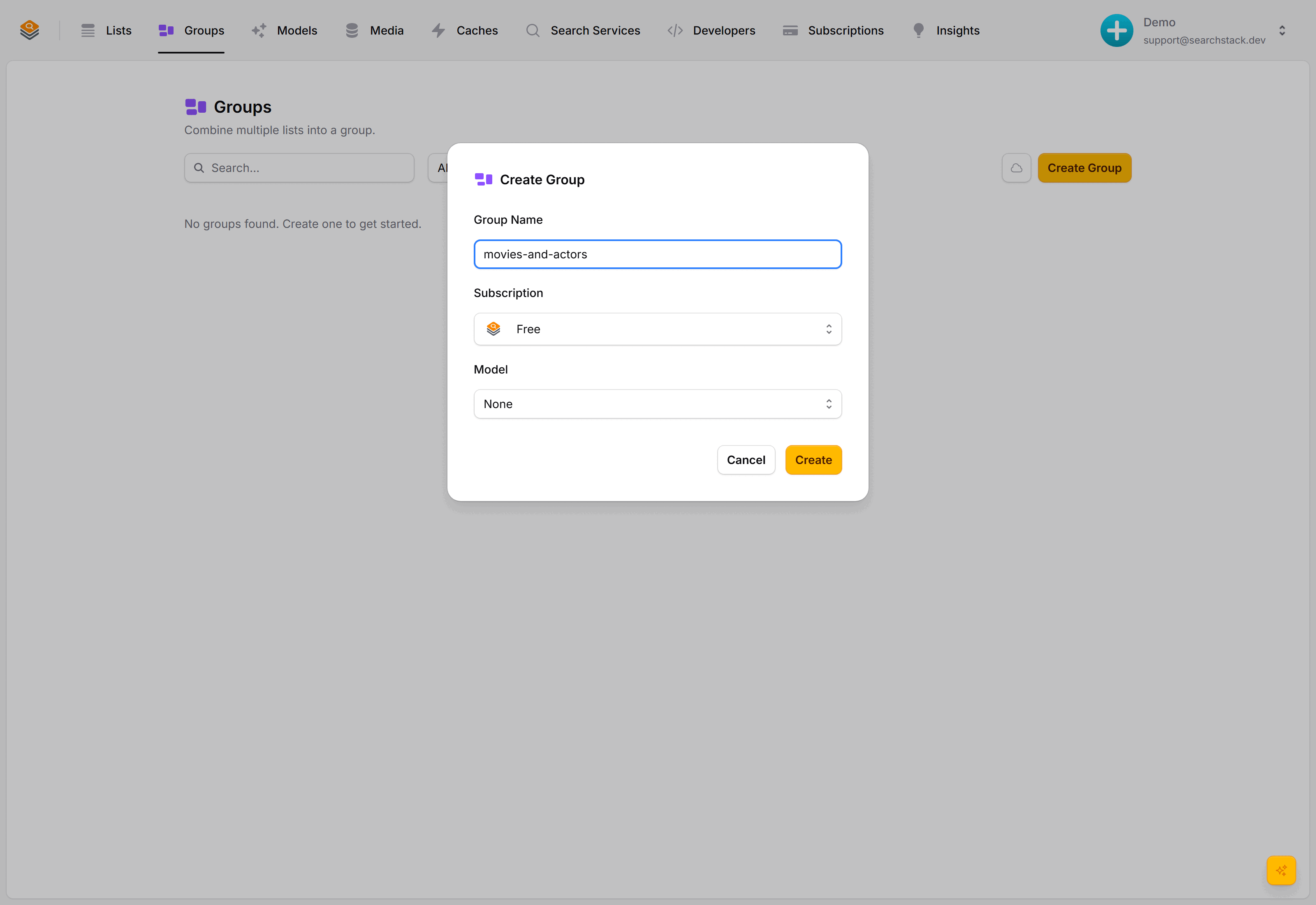
Go to Groups and choose Create Group. Name it movies-and-actors.
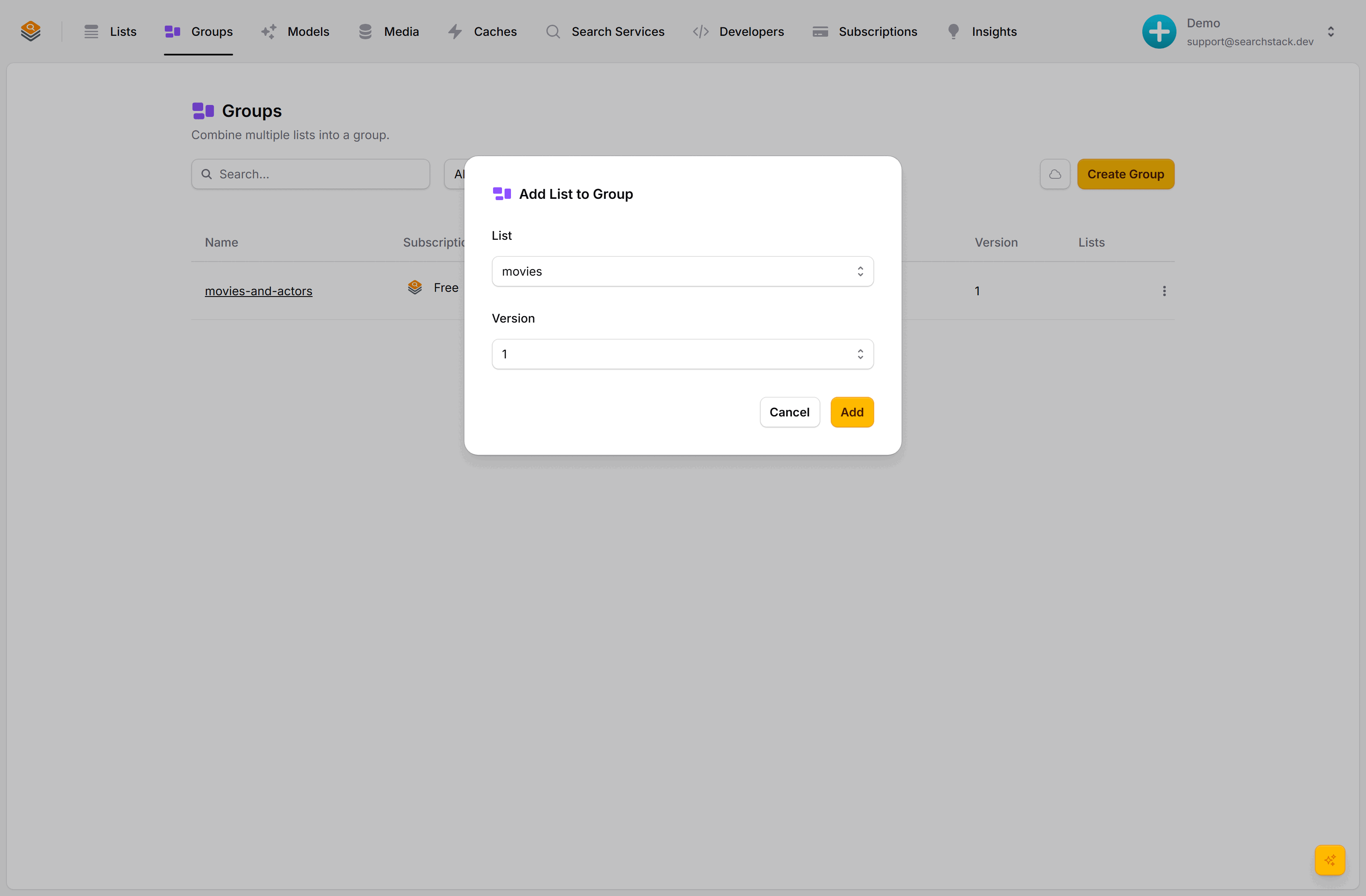
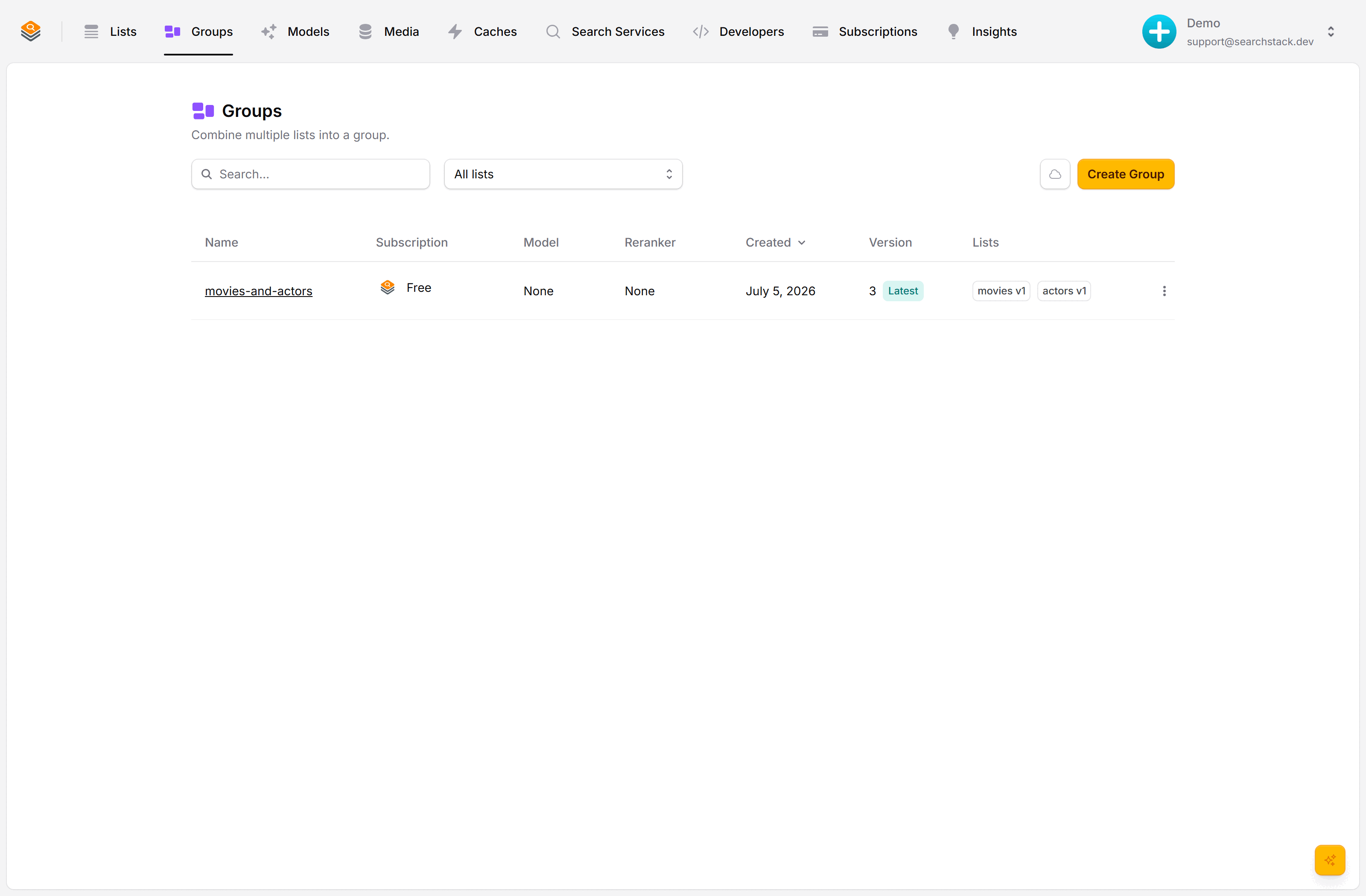
Open the new group's menu, choose Add List, and add movies, then actors. Each list is added at a specific version, so the group always searches a known shape of each list:
Search the group
A group has its own search and suggest endpoints: same as a list, with group in the path. The number is the group's current version, shown next to it in the console:
GET https://api.searchstack.dev/search/group/Demo/movies-and-actors/3?query=hemsworth
X-API-Key: {your key}
Results come back merged, each carrying a list_name telling you which list it came from:
{
  "results": [
    { "name": "Liam Hemsworth", "list_name": "actors", "fields": { "movies": ["The Hunger Games: Catching Fire"] } },
    { "name": "The Dark Knight", "list_name": "movies", "fields": { "genre": "Action", "year": 2008 } }
  ],
  "count": 2,
  "total_count": 2
}
Branch on list_name to pick the right card template:
if (result.list_name === "actors") {
  renderActorCard(result);   // headshot + films
} else {
  renderMovieCard(result);   // poster + year
}
Why versions are pinned
Because each list joins at a fixed version, changing a list later never silently breaks the group. Bump the group to a new version when you're ready to pick the changes up.
Go deeper: Merging behaviour, version pins and cloning in the reference.