
Create your list
Start with an empty list and five films you type in yourself.
What a list is
A list is where your searchable data lives: one table of results that all share the same fields. A list of movies has a title, a plot and a genre; a list of cinemas has a name and a location.
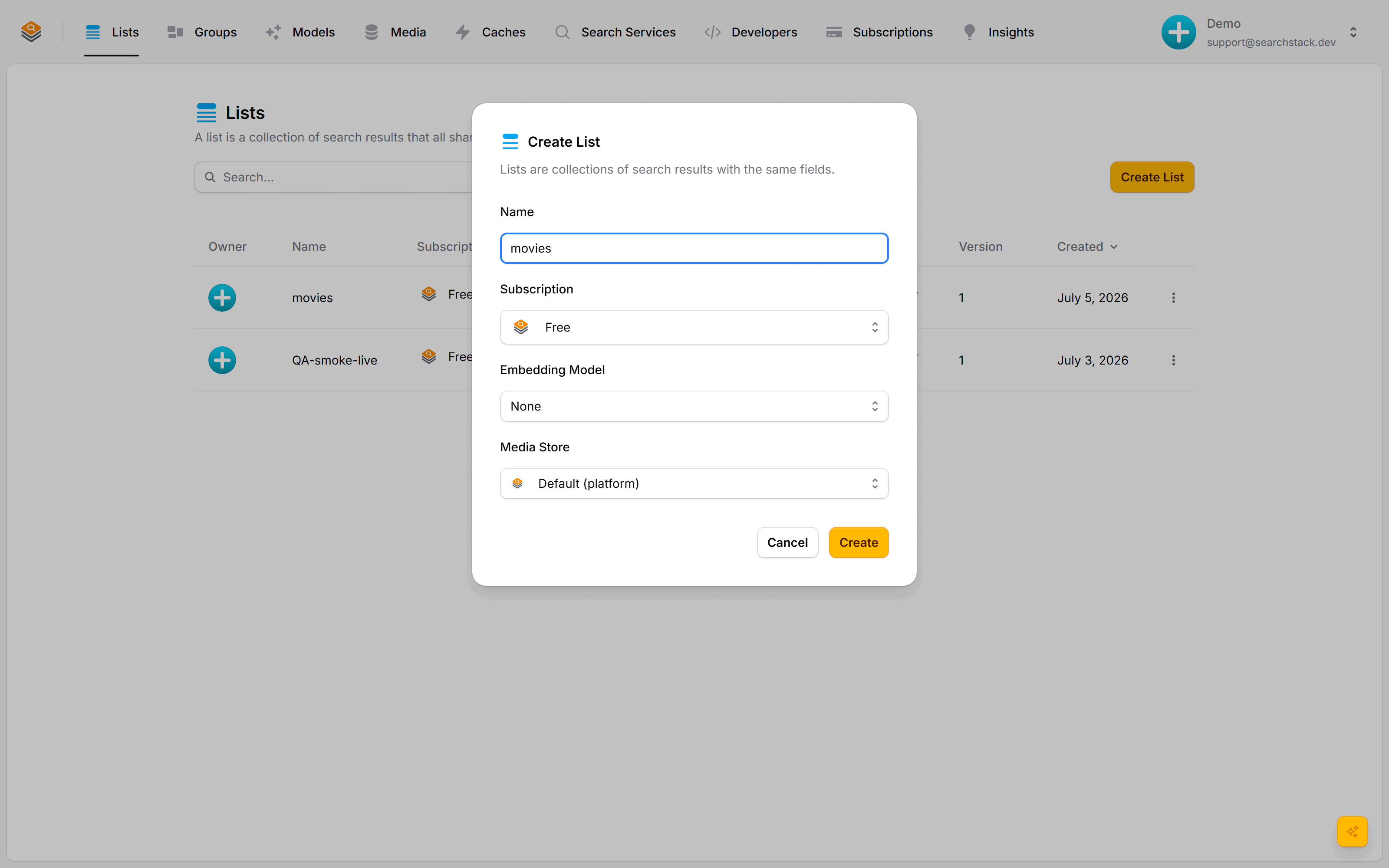
Sign in to the console and choose Create List. The only thing to decide is the name: type movies and leave the rest on their defaults — free plan, no embedding model, the platform's built-in storage. (A semantic model can come later.)
Add a few movies
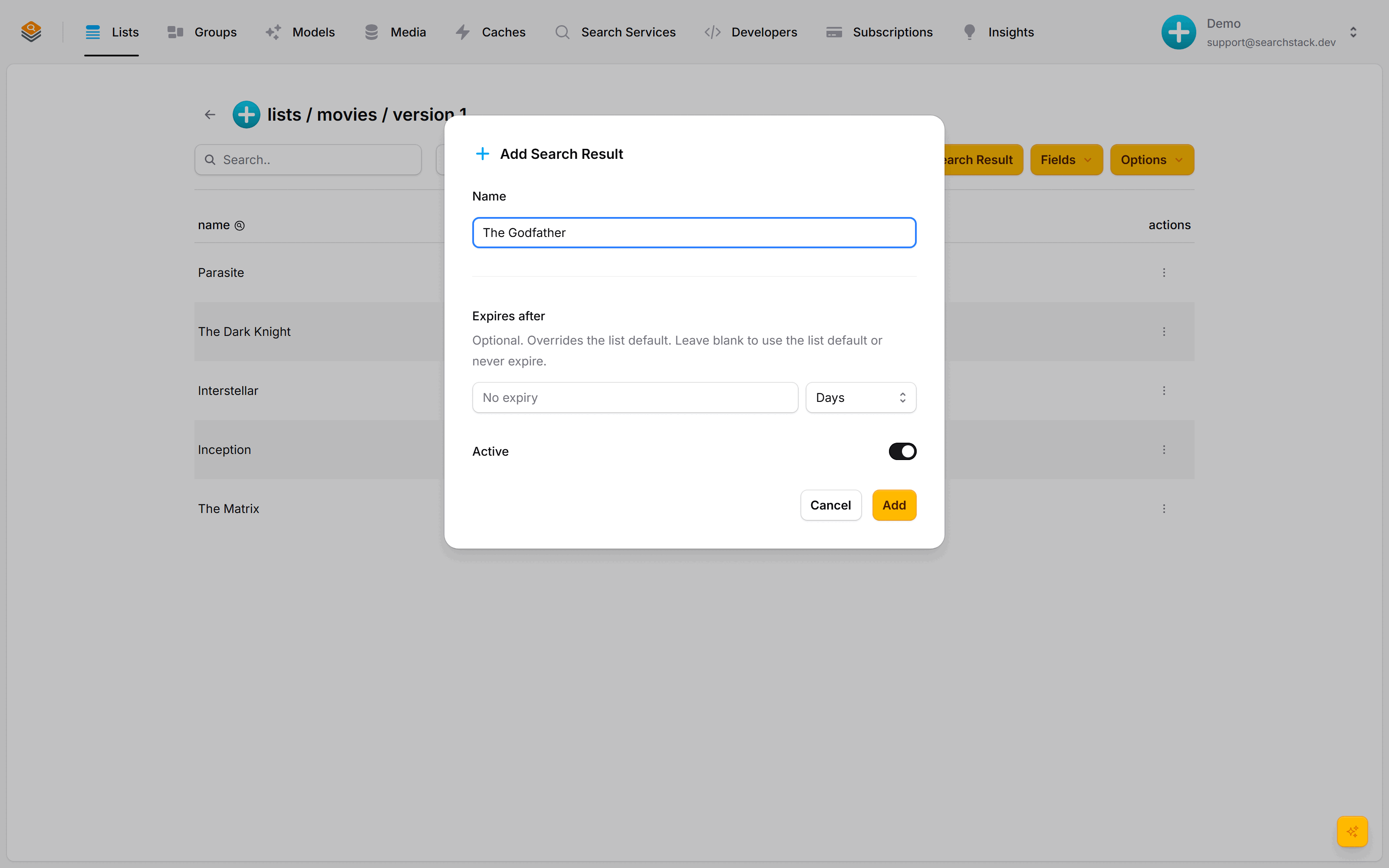
A single entry in a list is a search result — here, a film. Open the movies list, choose Add Search Result, type a film title and save. A result needs nothing but a name to start.
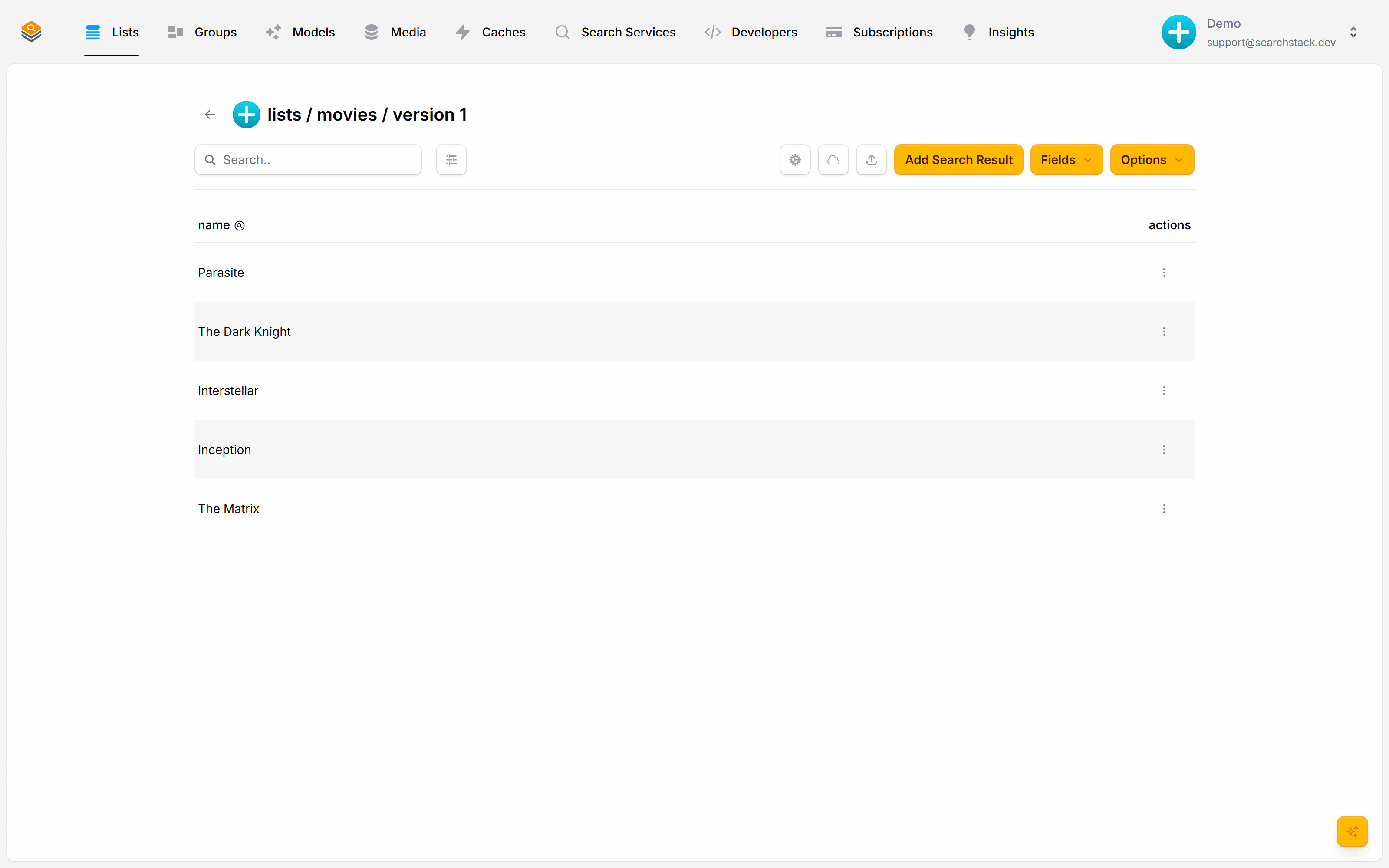
Here are five:
You already have a working search API
- Live and read-only from the moment the list exists. Nothing to deploy.
- Every call goes to
https://api.searchstack.dev/with your API key in anX‑API‑Keyheader. - Create a key on the Developers tab; a read-only key is safe to use in a browser.
The three things a list can do:
- suggest – fast as-you-type completions, made for an autocomplete box.
- search – full search over your fields, returning complete results, paged, with filters applied.
- facet – counts grouped by a field's values, for building filter menus (once your list has facet fields).
A suggestion as your visitor types inc. The version number in the path is 1 for a brand-new list:
GET https://api.searchstack.dev/suggest/Demo/movies/1/inc
X-API-Key: {your key}
{
"results": [
{ "name": "Inception" }
],
"interpretation": null
}The same list under the search operation returns full results with a total count:
GET https://api.searchstack.dev/search/Demo/movies/1?query=dark
X-API-Key: {your key}
{
"results": [
{ "name": "The Dark Knight" }
],
"count": 1,
"total_count": 1
}A search only matches a film's name so far, because that's the only field the list has.
Go deeper: Lists in the reference.