
Make the pages searchable
A feed only ever owns its file. You point a list at that file and keep the two in sync.
Why a separate step
- The feed mirrors your site into a file; the list makes a file searchable. You decide which file becomes which list.
- Deleting the feed later leaves the list's records untouched — they just stop refreshing.
- It's the same import from a file you'd use for a spreadsheet of your own.
Create the list, with an embedding model
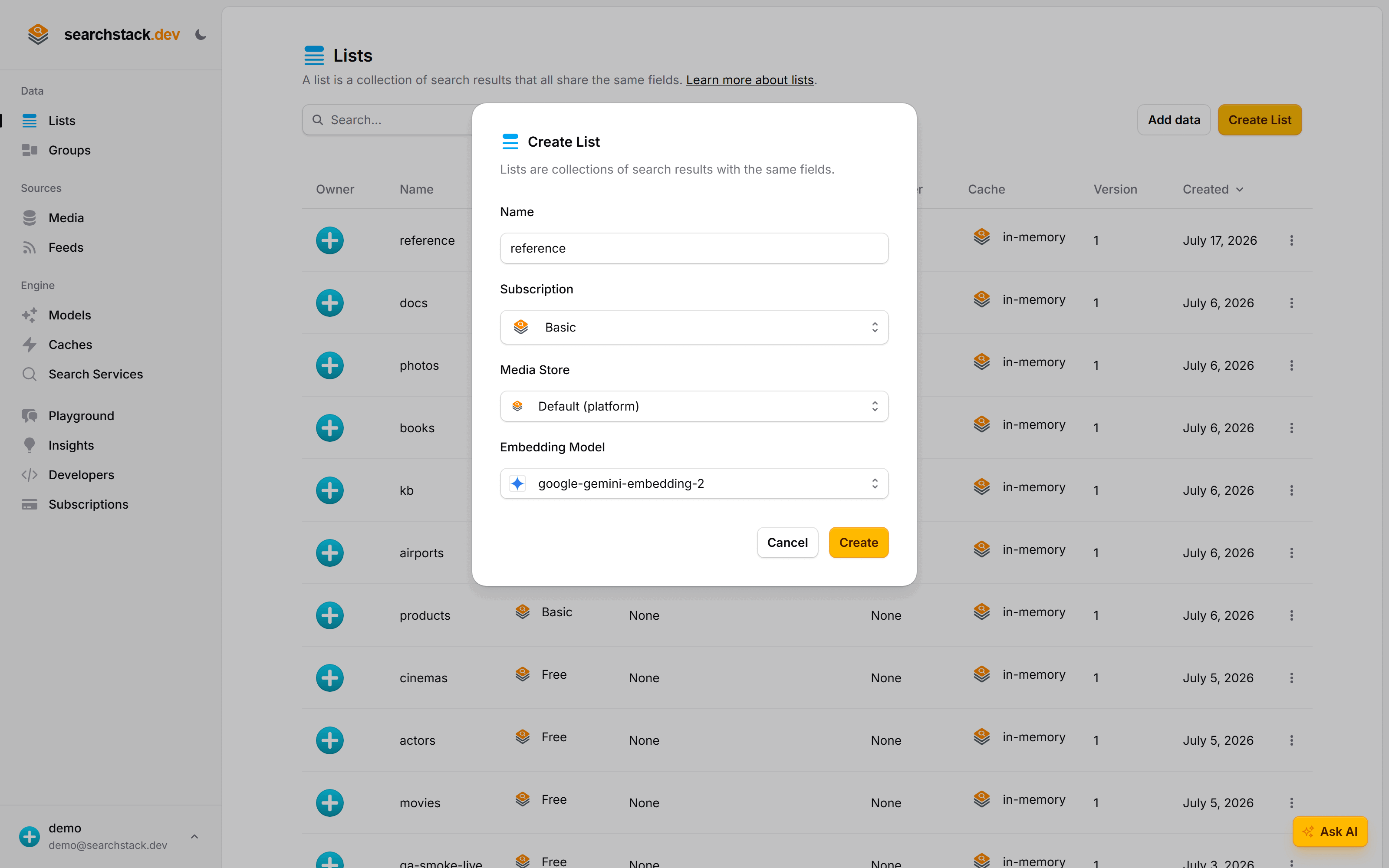
Create a list — call it reference — and attach an embedding model. The model reads your page text and a visitor's question into the same “space”, so search ranks by meaning and a question finds the right page with no words in common. Without a model you get keyword search only.
Bind it to the feed's file
Open the reference list, choose Import, pick from a media store, and select the feed's file, feeds/reference-site.sync. Turn on two things:
- Keep in sync — re-import whenever the feed refreshes the file. Publish a page, it appears; edit one, it updates; remove one, it drops out.
- Create fields — the feed's file describes its own fields:
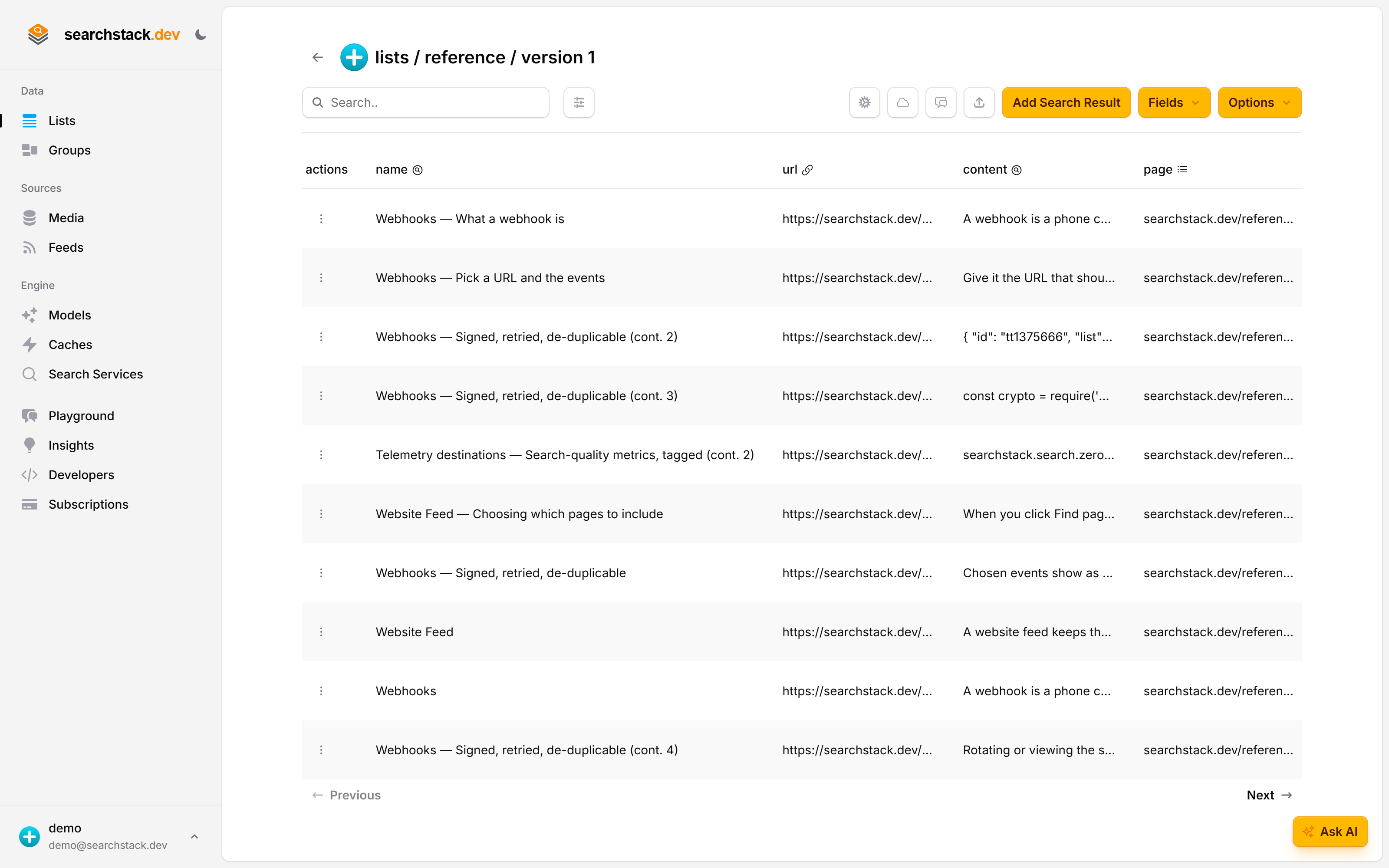
content(the section text, searchable),url(a deep link to that section), andpage(a filter to group a page's sections).
Each section of a page is its own record, split on the page's headings, so a search lands the reader on the part that answers them:
Or from code
Create the list with a model attached:
POST https://api.searchstack.dev/list
X-API-Key: {your key}
Content-Type: application/json

{ "account_name": "Demo", "list_name": "reference", "subscription_name": "Free", "model_name": "google-gemini-embedding-2" }
Then bind it to the feed's file, keeping the two in sync:
POST https://api.searchstack.dev/search-result/Demo/reference/import-from-media
X-API-Key: {your key}
Content-Type: application/json

{ "store_name": "default", "file_path": "feeds/reference-site.sync", "keep_in_sync": true, "create_fields": true }
Import runs in the background: each section is embedded by the model, which takes a moment. To refresh now rather than on the schedule, ask the feed to sync:
POST https://api.searchstack.dev/feed/Demo/reference-site/sync
X-API-Key: {your key}
Go deeper: Binding a list to a feed, keep-in-sync, and the sync schedule in the reference.