
Versioning
Lists are versioned automatically, so you can change a list’s fields without breaking the apps already using it.
- The version is part of the address:
…/movies/2/inception. - Each version keeps serving its own set of fields.
- Pin a live app to a version and move it when you are ready. No forced upgrade deadline.
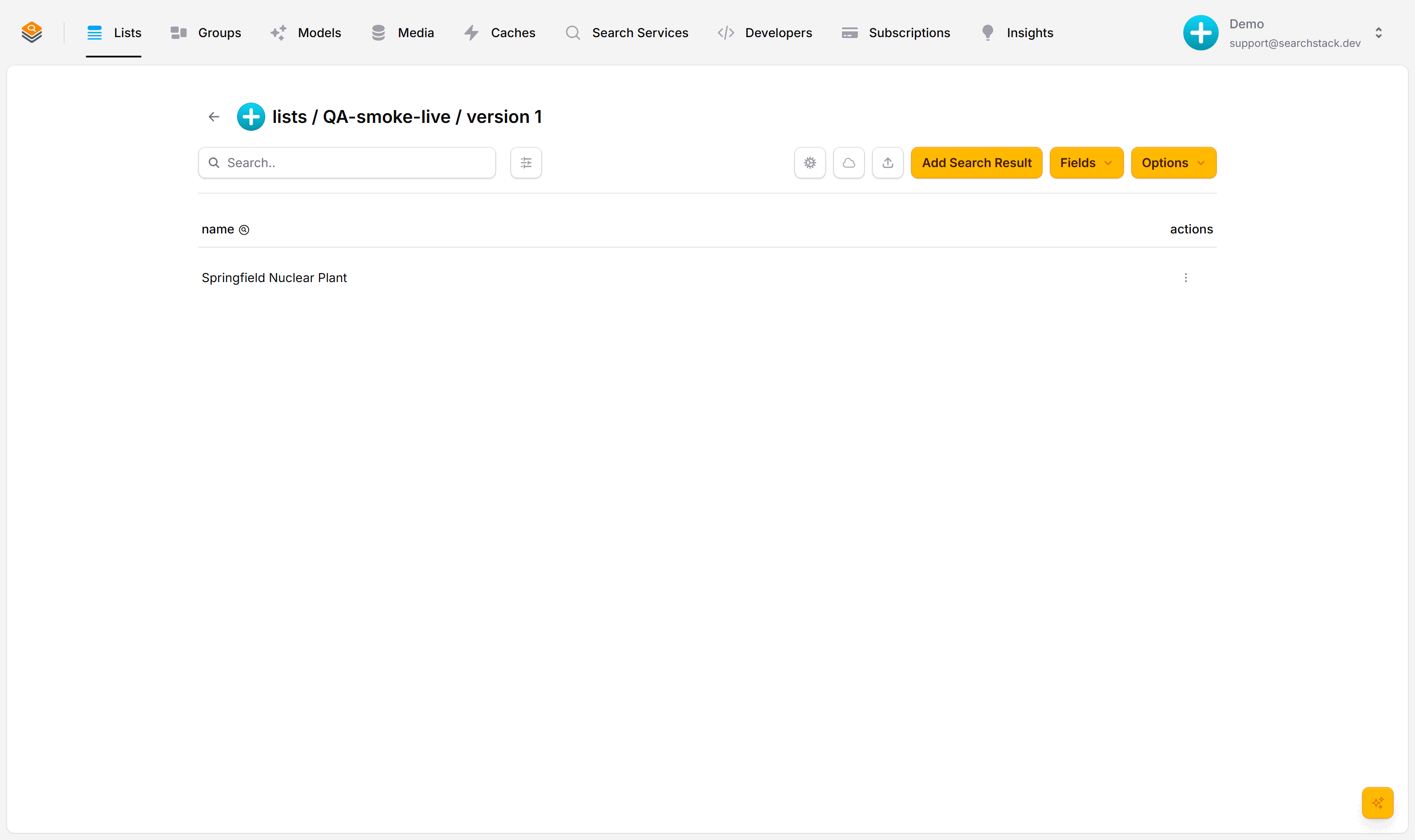
A list always shows its current version: here, version 1.
What creates a new version?
Only a change that would break an app already using the list:
| Change | New version? | Why |
|---|---|---|
| Add a field | No | Apps ignore the extra field. |
| Rename a field | Yes | Apps reading the old name would break. |
| Remove a field | Yes | Apps reading the field would get nothing back. |
| Add / edit records | No | Data changes are visible in every version immediately. |
So adding a brand facet to products leaves it at version 1, while renaming colour to color makes version 2.
Example
Renaming known_for to best_movie:
GET /suggest/{account}/actors/1/keanu   →  { "name": "Keanu Reeves", "known_for": "The Matrix" }
GET /suggest/{account}/actors/2/keanu   →  { "name": "Keanu Reeves", "best_movie": "The Matrix" }
Restoring a previous version
- Restore moves forward: the old version returns as a brand-new latest version. Nothing is overwritten, and anything pinned to an older version keeps working.
- It restores the fields only. Records are never versioned and are left untouched.
Auto-plays · use Back / Next to step through at your own pace.
Restore a list
- On the Lists page, open the ⋮ menu on the list’s row and choose Restore Version. (Shown only for lists you own that have earlier versions.)
- Pick the version to bring back and click Restore.
- The version number goes up by one; earlier versions remain, up to your plan’s version history (see pricing). Restore version 1 of a list on version 3 and you get version 4, with version 1’s fields.
Restore a group
- Groups restore their membership (which lists, at which versions), not a set of fields.
- Same steps: ⋮ menu → Restore Version.
- A member list deleted since that version is left out and reported, never restored as a broken link.
Walk through a rename in the Versioning tutorial.