
Facets
A facet is a field you filter or group by rather than search inside — genre, year, rating, in-stock.
- Search Stack counts how many results fall into each value, which fills the checklists beside a results page (“Sci-Fi (3), Action (1)”).
- Each facet has a type: a genre is a String, a year a Number, a release date a Date, an in-stock flag a Boolean.
Add genre and year
On the movies list, choose Fields then Add Facet Field. Add genre as a String, then year as a Number.
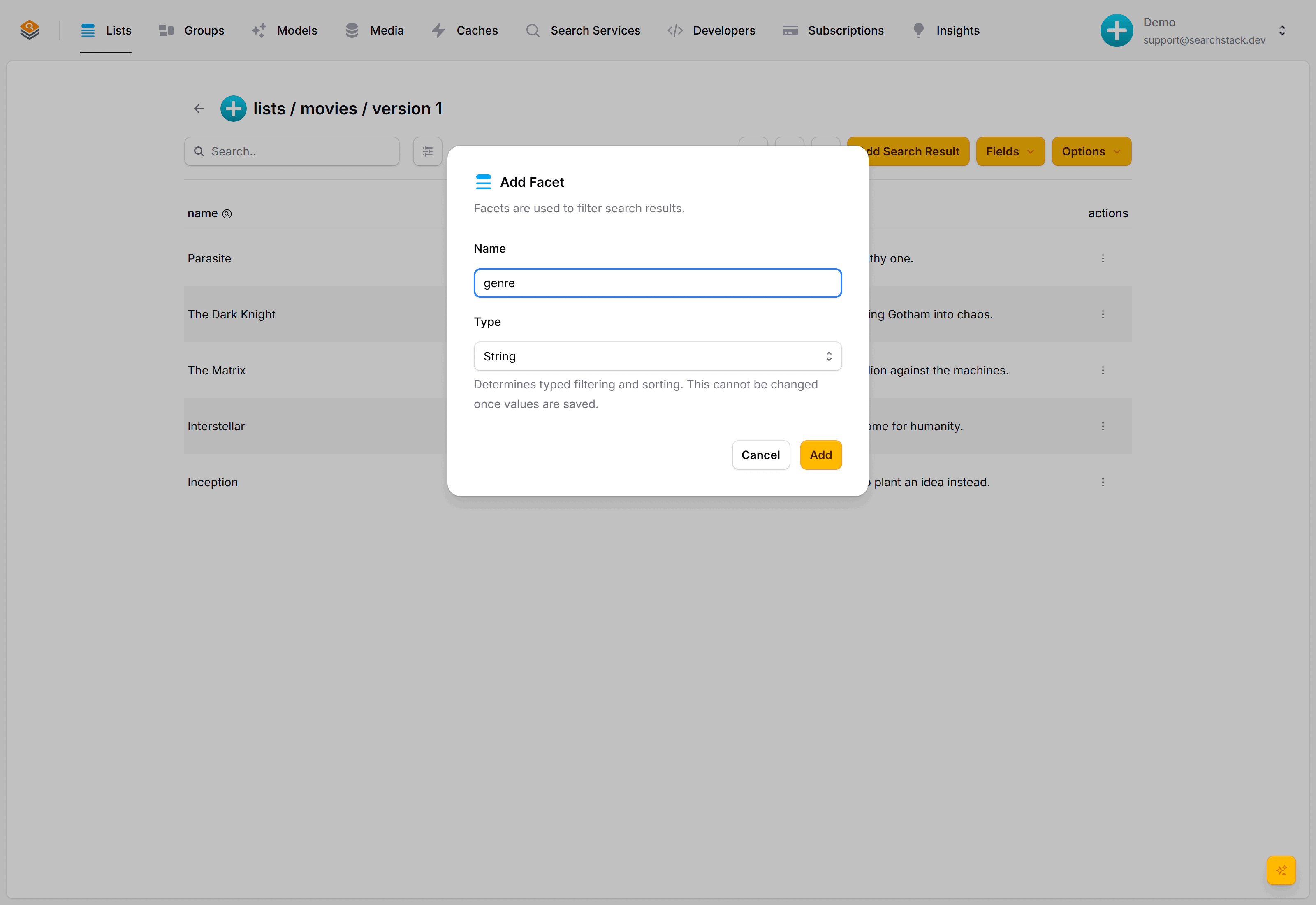
Edit each film to fill in its genre and year.
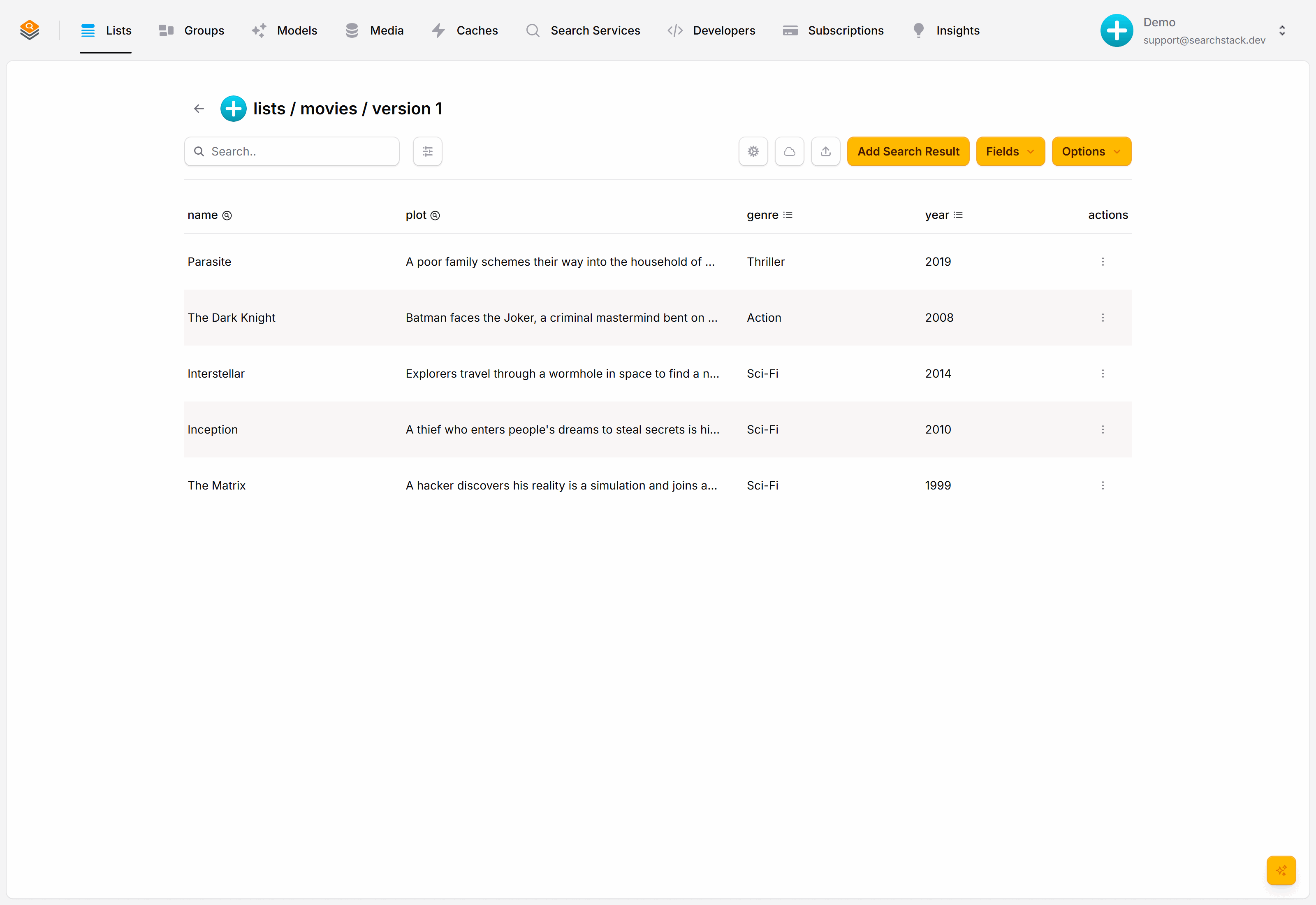
Filter a search
Facet values come back in every result, so a client can show “Sci-Fi · 2010” with no extra request. To restrict results, add a filter:
GET https://api.searchstack.dev/search/Demo/movies/1?query=&filter=genre eq 'Sci-Fi' and year gt 2005
X-API-Key: {your key}
{
"results": [
{ "name": "Inception", "fields": { "genre": "Sci-Fi", "year": 2010 } },
{ "name": "Interstellar", "fields": { "genre": "Sci-Fi", "year": 2014 } }
],
"count": 2,
"total_count": 2
}List a facet's values
To build a filter dropdown, ask for a facet's distinct values. The same read key works here:
GET https://api.searchstack.dev/facet/Demo/movies/1/genre
X-API-Key: {your key}
{ "values": ["Drama", "Sci-Fi", "Thriller"], "truncated": false }Narrow the values with query parameters:
prefix— only values starting with this (case-sensitive), for a typeahead.filter— only values held by records matching a filter, in the grammar below, e.g.?filter=year eq 2010.size— at most this many values, 1 to 1000 (default 1000).truncatedis true only when more matching values exist than came back.
The filter grammar
Text values go in single quotes; numbers and dates don't. Combine clauses with and, or and not.
| Operator | Means | Example |
|---|---|---|
eq | equal to | genre eq 'Action' |
ne | not equal to | genre ne 'Horror' |
gt / ge | greater than / or equal | year gt 2005 |
lt / le | less than / or equal | year le 2000 |
and | both must hold | genre eq 'Sci-Fi' and year gt 2005 |
or | either can hold | genre eq 'Action' or genre eq 'Sci-Fi' |
not | reverses a clause | not (year lt 2000) |
The same filter works on suggest, so an autocomplete box can respect a “Sci-Fi only” toggle as the visitor types.
Facet types, grouping and the full filter grammar: the Fields reference.