
Searchable fields
A visitor can only find a film by its exact title. Real people search for “the one about dreams”. Add a plot field and that works.
What a searchable field is
- Any text you want search to look inside.
- Every list starts with one,
name— which is why title search already works. - Add more and search covers all of them at once, matching and ranking on every word.
Add the plot field
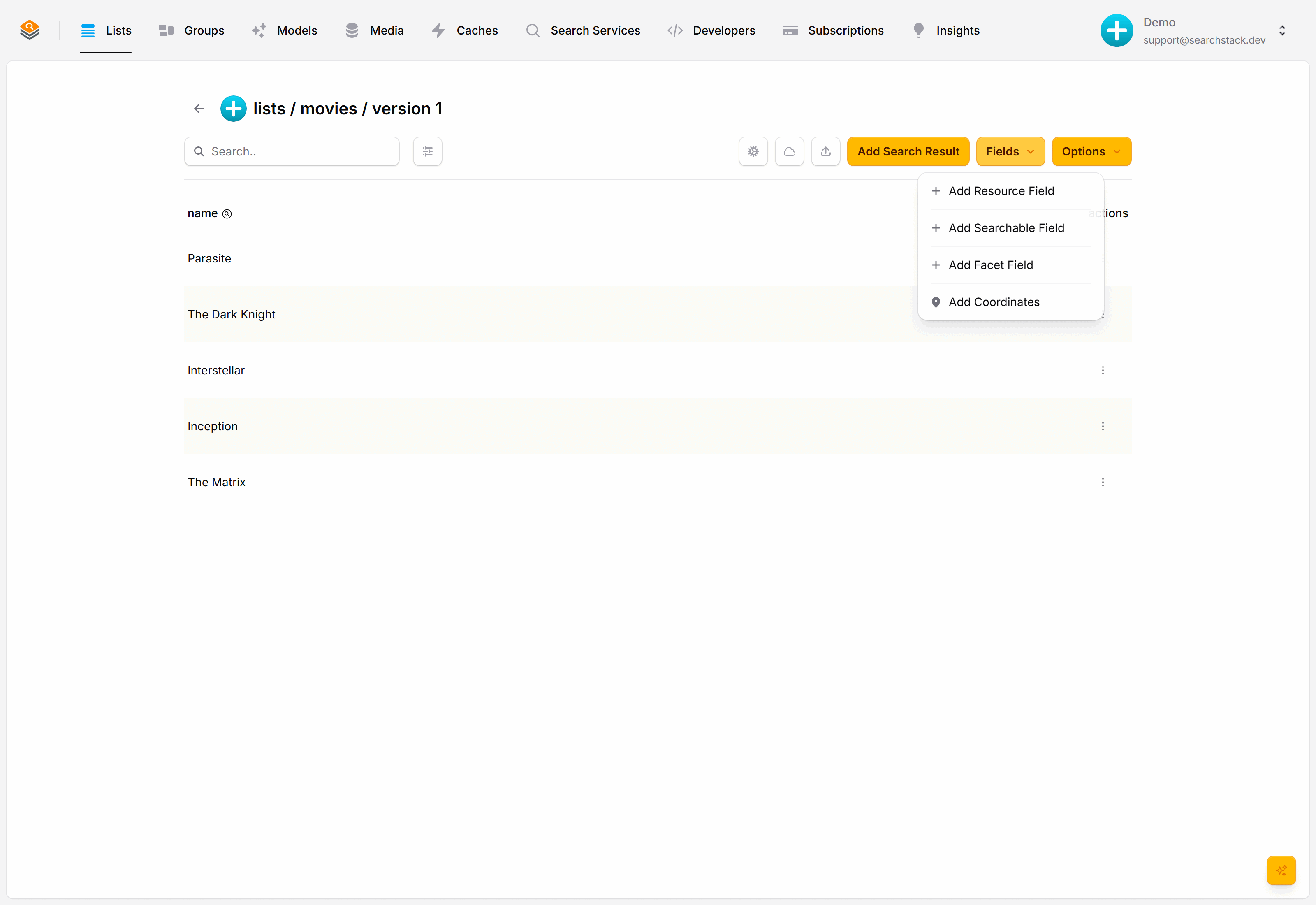
Open the movies list, choose Fields, then Add Searchable Field.
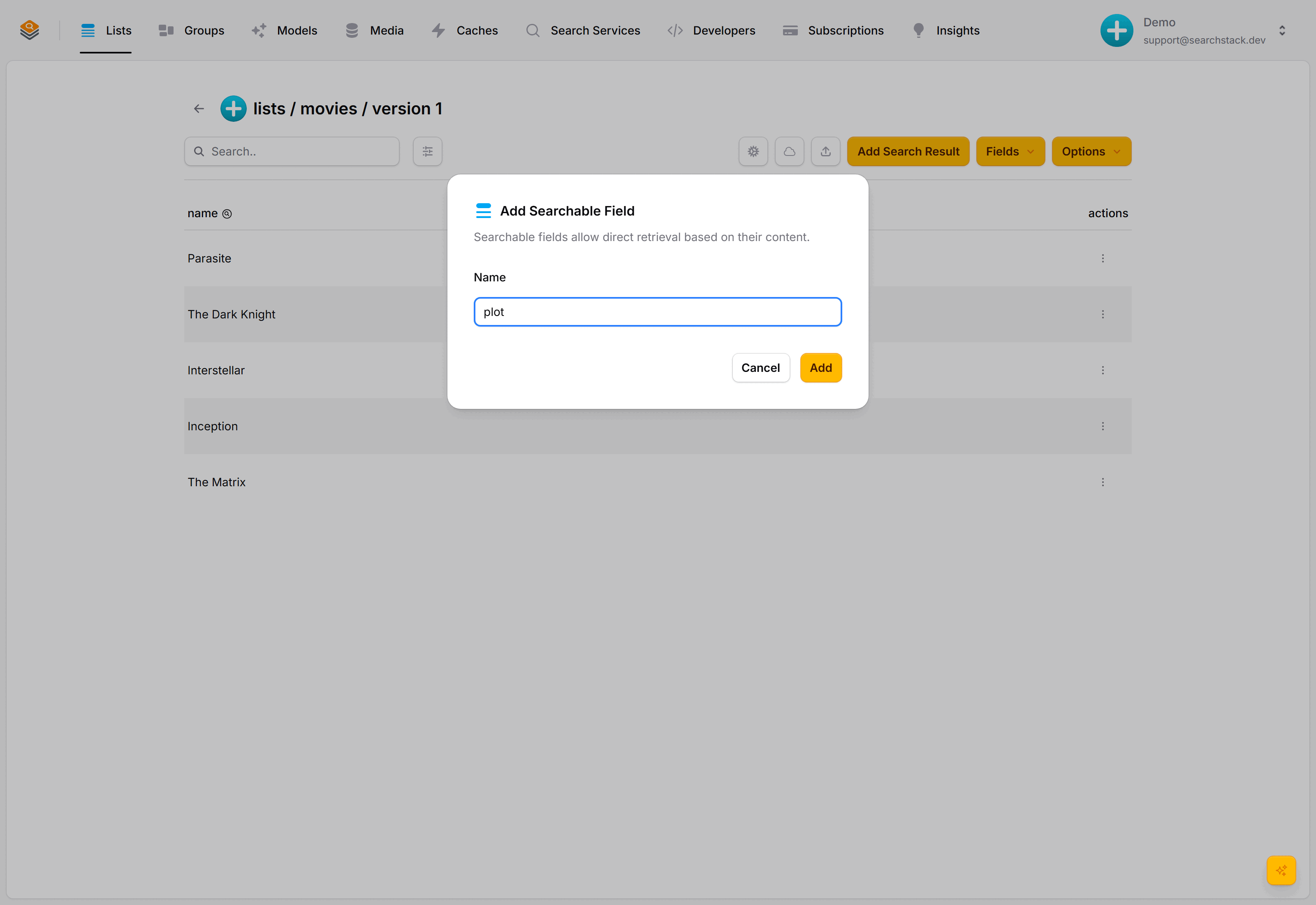
Name it plot and add it. The field is live immediately.
Existing films keep their data and get an empty plot. Adding a field is safe, so it does not create a new API version — see Versioning.
Fill in the plots
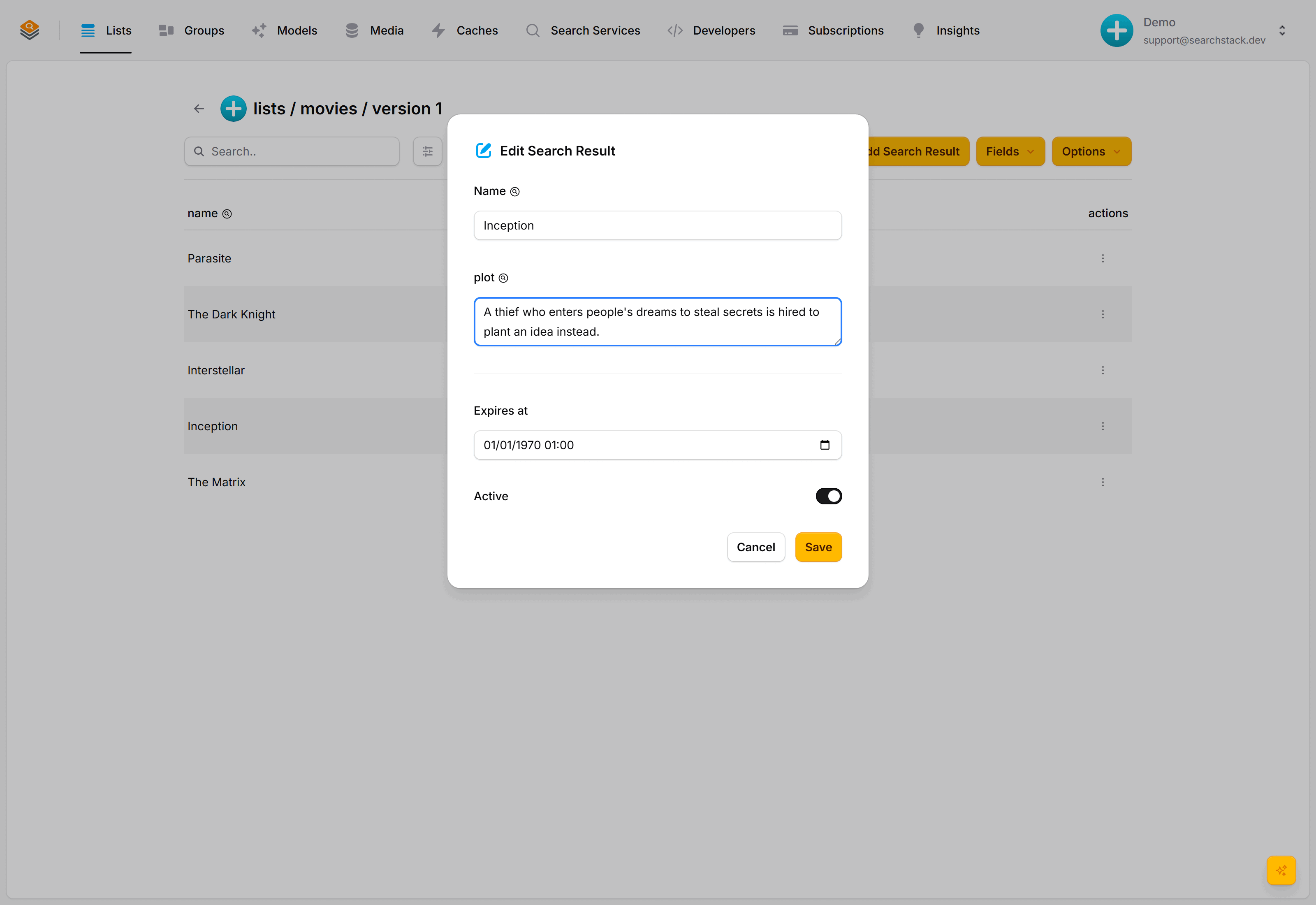
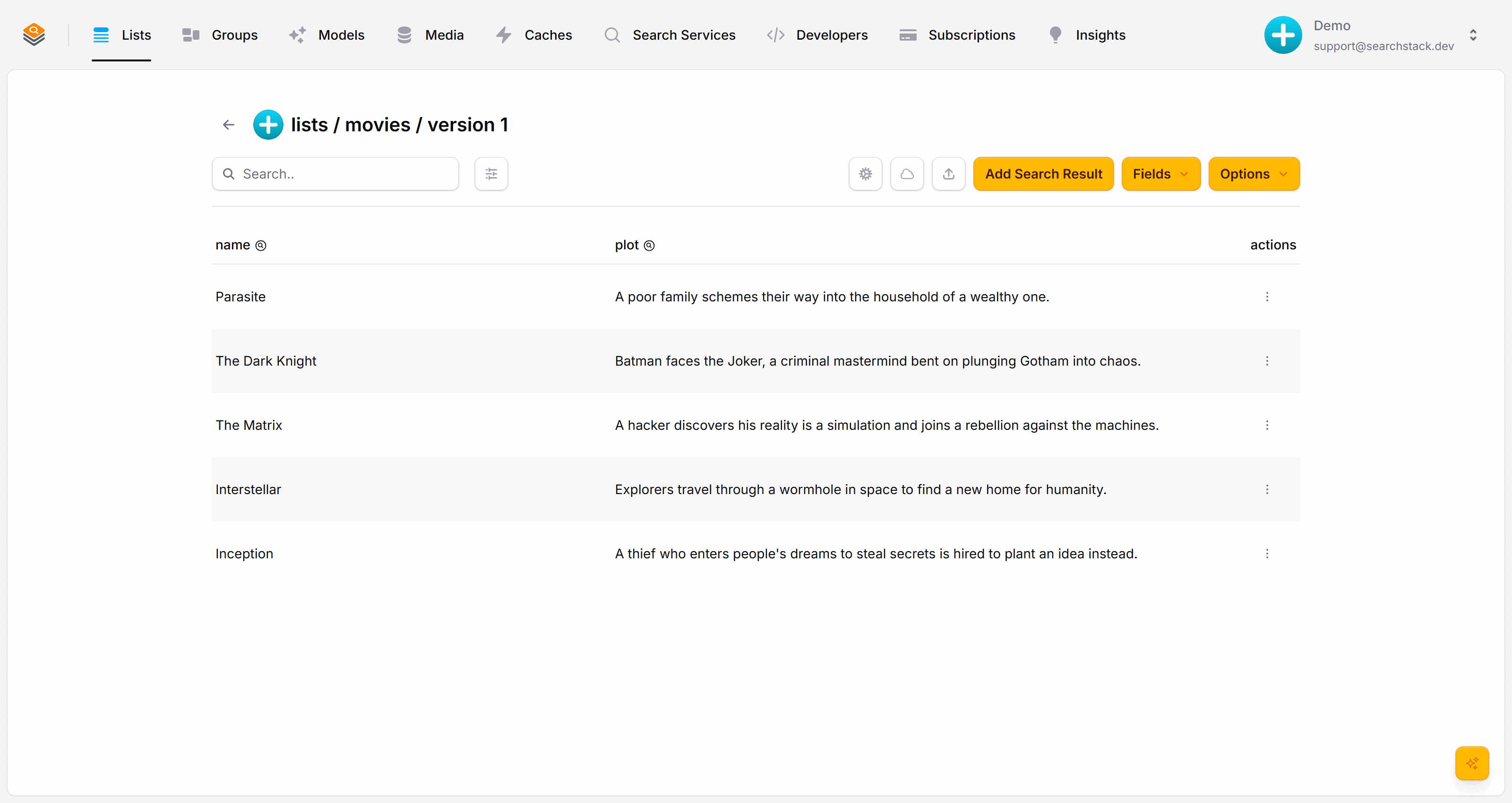
Open a film with Edit, type a sentence into the new plot box and save. Do a few.
Search across both fields
Search now covers name and plot together, so dream finds Inception through its plot:
GET https://api.searchstack.dev/search/Demo/movies/1?query=dream
X-API-Key: {your key}
Custom fields ride along in each result under fields:
{
  "results": [
    {
      "name": "Inception",
      "fields": {
        "plot": "A thief who enters people's dreams to steal secrets is hired to plant an idea instead."
      }
    }
  ],
  "count": 1,
  "total_count": 1
}
Add as many as suit your data — a tagline, a director, a list of actors.
Every field type and what search can do with each: the Fields reference.
Next: Facets »
Let visitors filter by genre and year.