
Geographical search
“Where can I watch it near me?” Add a cinemas list with locations and visitors can find the nearest ones.
Coordinates fields
- A coordinates field gives each record a latitude and longitude, and turns on geographic search for the list.
- Every result can then be searched by how close it is to a point, and comes back with a
distance.
Build the cinemas list
Create a list called cinemas, open it, choose Fields, then Add Coordinates. Each record now has a Latitude and Longitude to fill in.
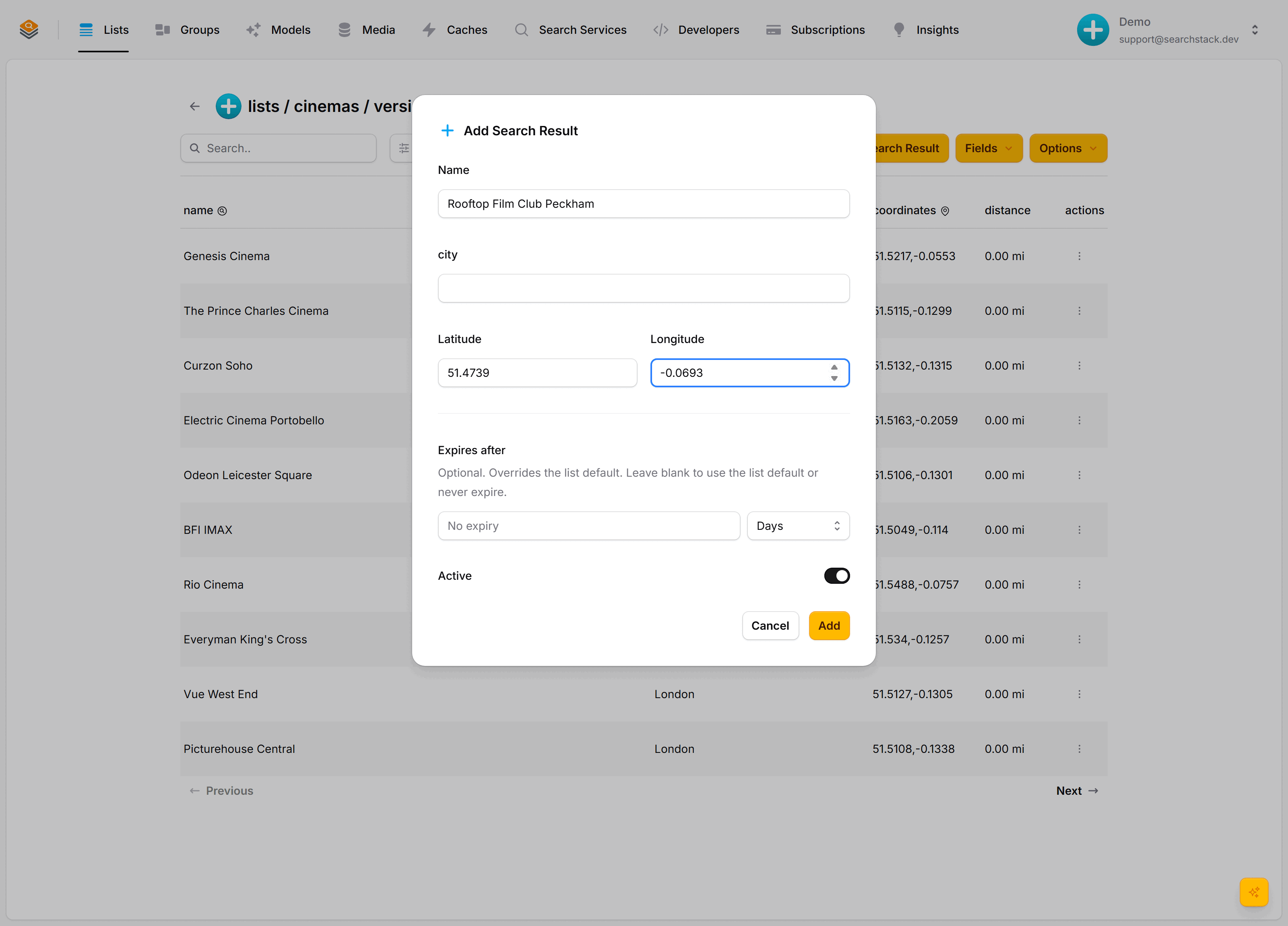
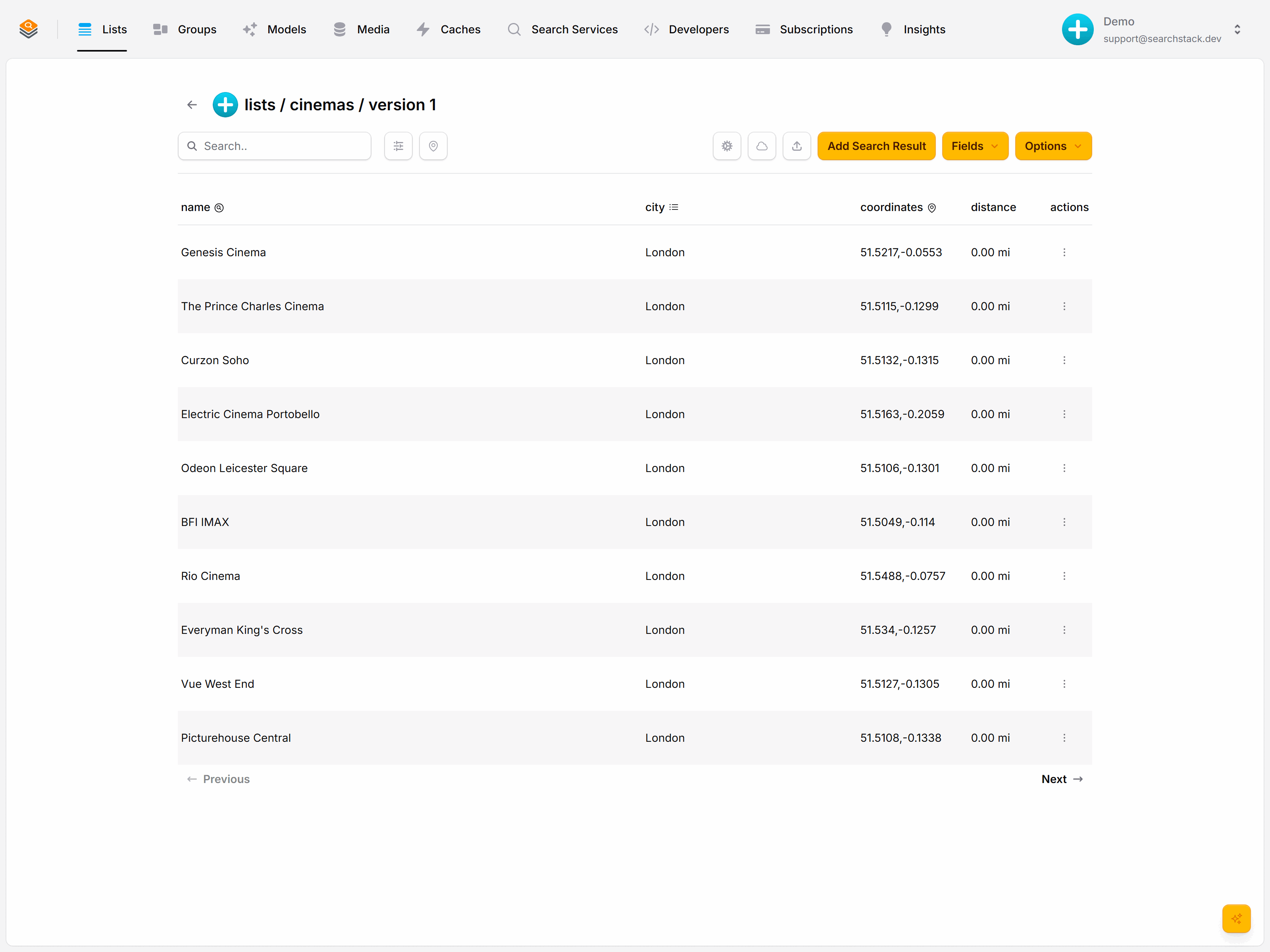
Quicker to upload them: put a latitude and longitude on each record and Search Stack maps them to the location automatically.
[
  { "name": "Odeon Leicester Square", "city": "London", "latitude": 51.5106, "longitude": -0.1301 },
  { "name": "BFI IMAX",               "city": "London", "latitude": 51.5049, "longitude": -0.1140 }
]
Find what's nearby
Add a radius to a normal search. Its value is latitude,longitude,distance, with the distance a bare number in the list's unit (miles or km, set on the list) — cinemas within 2 miles of central London, on a list set to miles:
GET https://api.searchstack.dev/search/Demo/cinemas/1?radius=51.5074,-0.1278,2
X-API-Key: {your key}
Results come back closest first, each with its distance from that point:
{
  "results": [
    { "name": "Odeon Leicester Square", "distance": 0.3, "fields": { "city": "London" } },
    { "name": "Curzon Soho",            "distance": 0.4, "fields": { "city": "London" } },
    { "name": "Picturehouse Central",   "distance": 0.5, "fields": { "city": "London" } }
  ],
  "count": 3,
  "total_count": 3
}- Radius combines with text and filters in one request: “cinemas called 'Odeon' within 5 miles” is a
queryplus aradius. - Take the point from the browser's geolocation and you have “showing near you” with no map service to wire up.
Coordinates fields and the radius grammar: the Fields reference.
Next: Components »
Drop the finished search box onto a page.