
Lists
A list is the unit of search: records sharing the same fields and one public web address — a shop’s products, a cinema’s movies.
- Give the platform a list, get back a working search API. No server to run, nothing to install.
A list is the unit of search
A list is a collection of records that share the same fields and one public web address — an online shop has a products list, a directory a people list. Your lists live under Lists in the console.
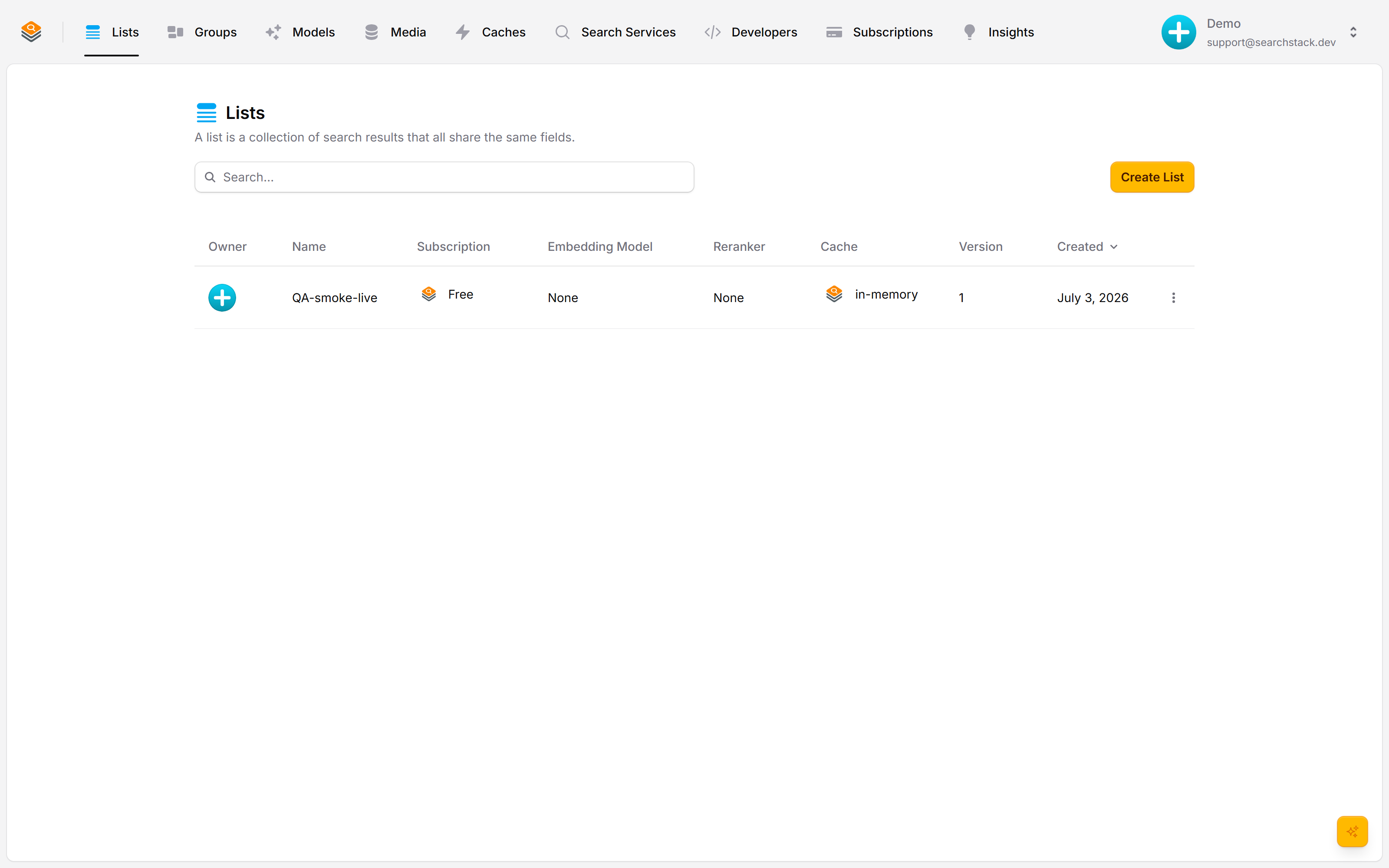
Create one in a few clicks
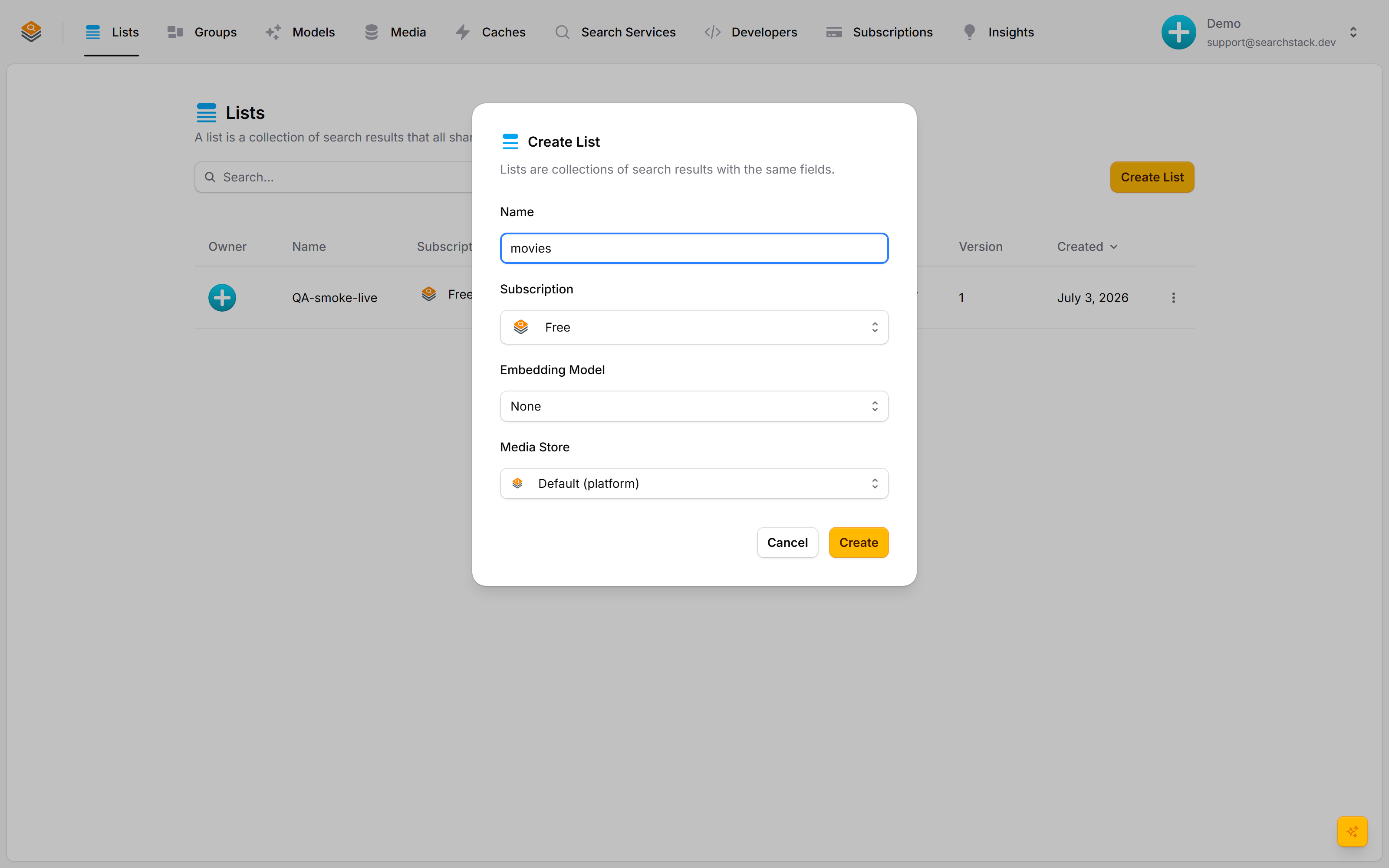
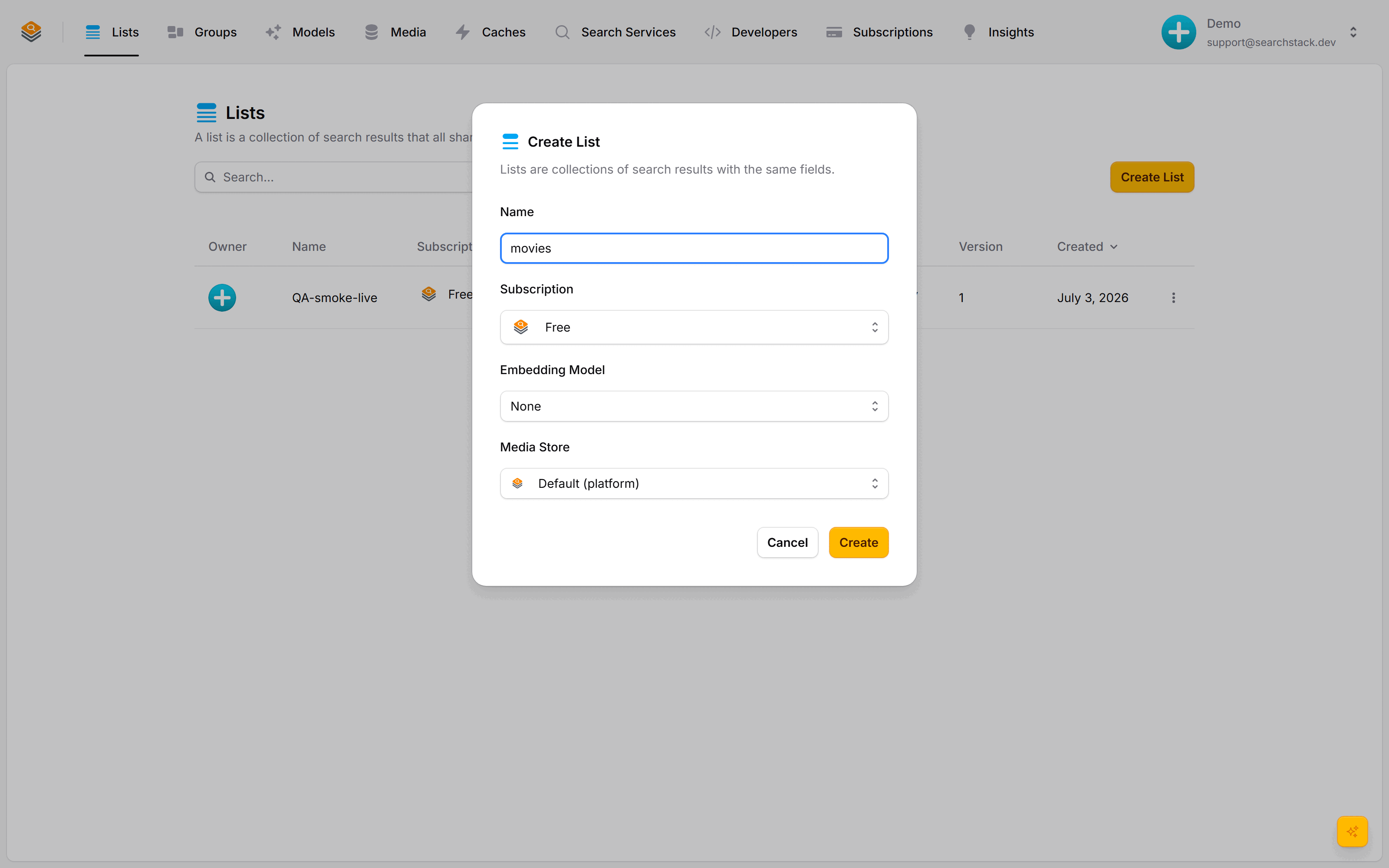
Click Create List, give it a name, and pick a subscription. The optional embedding model turns on meaning-based (semantic) search — leave it as None for plain keyword search. A default media store is attached, so uploads and imports work straight away.
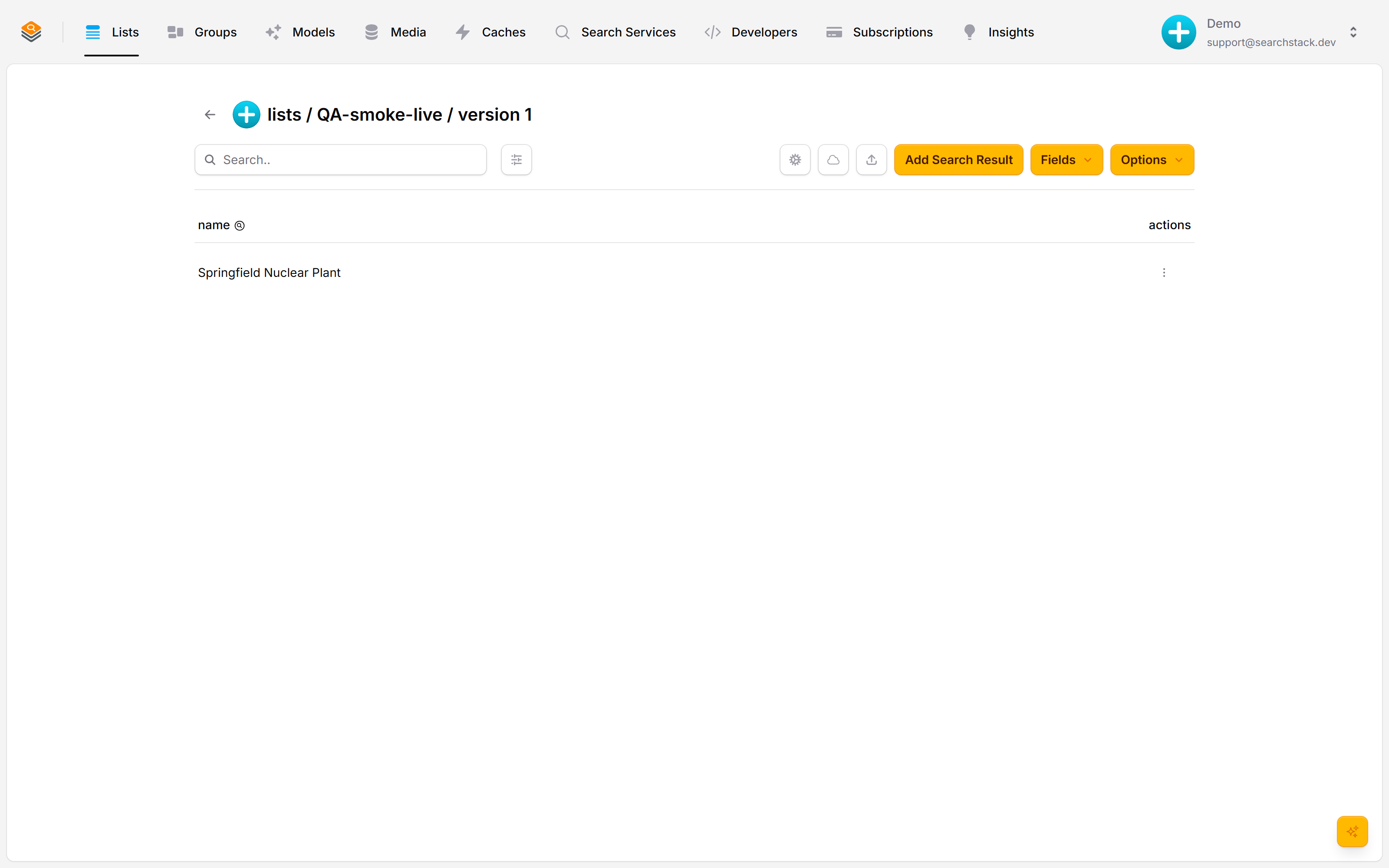
Add records, shape it, search it
Inside a list you manage records, shape it with the Fields menu, and search it from the box at the top. Every list gets its own public search, suggest and facet web addresses automatically — nothing to deploy. From here you can also group, share and version it.
Auto-plays · use Back / Next to step through at your own pace.
Create a list
- Go to Lists and click Create List.
- Give it a name and pick a subscription — that decides which search service hosts it.
- Optionally add an embedding model for meaning-based (semantic) search — “running shoes” also finds “trainers”. None means plain keyword search; you can add one later.
- Click Create. The list is live immediately with its own public search endpoints, and the console opens it.
- Names are web addresses — lower-case letters, numbers, single hyphens. The console converts as you leave the box and shows what you are getting: “My List” and “My_List” both become
my-list. Same for groups, feeds, stores, keys and every other name. - Field names (fields, facets, resources) are the same but with underscores: “Release Date” and “release-date” both become
release_date. - The API is stricter — it stores the name exactly as sent and rejects anything not already in that form.
- Every list has somewhere to keep files. New lists use the built-in Search Stack Storage store unless you pick your own — console, API, MCP and AI agent alike. So uploading an image, importing from a file and capturing media work on a brand-new list. Pick another store in Create List, or change it later; see media stores.
Add records and set up the list’s fields
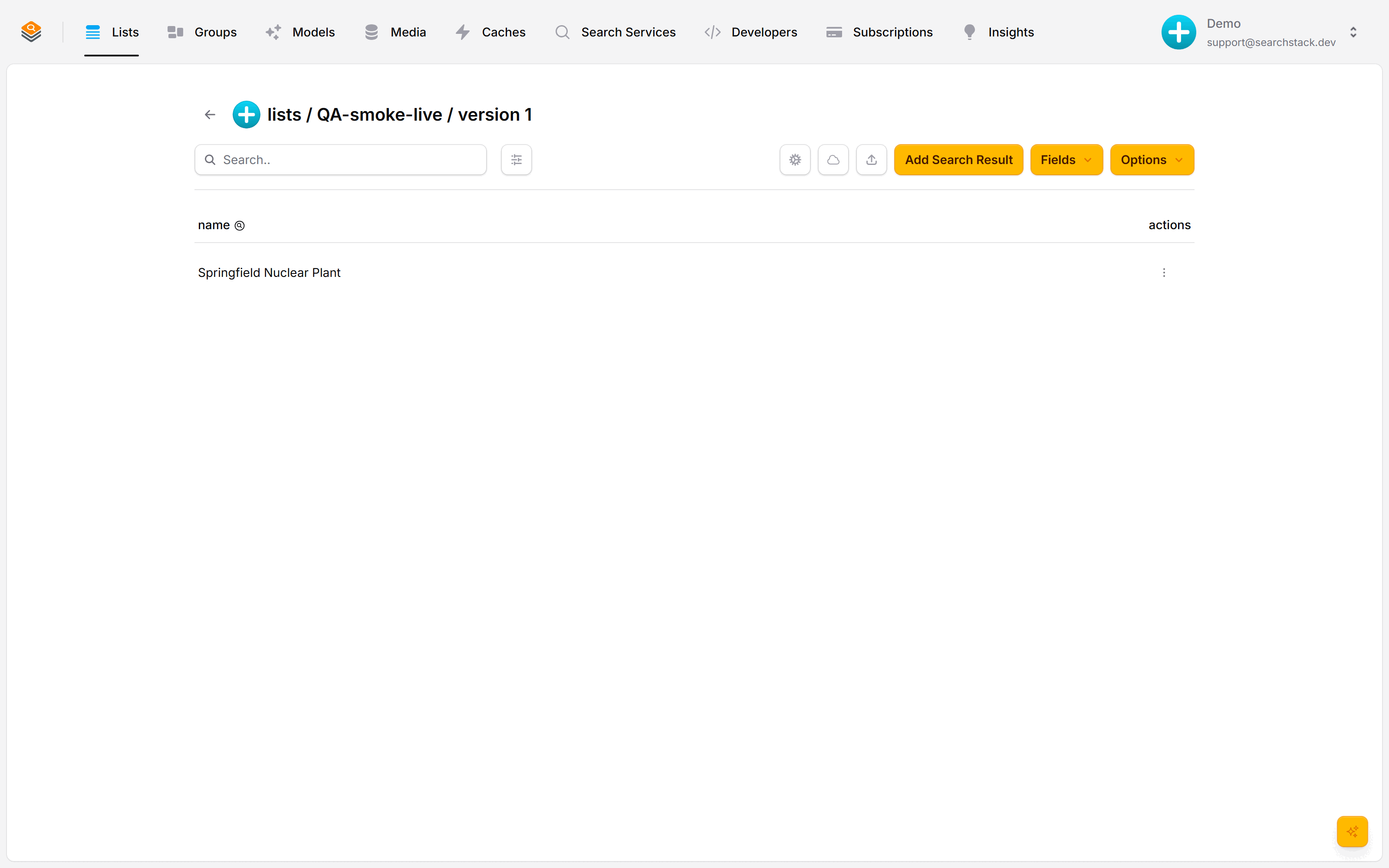
- Add records with Add Search Result, a bulk import or the API; set up what search can do with them from the Fields menu.
- Every list starts with a searchable
name. Add fields for anything else to search, filter or return — apricefacet, adescription. - The search box at the top of the list tries searches against your own data as you go.
See how the list is connected
The connections strip under the list’s header shows the whole chain on one line: the source a feed watches, the file it writes, the list, the groups it belongs to, and the endpoints serving it.
- The dot at the front is the whole chain’s health: green in sync, blue syncing, amber a feed gone quiet, red the last import failed.
- Click the strip for the full connections map: every card links to the real thing, down to the file in its media store, and each arrow says how fresh that step is (“checked 10 min ago”). A running import animates its arrow; a failed one opens that run’s report from its caption.
- The map also lists what is attached to the list — gates, the embedding model, watches and webhooks. A list not kept in sync from anywhere shows the two ways to connect a source instead.
- Add
#connectionsto a list’s address to link straight to its map. - Insights → Connections shows every list’s chain as a row, worst state first, plus any feed keeping a file in sync that no list imports.
Read and import records from the API
Everything the console does with records is on the data-plane API — the same public API your site calls — and the MCP tools, so an agent or script can read a record back after writing it, browse a list, or load a whole file. Reading needs search-result:read; importing needs search-result:create.
| Call | Use it for |
|---|---|
GET …/{id} | Fetch one record by id, with its fields. |
GET …/{account}/{list} (or POST …/list) | Browse a list with paging, a filter, a distance radius and ordering — a plain read, not a ranked search. |
POST …/import | Import a JSON, NDJSON or delimited-text file from a URL you control. Optionally creates fields. |
POST …/import-from-media | Import a file already in one of your media stores. Set keep_in_sync to re-import whenever the file changes — the same link a feed uses. |
POST …/documents | Index one document (PDF, HTML, Word, Excel, text, Markdown, .eml, Outlook .msg) from a media store as records of up to 8,192 characters, with no feed and no folder limit. A PDF’s records carry first_page and last_page. Indexing it again replaces its records. Answers a run_id; the run’s warnings say when the file had no text or could not be read. Refused up front for a list attached to your own index. |
DELETE …/documents?media_name= | Remove a document’s records; the file stays in the store. Answers a run_id. |
GET /import-run/{account}/{run_id} | Follow a run_id until it succeeds or fails. |
Documents go into a list no feed fills, keyed by id (any new list is); the path is at most 256 characters with no apostrophe.
Structured records you already hold go in faster with bulk-insert; import is for a file. A bulk-insert record is flat (name plus your fields); id on a name-keyed list, or facets / searchable_fields / resources as {name, value} lists, is refused with a 400 — that shape is bulk-create’s. The browser’s two upload routes (the file itself, or a temporary upload link) stay in the console — an agent can’t do the direct-to-storage step. Both client packages: client.SearchResults.….
Deleting records
Three ways to remove records. All need a key with delete permission (see API keys).
| Call | Use it for | Returns |
|---|---|---|
DELETE …/{id} | One record you name by id. | Straight away. 204. |
POST …/delete-by-ids | A known, limited set of ids — records you just moved into another list, say. | Straight away. 200 with the count deleted. |
POST …/delete-by-filter | Every record matching a filter, however many (“everything before 1970”). | Background job. 202. |
POST …/soft-delete-by-filter | The same, but deactivating records (active = false) so they drop out of search and can be restored. | Background job. 202. |
Delete-by-ids removes the exact set you name, not whatever a filter matches when it runs:
POST https://api.searchstack.dev/search-result/{account}/{list}/delete-by-ids

{ "ids": ["b71b7c9c4f2e4c98", "e2a1…"] }
{ "deleted": 2, "not_found": [] }Ids already gone are reported under not_found, not as errors, so running the call twice is safe. Capped at 100 ids per call — over that it is rejected, so batch them or switch to delete-by-filter for a delete of any size. Exposed as an MCP tool too.
Retention: when records expire, and when they are deleted
Two paired settings can remove records without anyone asking, both in the Retention dialog on a list’s Options menu under Deleting.
- Record expiry (
default_ttl_seconds) gives every record written from now on a lifetime (a “time to live”, or TTL) — 30 days for a job advert. When it runs out a check run deactivates the record: out of search, still there. - Automatic purging (
purge_inactive_after_days) is the second half: a record left deactivated that long is deleted for good. - Zero means off, for both —
0, or left out, does nothing.
| Setting | Off | Range | Why the lowest value |
|---|---|---|---|
default_ttl_seconds | 0 | 300 s – 10 years | the expiry check runs every 5 minutes, so anything shorter cannot be kept to |
purge_inactive_after_days | 0 | 7 – 3650 days | the purge check runs once a day |
- A value outside the range is refused with a message saying what the limit is. Nothing is quietly rounded.
- Expiry applies only to records written from now on. The lifetime is set when a record is written: turning it on does not affect stored records, turning it off does not rescue ones already given a lifetime.
- A lifetime shorter than a feed’s sync interval empties the list between syncs. Every sync gives a fresh lifetime, so records expiring faster than the feed replaces them leave the list empty for part of each cycle. The dialog warns when both halves are on.
- Per record: a record’s own
ttl_secondsbeats the list default;0means never expires, so an import carryingttl_seconds: 0turns expiry off for those rows rather than expiring them on arrival.
Lists that delete themselves
expires_utc(ISO 8601, 5 minutes to 10 years ahead) on create, orPUT list/{account}/{list}/expirylater;nullclears it.- When it passes, a check every 5 minutes deletes the whole list: records, list-scoped keys, and a
list.deletedwebhook. - A feed bound to the list is not deleted with it: give the feed its own
expires_utc.
Every list is a public API
Each list has its own public web addresses, so your website can call it directly:
| Endpoint | What it does |
|---|---|
suggest | Quick as-you-type suggestions for an autocomplete box. |
search | Full search returning whole records, with filters, paging and a distance radius. |
facet | Value counts for a single facet field: the data behind a filter sidebar, such as “Brand: Sony (12)”. |
related | Records most similar to a given one (see below). |
Base https://api.searchstack.dev/; a read-only key is safe in a browser. Request formats are on the Searching page; the endpoint reference is in the API reference.
Related results: “more like this”
The related endpoint returns the records most similar to one you name (the seed). There is no query to type — the seed record is the query.
- Similarity comes from embeddings (the numbers an embedding model produces to describe what each record means), so results are related by meaning, not shared keywords — the list needs an embedding model attached.
- A list whose index cannot vector search, such as an attached index, refuses related with a
400; image search is refused the same way. rankingtakesnone,scoreorbehavioral. With none given, related usesbehavioral: it blends click affinity with similarity, and falls back to similarity alone until clicks are recorded, or when the click store takes over 1 s or is unavailable. Only clicks on list searches count. With aradius, results stay in distance order and clicks are not used.- Click affinity is rebuilt nightly at 03:00 UTC from the last 90 days of list-search clicks; two results become related once both were clicked for at least two of the same search terms. Results with no recent clicks drop out.
- Ignored: a click on a result the search did not return or returned past its first 100, a click carrying a group search’s
query_id, and clicks past the first 10 perquery_id. Searches recorded before hit sets were kept accept every click. - The building block behind “customers also viewed” and “similar articles” panels — one request per detail page, no recommendation engine of your own to run. The Matrix in a
movieslist returns other science-fiction titles with similar plots. - To find records similar to an external image instead of a record in the list, use Image Search.
Clone a list
Options → Clone list copies a list under a new name with none of its records. Nothing changes on the source, so it is safe while that list is answering searches.
- Copied — fields, settings, embedding model and reranker, media store and cleaning credential, and the two easiest to forget — query optimisation rules and gates.
- Gates — an account gate stays shared; what is copied is how it attaches to this list. A gate the source list owns is copied whole and owned by the copy, renamed for it (
products-namebecomesproducts-v2-name). The copies count towards the account’s gate limit, and a clone that would pass it is refused. - Left behind — any file or feed connection, so the copy will not re-import from the source’s file; you point it at its own. Contributors: share the copy again if other accounts need it. And history: it starts at version 1, with the fields the source has now.
- Copy evaluations too — every evaluation set aimed at the source is copied, cases included, named
{set}-{new list}:top-queriesonproductsbecomestop-queries-products-v2on a clone calledproducts-v2. A set that owns its judge gets its own copy,eval-{copy name}. Run the same evaluation against both and compare the scores before switching over.
The usual reason is a rebuild: a source that sends a complete copy each time rather than the changes, where the cleanest refresh is a fresh list you check before pointing your application at it.
Lifecycle
- A list can move between search servers without its public address changing.
- Changes that would break an app already using the list (renaming or removing a field) create a new version automatically; adding a field does not.
- Other accounts can be given write access as contributors, and several lists can be searched together as one through groups.