
Rerankers
A reranker is a second model that re-orders the top results by how well they fit the query — the difference between “these all contain your words” and “this is the one you meant”.
- Search casts a wide net fast; the reranker reads the top handful against the query with a slower, more careful model and puts the best first. For “warm waterproof jacket”: the jackets that really are warm and waterproof.
- An AI model you bring, with your own API key.
What a reranker does
A reranker re-orders your results for relevance. Your search returns the likely matches fast; a reranker then reads the top few against the query with a heavier model and puts the best ones first. Rerankers live under Models → Rerankers.
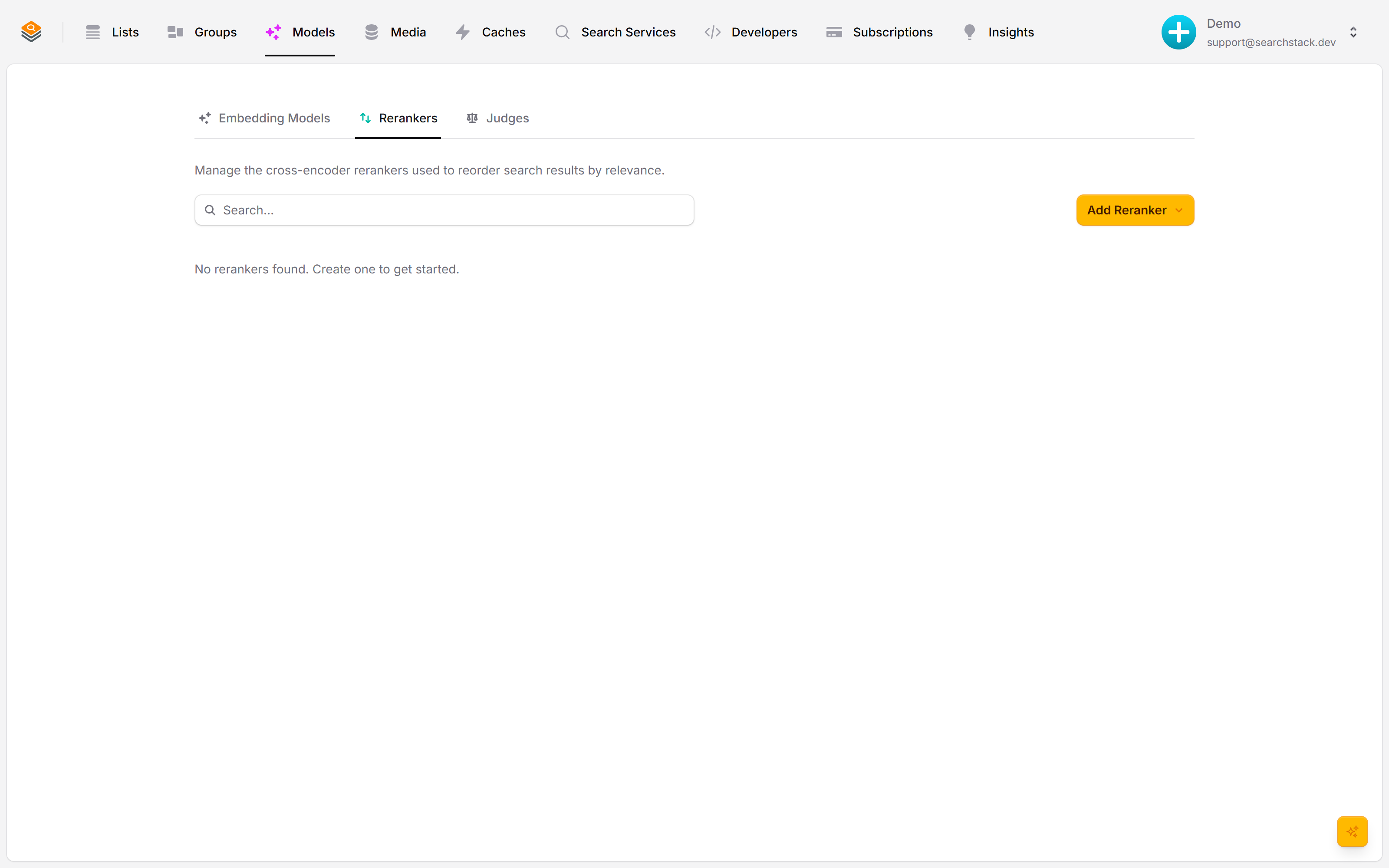
Add one, bring your own key
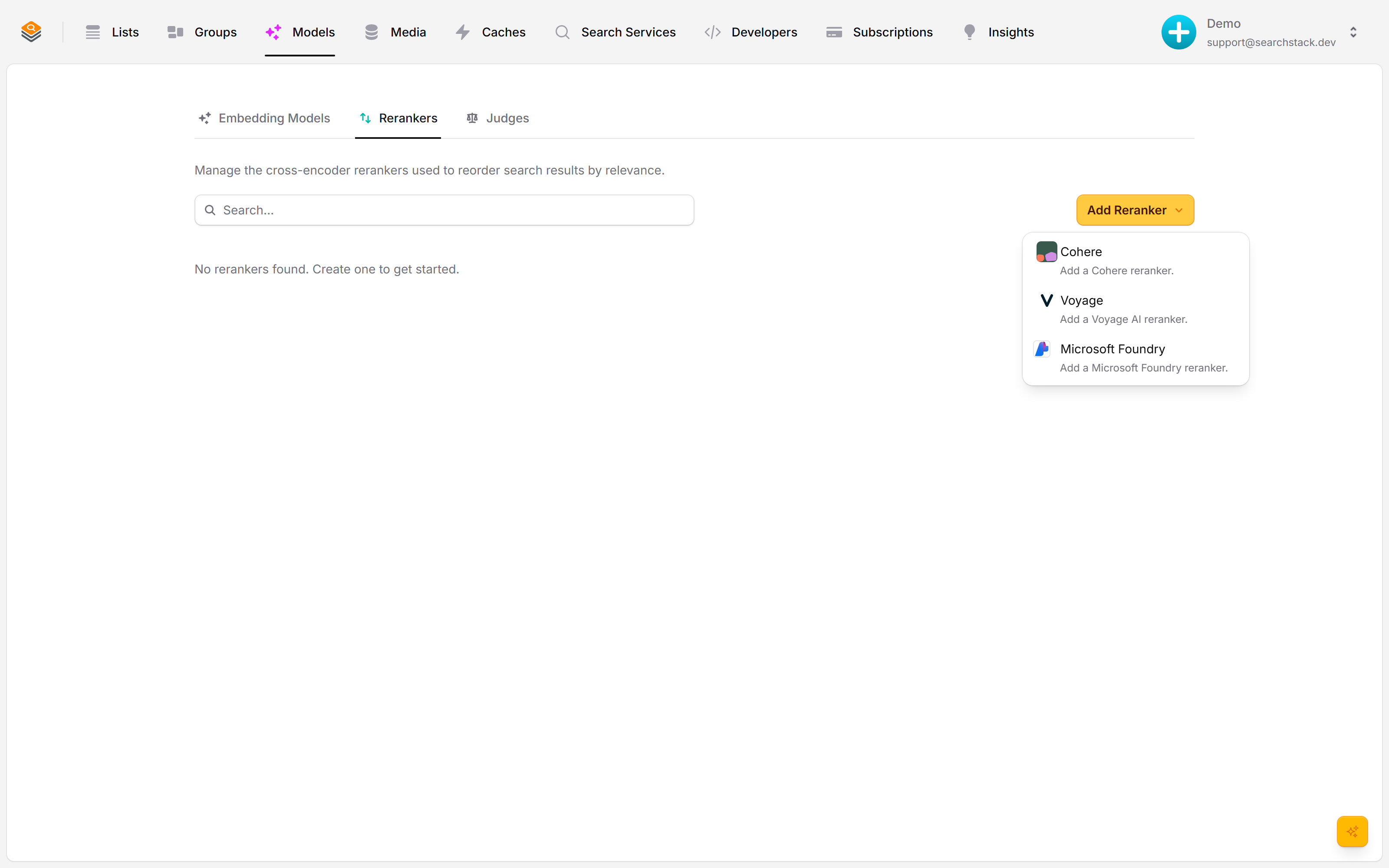
Click Add Reranker and pick a provider — Voyage, Cohere or Microsoft Foundry. You bring your own API key, so reranking runs on your account: your models, your limits, your bill.
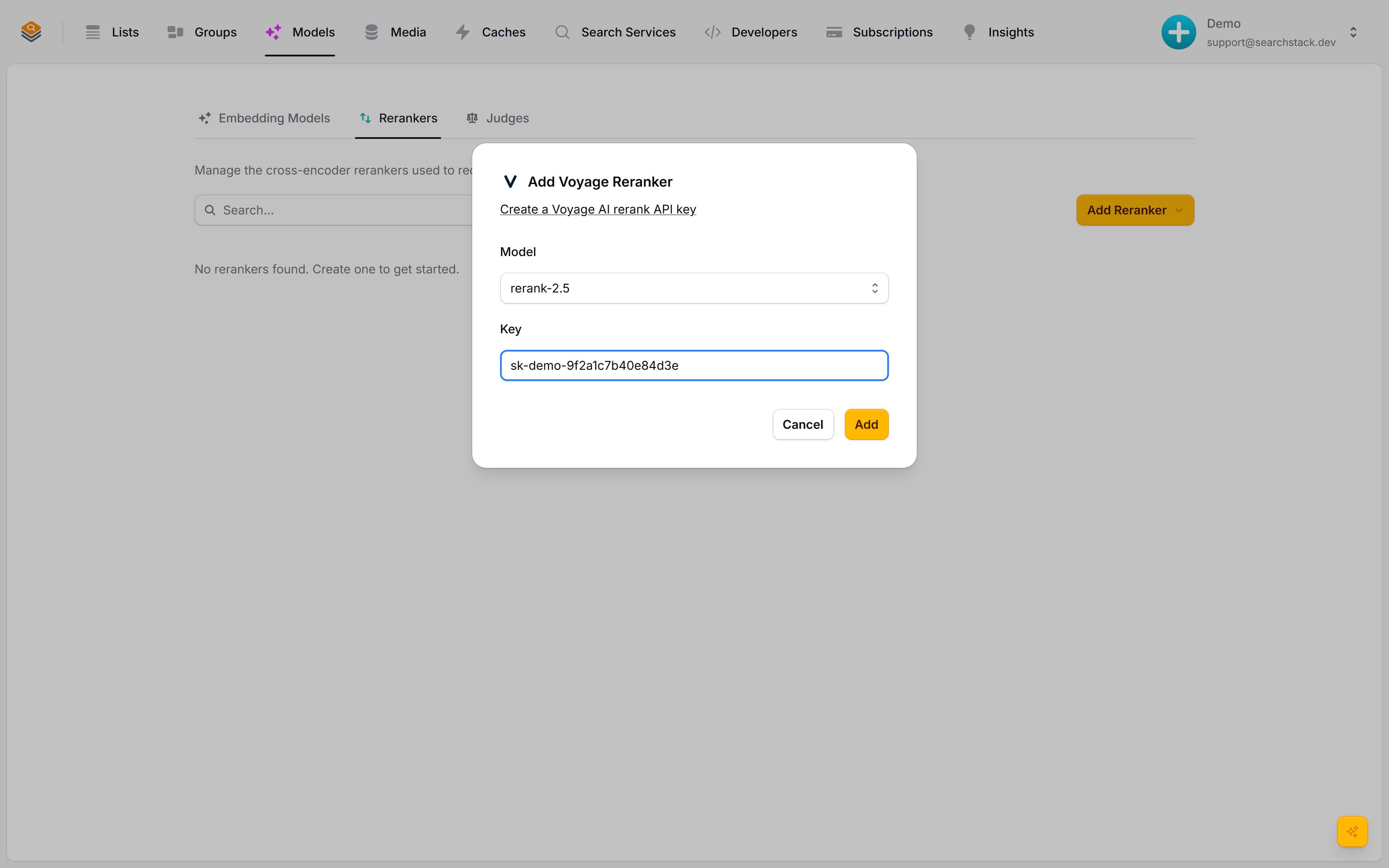
Pick a model, attach it
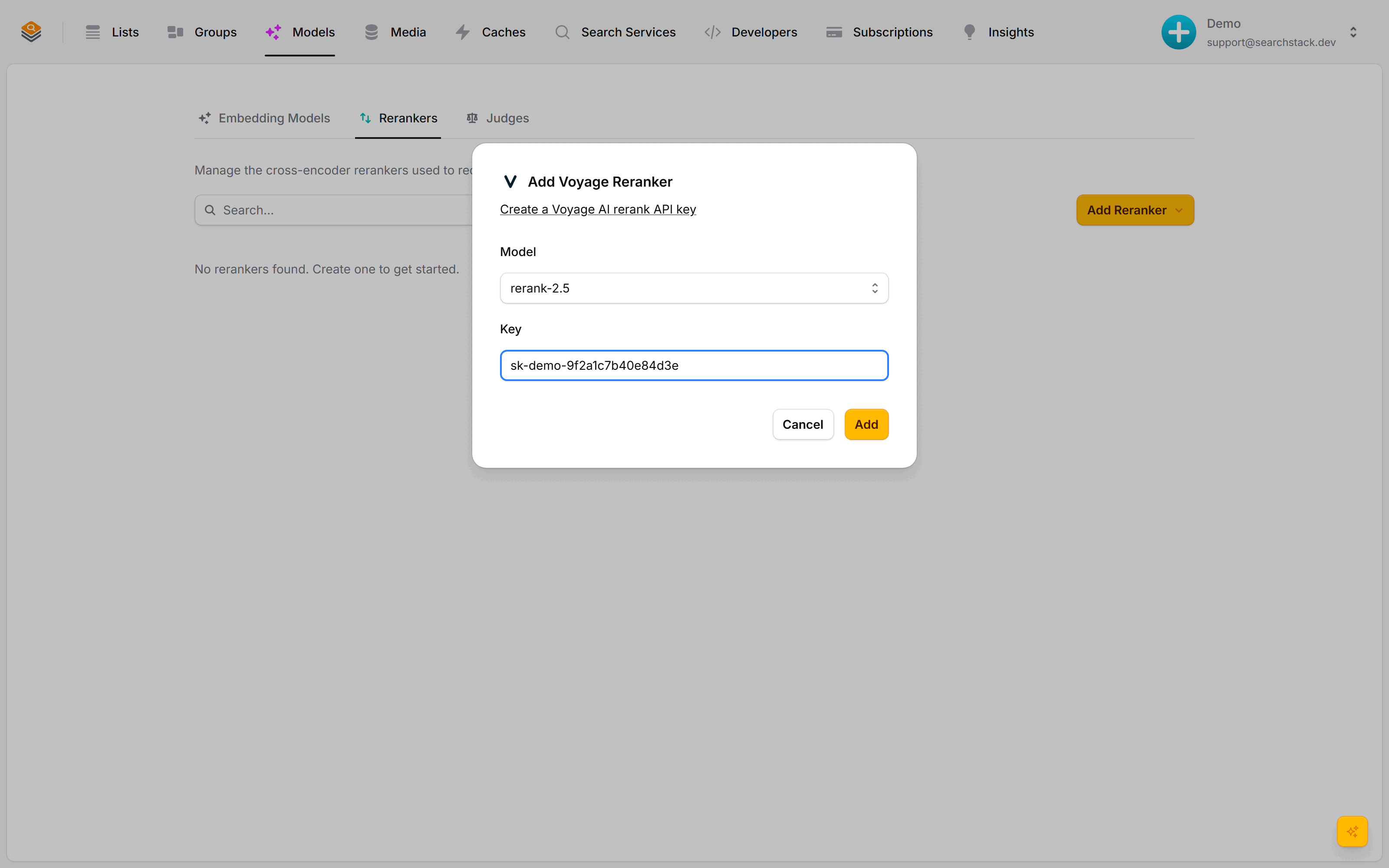
Choose the model and paste your provider key. The key is checked with a live call before the reranker is saved, and re-checked regularly after — a health dot flags any problem first. Attach the reranker to a list or group and it starts sharpening those results.
Auto-plays · use Back / Next to step through at your own pace.
Add a reranker
- Go to Models → Rerankers and click Add Reranker.
- Pick a provider: Voyage, Cohere or Microsoft Foundry. Reranking runs on your own key: your models, your limits, your bill.
- Choose the model and paste your provider API key.
- Click Add. The key is checked with a live call before saving. It is not re-checked afterwards: a reranker that starts failing shows up as search errors, not on Account health.
Attach it to a list or group
- A reranker does nothing until attached to a list or group. Every search there is then reranked before results come back.
- Re-ordering happens in the same request, so your front-end needs no changes.
- Attach the same reranker to as many lists as you like.
Reranker or judge?
| Reranker | Judge | |
|---|---|---|
| Job | Re-orders results by how well they fit | Keeps or drops results against a rule |
| When | Live, as part of the search | After the search, in the background |
| Result | Same results, better order | Fewer results, all meeting your bar |
A common pairing: a reranker sharpens the order, then a judge filters out anything that still doesn’t meet a quality bar you set in words.