
Credentials
One of your own provider API keys — your OpenAI key, say — saved once so several features can share it.
- You pay the provider directly; Search Stack never resells or marks up usage.
- Lives on Models › Credentials. A key typed into any judge, reranker or embedding model dialog is saved as one automatically.
One key, saved once, shared by everything that needs it
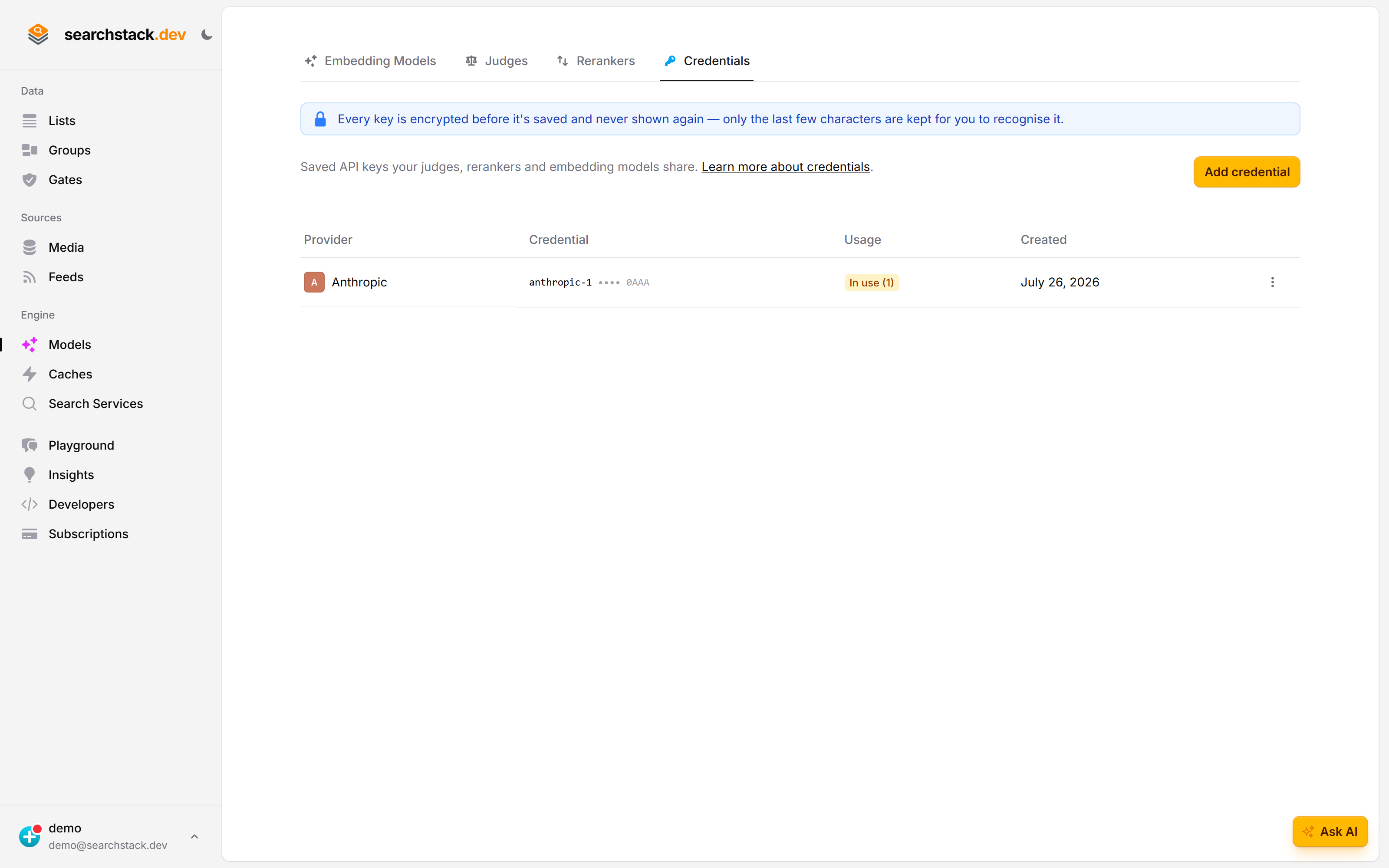
Models → Credentials is every provider key on your account. A key is saved against the vendor, not against one feature, so the same Anthropic key can pay for a judge, a reranker, cleaning and a gate. Usage tells you how many things depend on each one before you touch it.
The key goes in and does not come back
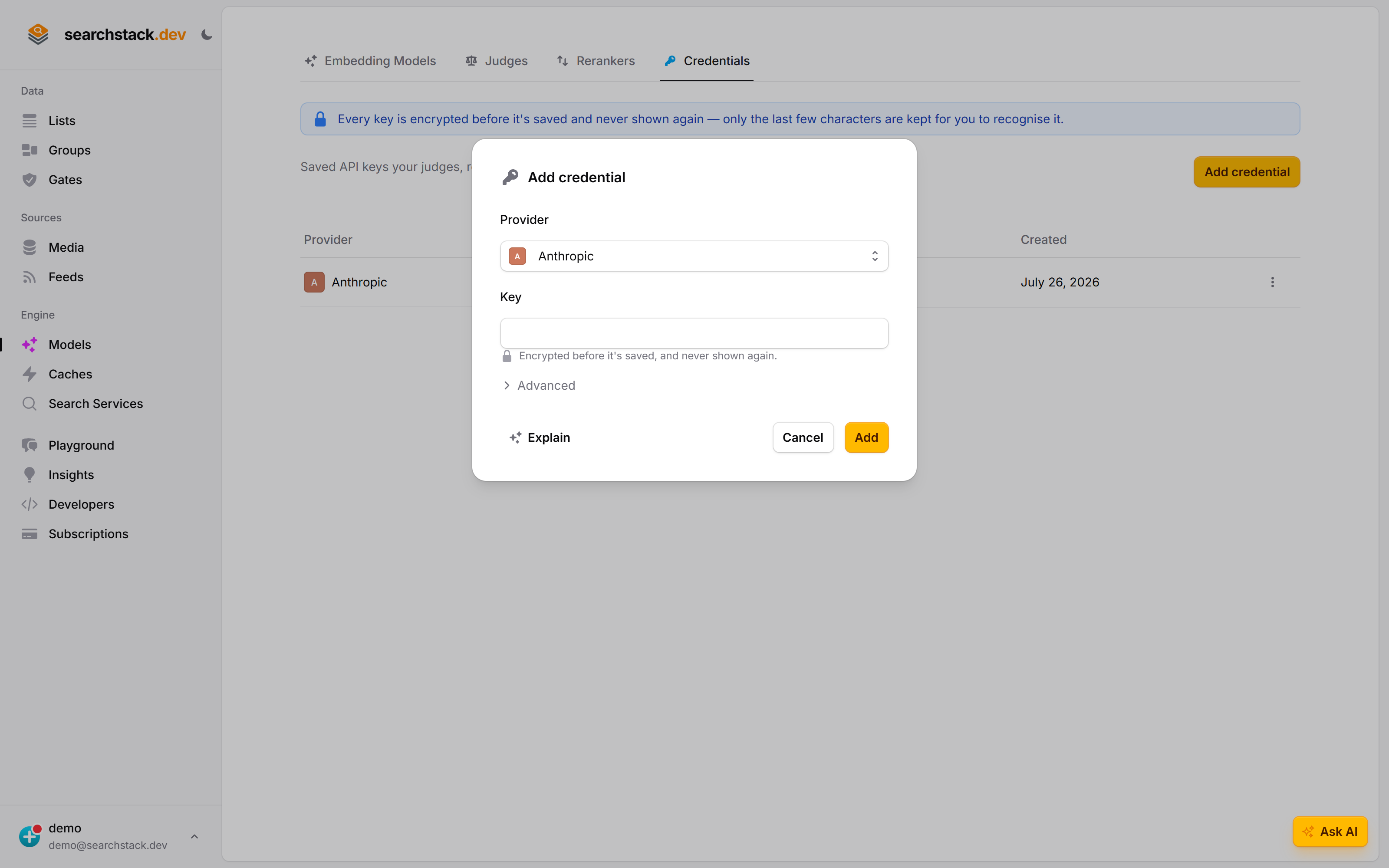
Pick the provider, paste the key. It is encrypted before it is stored and never shown again — the list keeps only the last few characters so you can recognise it, which is why the banner says so before you paste anything rather than after. Advanced is where a custom endpoint goes, for a model you host yourself.
Or just start using a feature
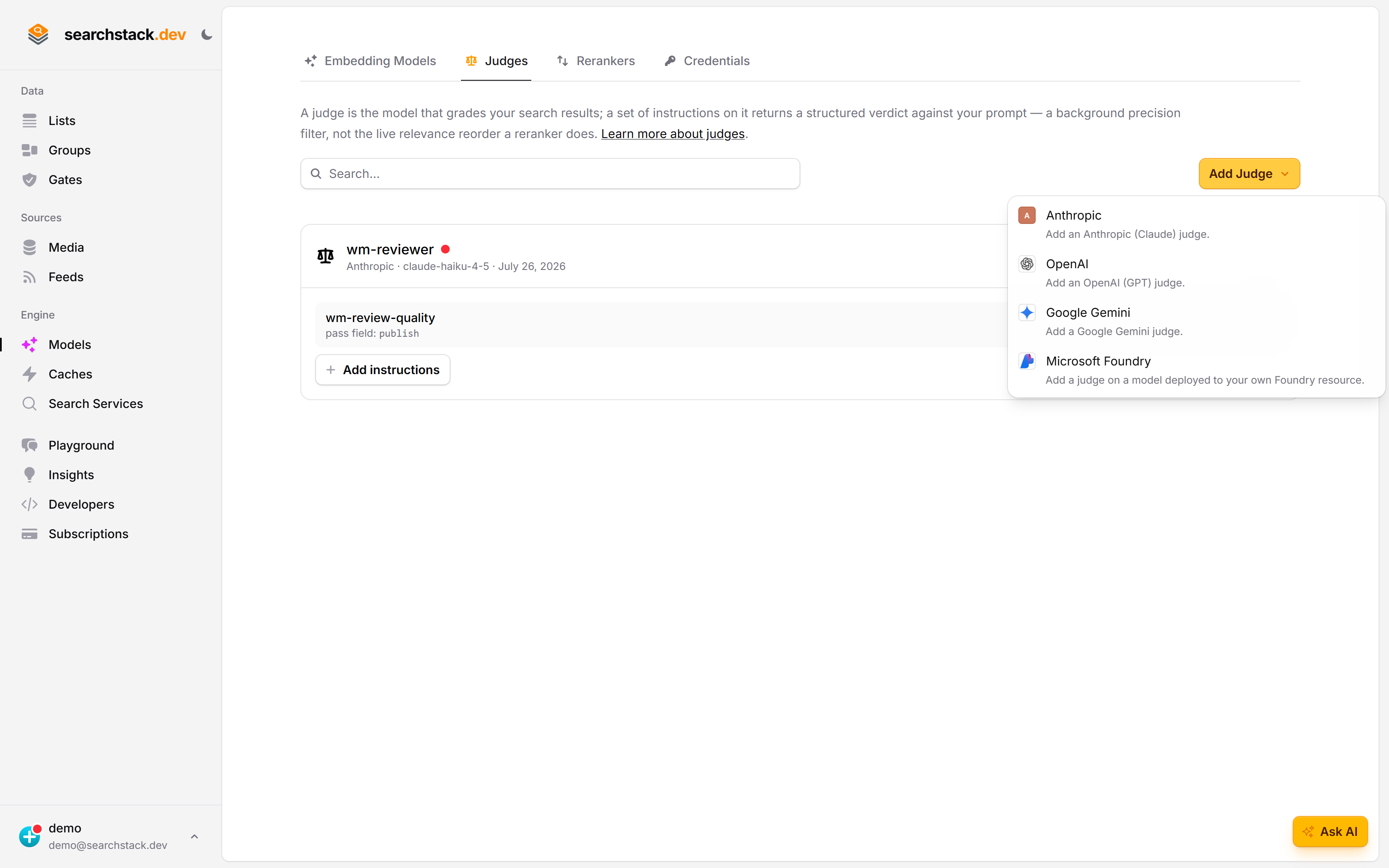
You never have to come here first. Adding a judge, a reranker or an embedding model asks for the provider, and reuses a key you have already saved for it — so the credential list fills itself up as you go, and one key is not pasted four times.
Providers
Seven, each stored against the provider rather than the feature, so one key can serve several features.
| Provider | Key checked on save | Batch pricing for cleaning |
|---|---|---|
| Anthropic, OpenAI | Yes | Yes, on the default endpoint |
| Yes | No | |
| Cohere, Voyage, Microsoft, Amazon | No | No |
How keys are stored
- Encrypted with AES-GCM before it is written.
- Never returned again — not to the console, not to the API. There is no “show key” button.
- Only the last four characters stay unencrypted, so the console can show •••• a1b2.
Add a credential
- Models › Credentials → Add credential. Pick the Provider and paste the Key.
- Optionally, under Advanced, a Custom endpoint — a proxy, gateway or compatible service standing in for the provider, for example
https://ai-gateway.acme.example. Blank uses the provider’s own address.
- You don’t name a credential; names are generated from the provider —
anthropic-1,anthropic-2. - The same provider, endpoint and key twice is rejected, naming the credential that already holds it.
Verification
- The check is a free, read-only call asking the provider which models the key can use, so it costs no tokens.
- A rejected key is not saved: you see “Connection failed: the API key was rejected” or the status the provider returned.
- A bad key on an unchecked provider shows up the first time a judge, reranker or model uses it.
Rotate a key
- ⋮ → Edit, then enter the replacement in New key. Blank keeps the current key and changes only the endpoint.
- Every judge, reranker and model sharing that credential picks up the new key at once.
- Provider and generated name are the credential’s identity and can’t be changed. To move provider, add a credential and repoint whatever used the old one.
What uses a credential
- Four things: judges, rerankers, embedding models, and the optional list-cleaning credential that picks facets out of records as they are imported.
- The Usage column reads In use, with a count you can hover to see which judges, rerankers, models or lists hold it, or Orphaned.
- Feeds, media stores and search services keep their own credentials and don’t appear here.
Delete a credential
- A credential in use can’t be deleted: the menu item is disabled and names what holds it. Detach or repoint that judge, reranker, model or list first.
- Once nothing uses it, delete removes the stored key permanently and unrecoverably.
Cost note: batch pricing
- For cleaning, credentials shown as Recommended send records to the provider in bulk through its batch API, at roughly half the price.
- Other providers work too; they make one call per record.
- A custom endpoint turns batching off, because the batch API only exists on the provider’s own address.