
Playground
Ask an AI agent about your own account in plain language.
- Covers lists, groups, models, media, services and search analytics.
- Read-only — the agent looks anything up, but never creates, changes or deletes. The one change is a document you add yourself.
- Opens over the page you are on: Playground under a list’s header, or Playground… in a group’s row menu.
Ask your account anything
The Playground lets you ask questions about your own account in plain language — your lists, groups, models, media and search analytics — and an assistant looks the answer up and lays it out for you. It is read-only: it can look anything up, but cannot change or delete anything, so ask it whatever you like.
Answers as real tables
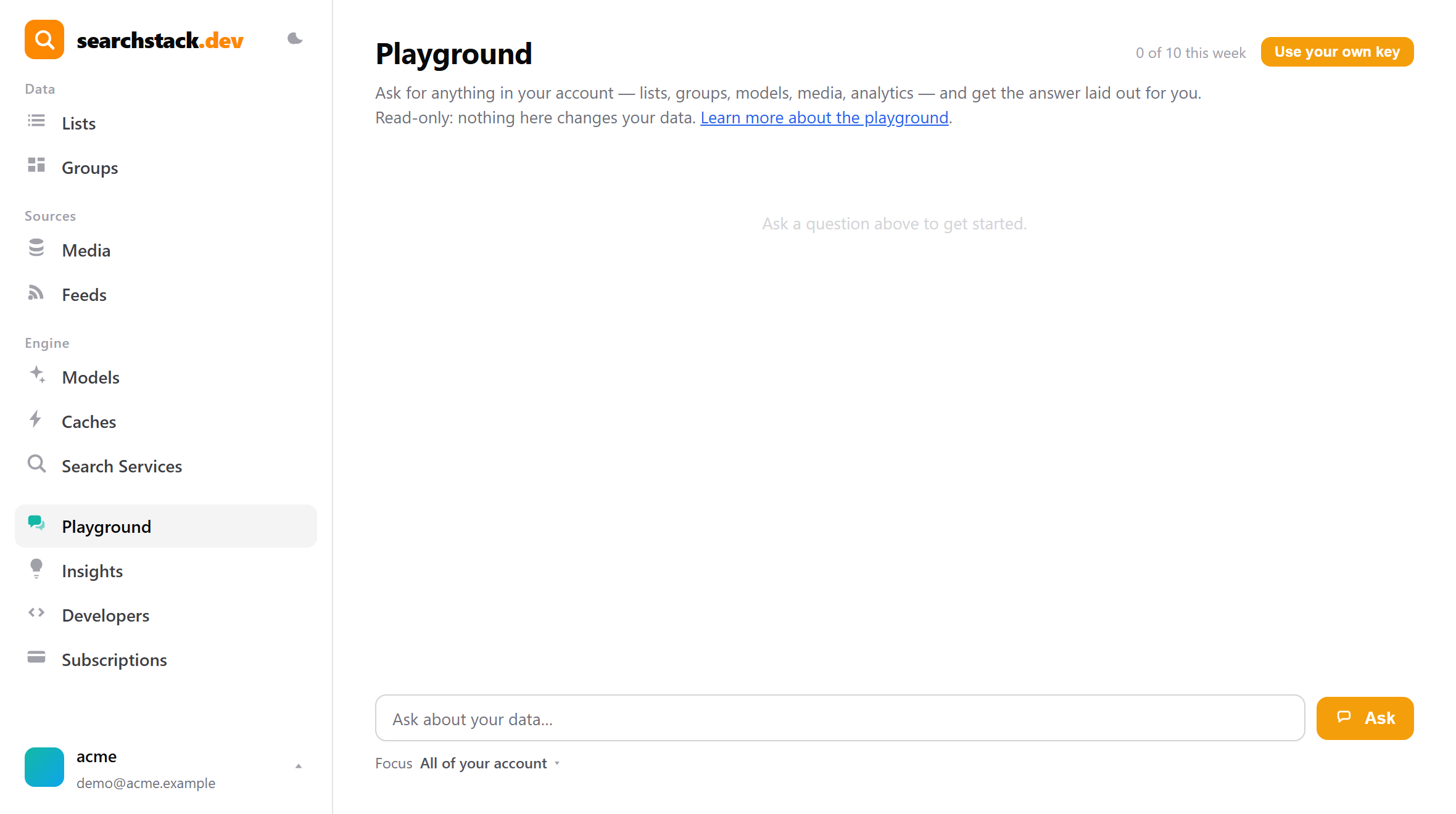
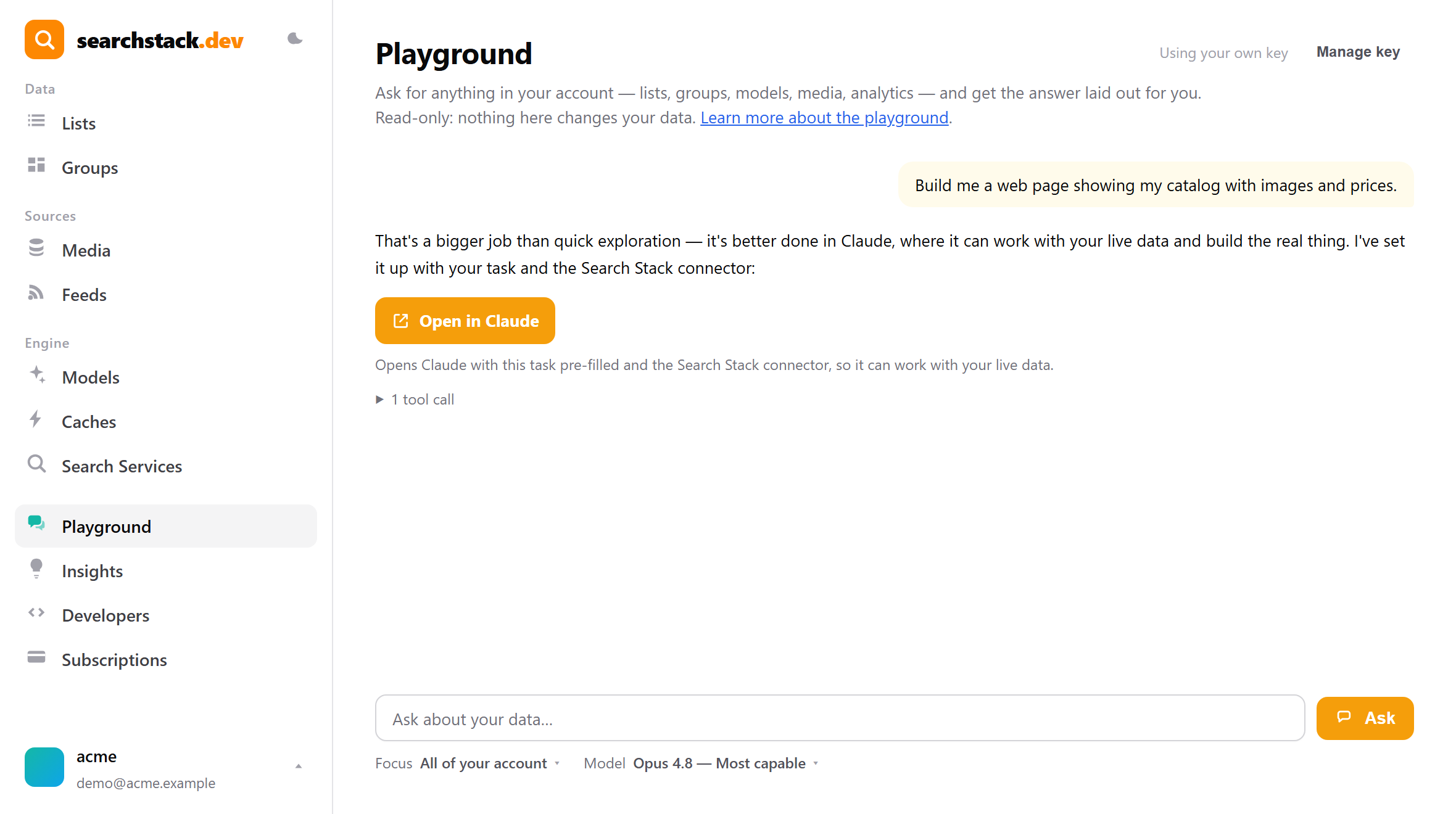
Type a question and press Ask. Here: “Which of my lists have the most records, and which have no model attached?” The answer comes back as a sortable table, not a wall of text. The “3 tool calls” line opens to show exactly which look-ups produced it, so you can see it came from your live data.
It picks the right layout
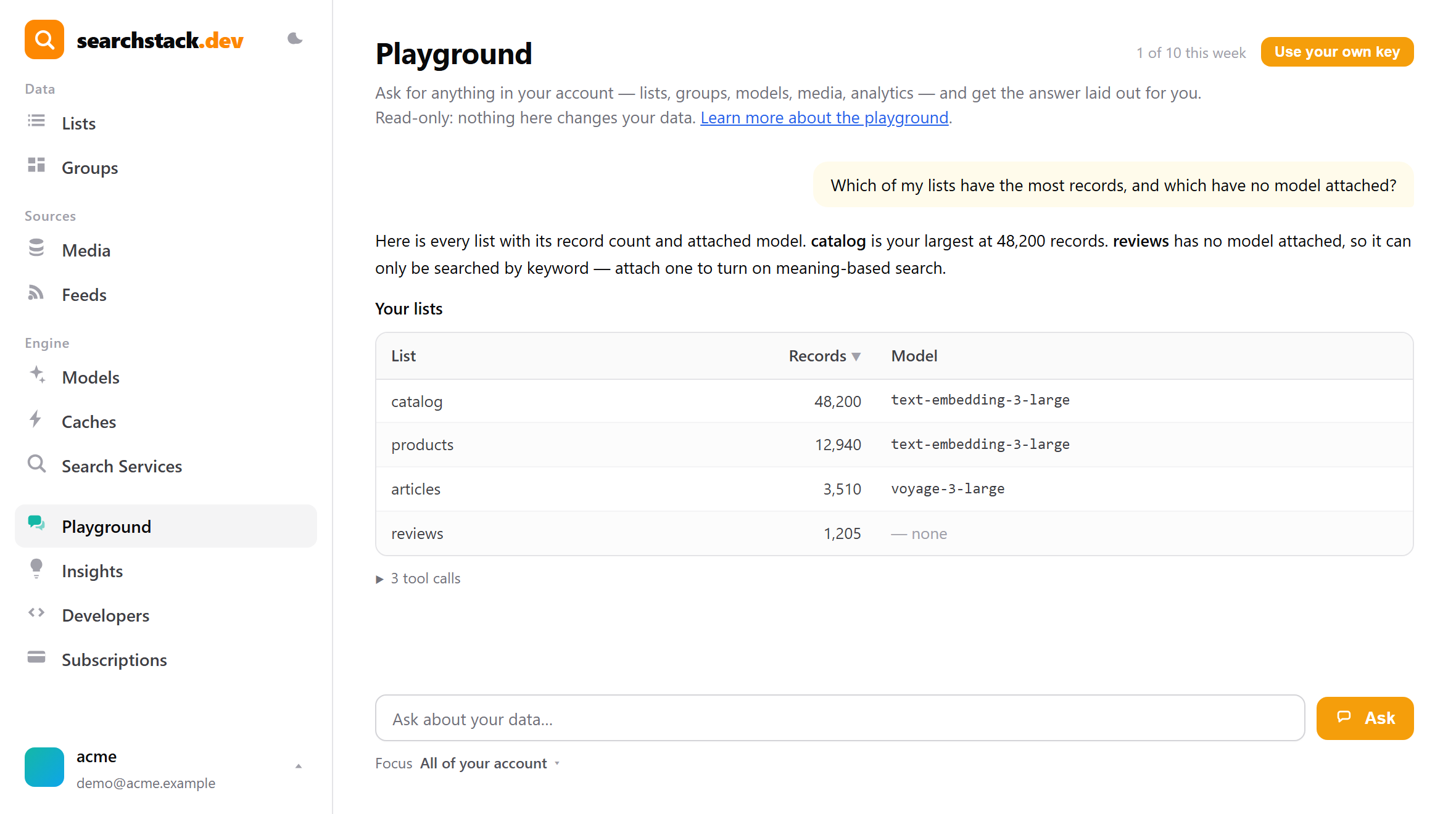
Ask “How are my searches doing this week?” and the key figures come back as metric cards, with a table of the searches that returned nothing — the ones worth adding data or synonyms for.
Focus it on one list
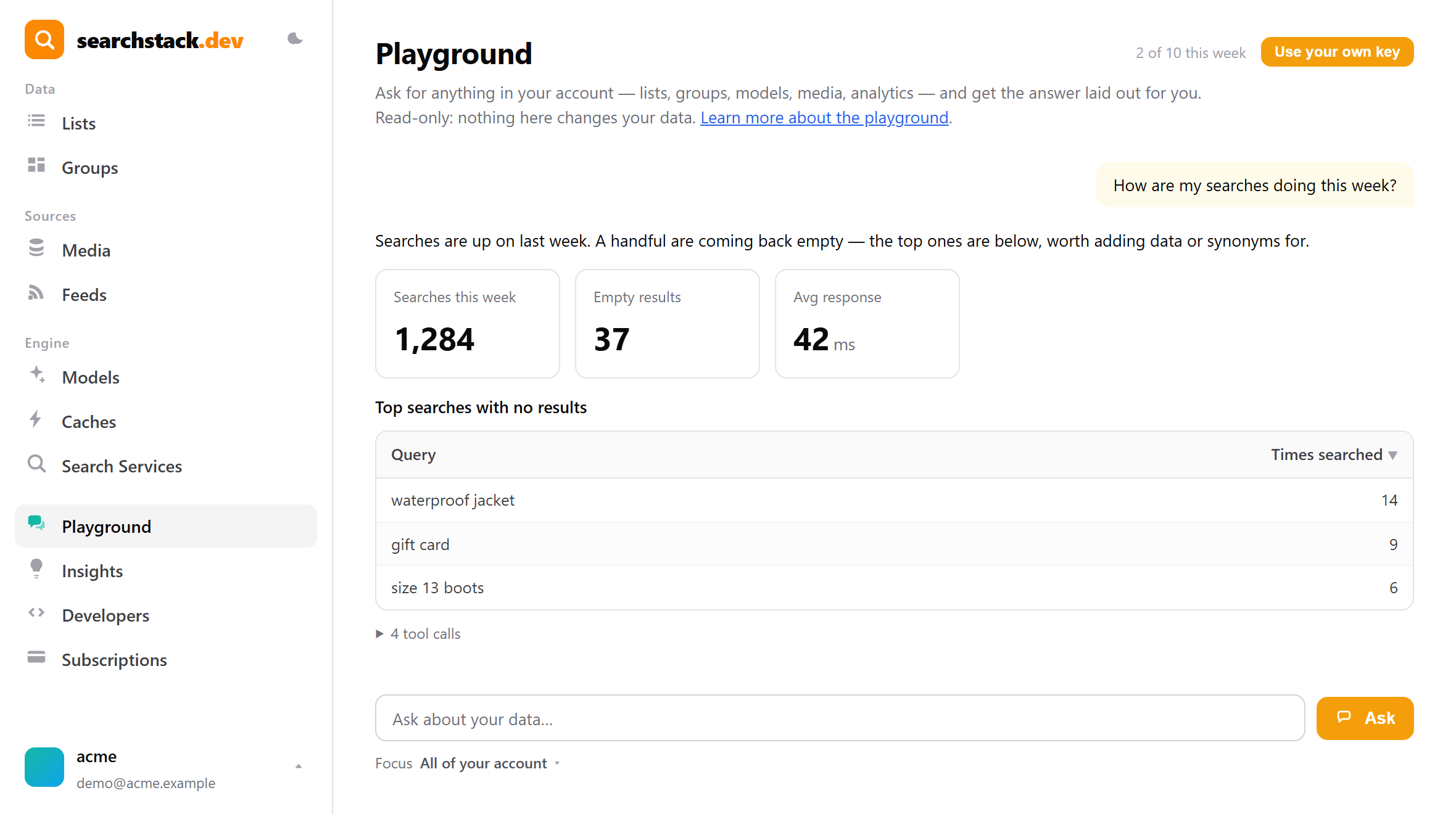
The optional Focus selector points the assistant at one list or group. Set to products, “how is it doing?” means that list. It is a hint, not a wall — account-wide questions still work while focused. List pages carry a shortcut that opens the Playground already focused on that list.
Weekly allowance, or your own key
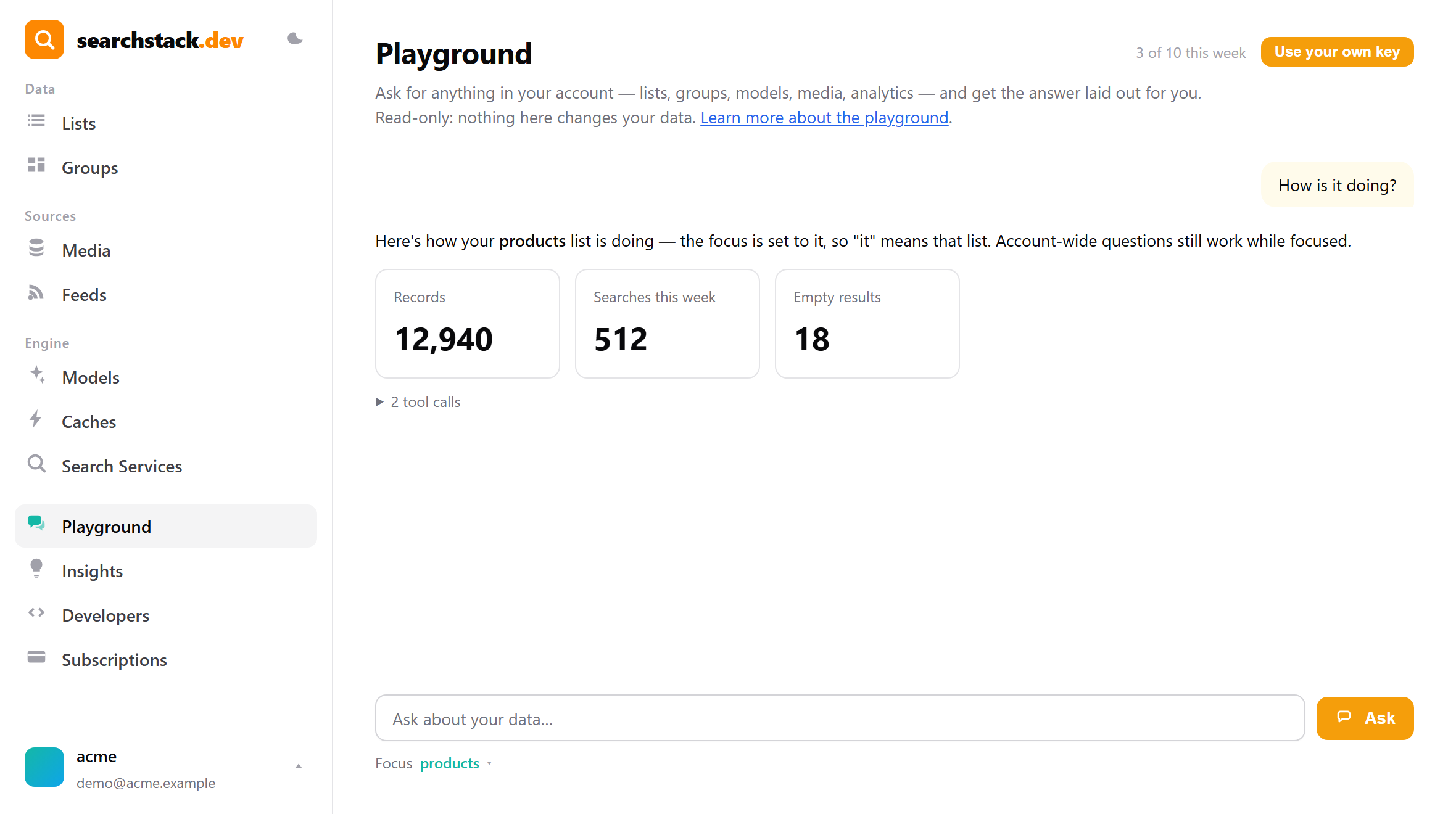
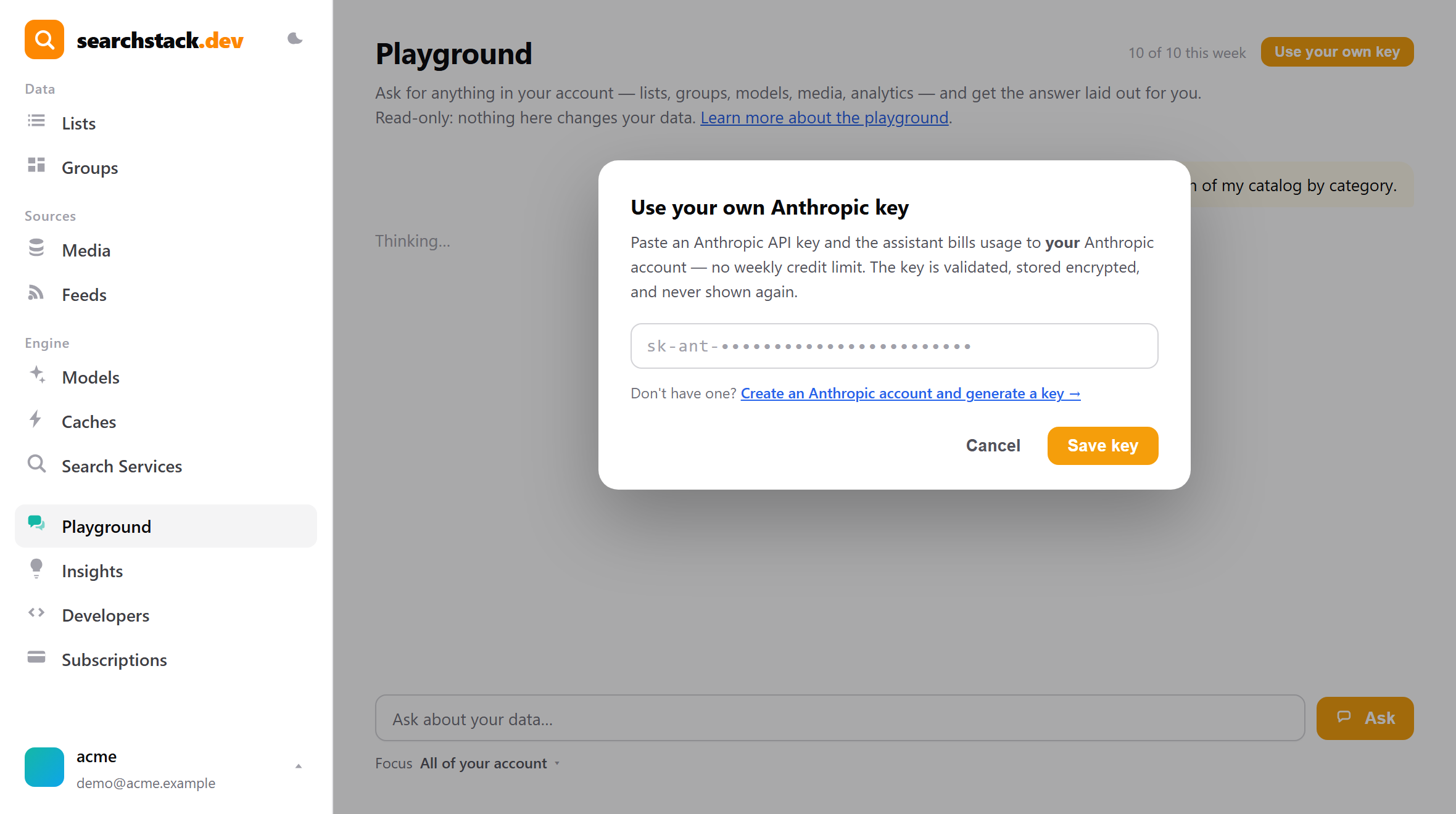
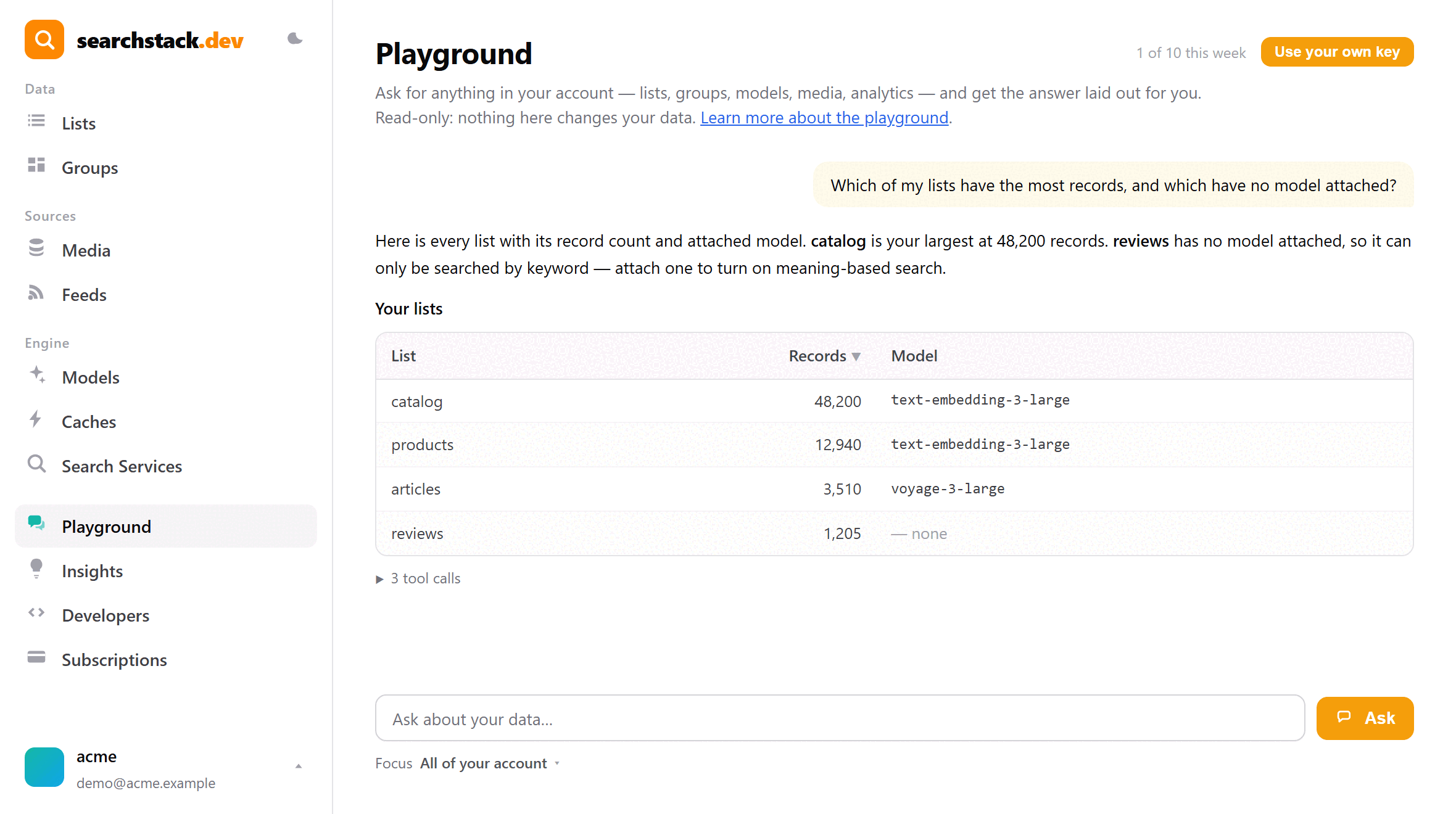
Every account gets a weekly allowance — 10 free, 20 or 50 on paid plans, shown by the quiet meter and reset each Monday. The Use your own key button lets you paste your own Anthropic API key: usage then bills to your Anthropic account with no weekly limit. The key is checked, stored encrypted, and never shown again.
Hand big jobs to Claude
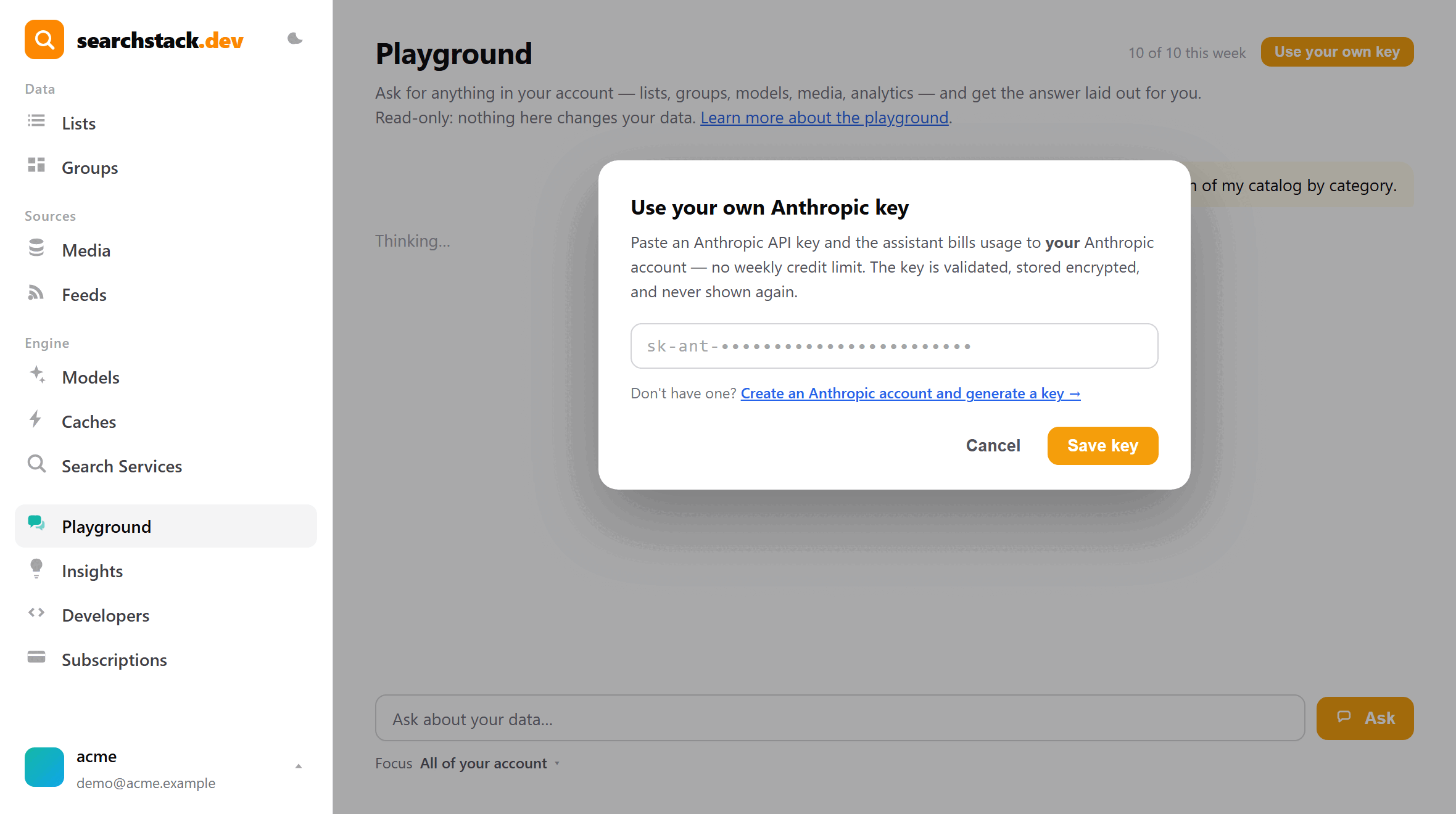
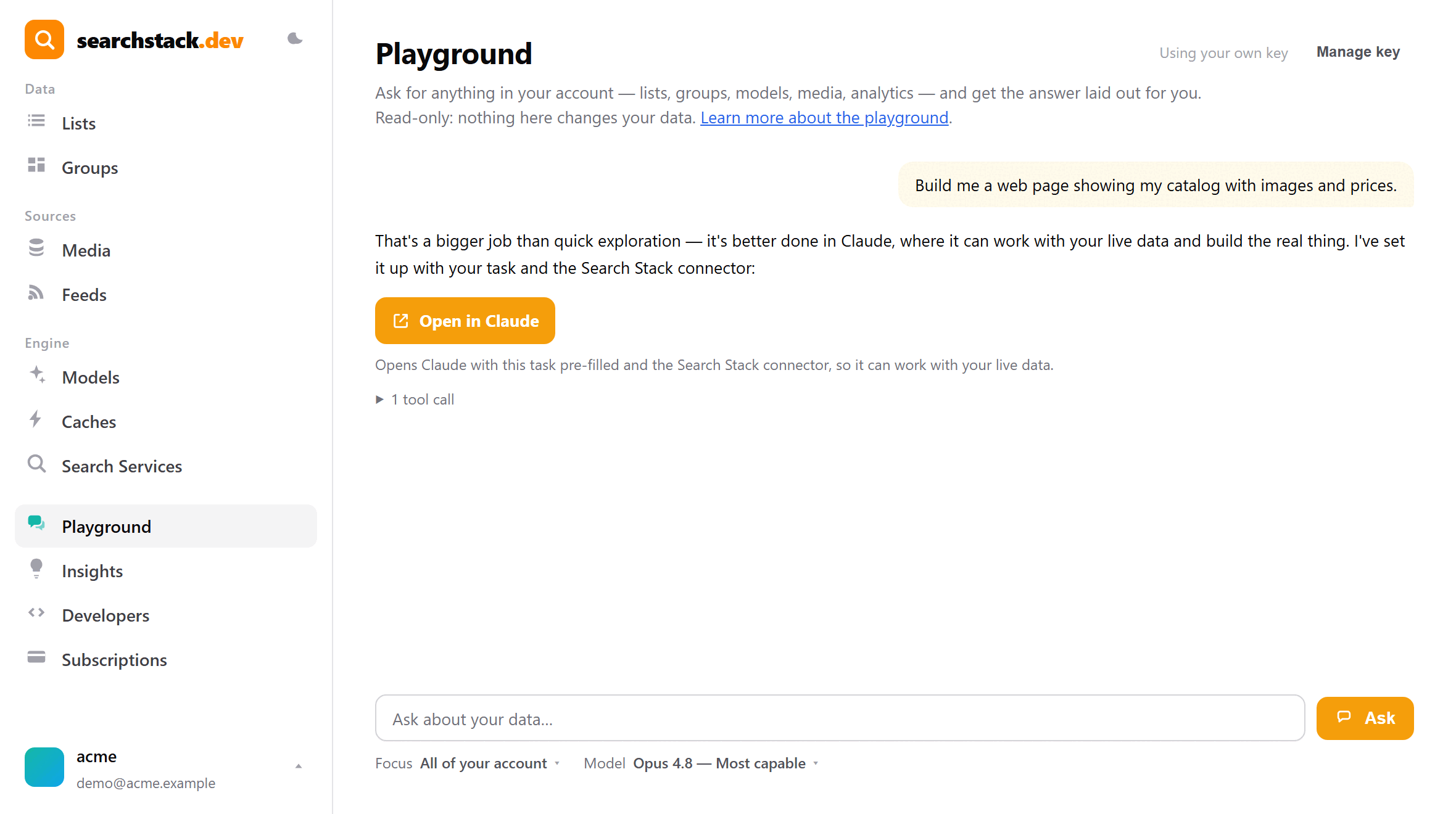
The Playground is for quick exploration, not building. Ask for something genuinely big — “build me a web page from my catalogue” — and instead of half-doing it, the assistant offers an Open in Claude button that hands the task to Claude with your live data connected. On your own key you also get a Model picker, from fast and economical up to the most powerful.
Auto-plays · use Back / Next to step through at your own pace.
Asking questions
Type a question and press Ask. The answer streams in, and a fold-out “n tool calls” line shows the look-ups behind it — live data, never guessed. Questions that suit it:
- “Which of my lists have no model attached?”
- “How many records are in each of my lists?”
- “Which lists get the most searches, and what’s coming back empty?”
Layout follows the question: rows become a table you sort by clicking a column heading, key figures become cards, and a comparison — records per list, searches per day — becomes a chart.
The agent is aimed at the list or group you opened it from, so “how is it doing?” means that list — a hint, not a limit, so account-wide questions still work.
Links and pictures
- Records named in an answer link to their document: a web address, or a file in the list’s media store.
- Result cards and tables link the same way; pictures show inline.
- Only addresses taken from your records are used — never made up.
Adding a document
- Add document appears when the Playground is open on a list fed by a media-store feed.
- The file goes into that feed’s media store, in the folder it reads, and the feed syncs straight away.
- Only the file types the feed reads are accepted, up to 10 MB. A file with the same name is kept, and the new one gets a numbered name.
- Other lists have no option: their records come from somewhere else.
Weekly AI credits
- Each answer costs real AI usage: 10 asks a week free, 20 on smaller paid plans, 50 on larger ones.
- A quiet meter shows where you stand; the week resets on Monday.
- Shared with the assistant panel on other console pages.
Bring your own Anthropic key
- Use your own key takes an Anthropic API key: usage bills to your Anthropic account and the weekly meter stops applying.
- The key is checked with Anthropic on save, stored encrypted, never shown again. Remove it whenever you like.
- Needs an Anthropic account — the dialog links to where keys are created.
- Adds a Model selector, from fast and economical up to the most powerful available.
Bigger jobs: Open in Claude
Ask for something genuinely big — “build me a web page from my product data”, a long report, code — and the agent offers Open in Claude instead: Claude opens with the task pre-filled and instructions to connect the Search Stack connector, so it can work with your live records at full power. Nothing is sent until you click.
Privacy and safety
- The agent acts as you: it reads only what your sign-in can read, on your account alone.
- Answers are shown as data, never run as code — model output is treated as untrusted.
- No question can change records, settings or services; only a document you add does.