
Synonyms
Teach a list that two words mean the same thing — customers say “lorry”, your catalogue says “truck”.
- Applied to the search, never to your records.
- Live on the next search. Nothing is rebuilt.
- Found on a list under Synonyms, beside Query optimisation.
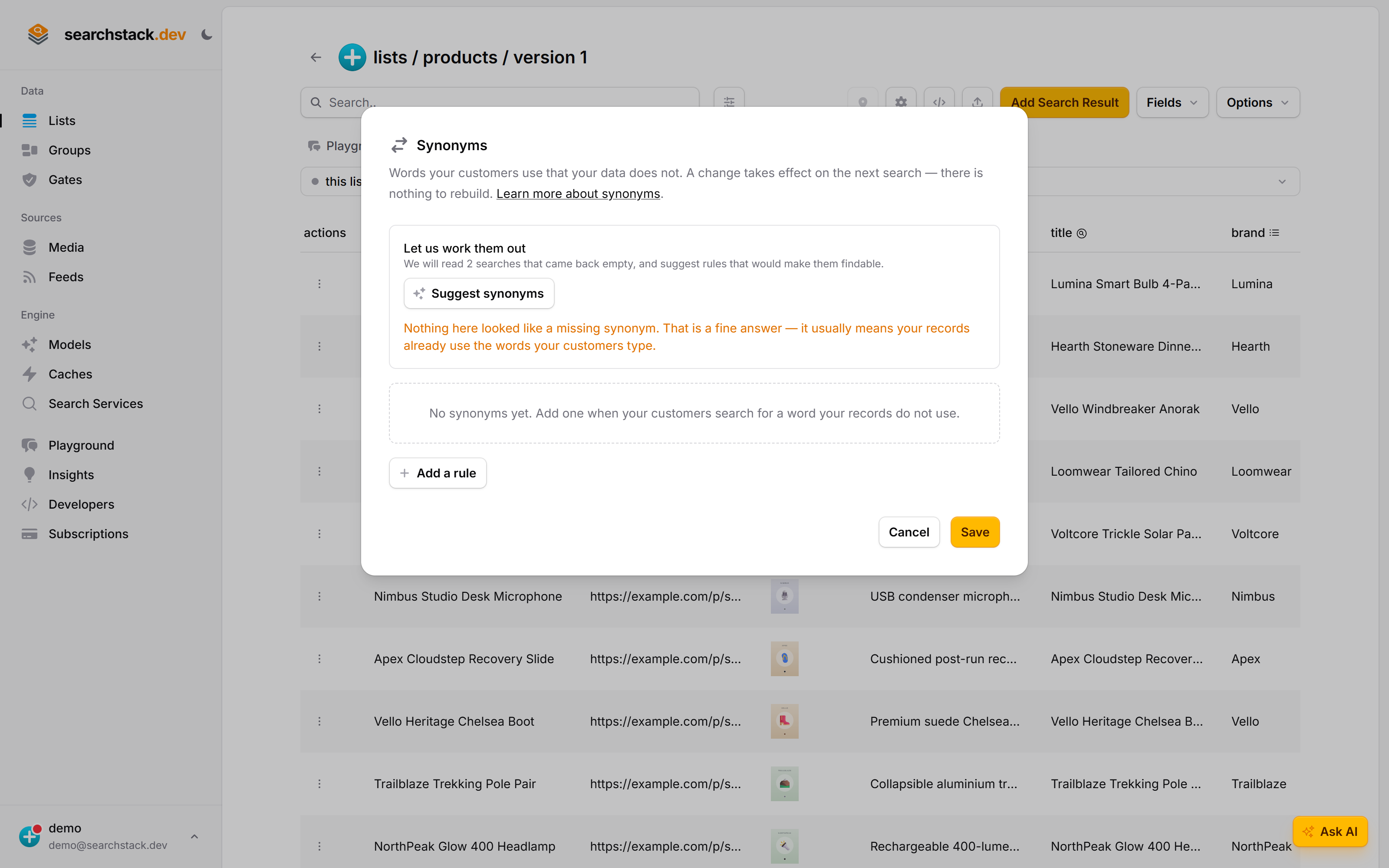
Open the list, then Options → Synonyms
Synonyms live on the list itself, under Options → Synonyms… — “words your customers use that your data does not”. They are not on the Settings dialog, because a set of rules needs a table rather than a box.
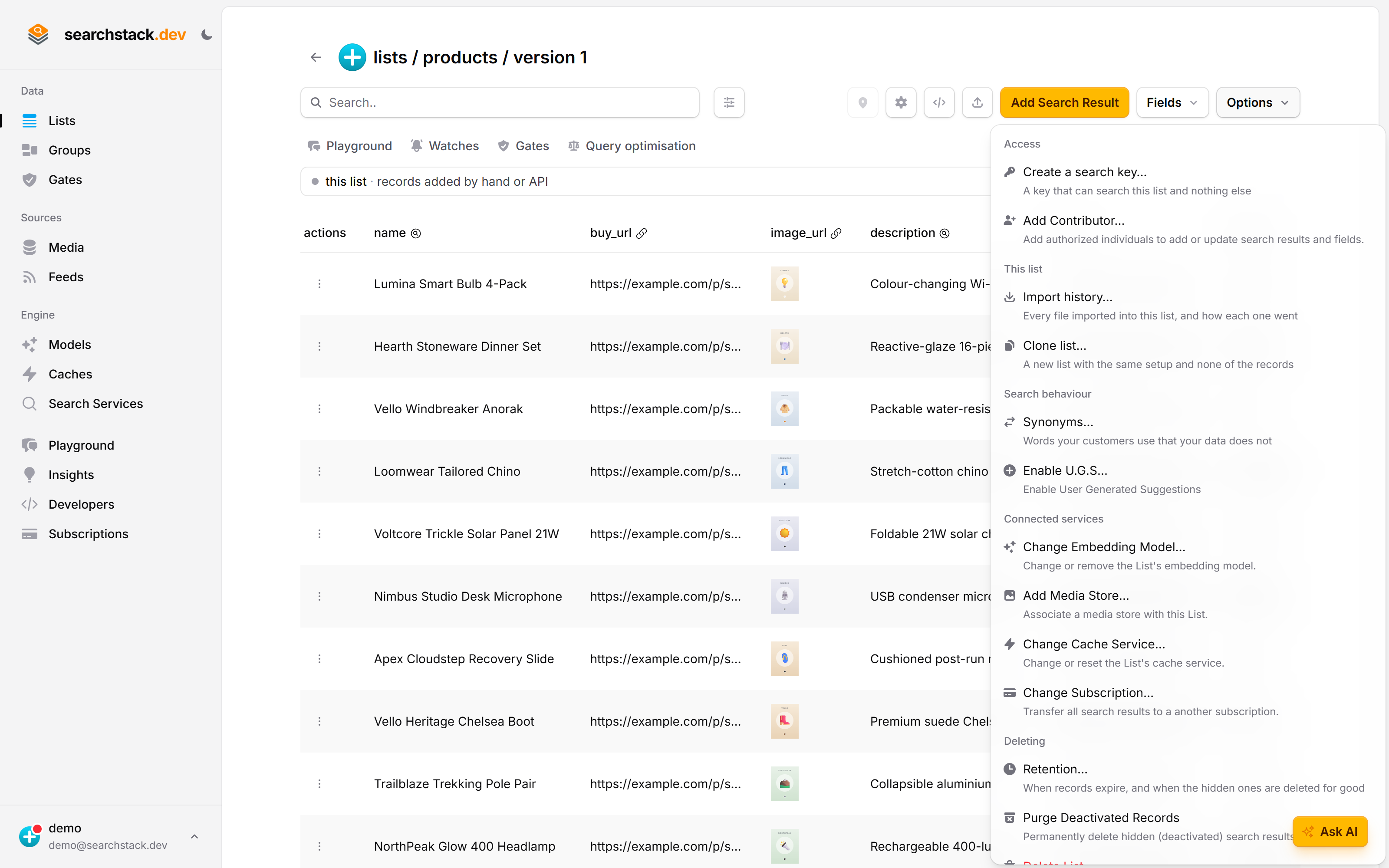
A table of rules, and an offer to work them out
A new list has no rules. The panel at the top says what it has to go on before you press anything — here, 2 searches that came back empty. Nothing is saved until you press Save, and a change takes effect on the next search: there is no index to rebuild.
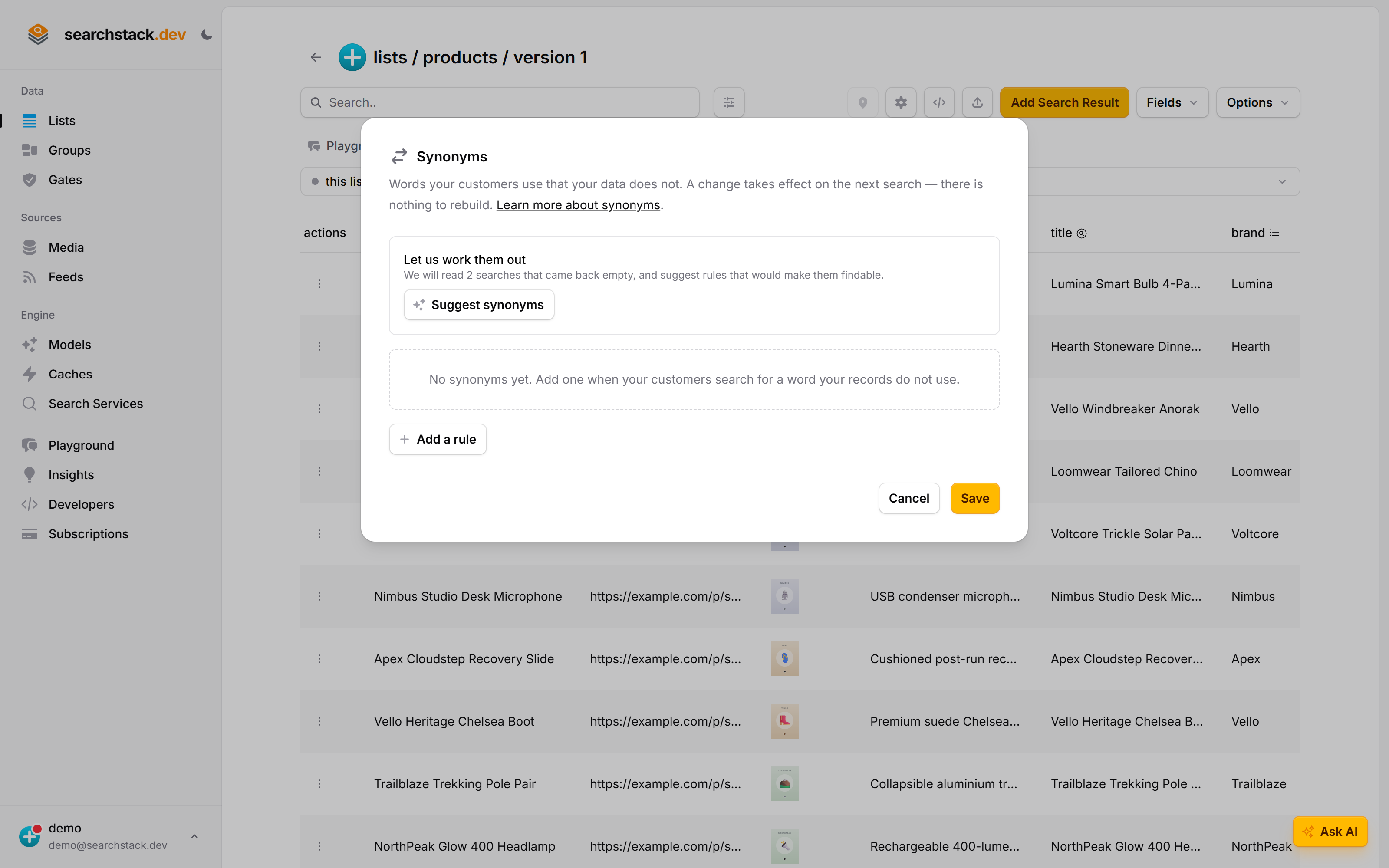
The boxes offer your customers’ own words
Type a word and press enter, or pick one from the list. The words are split into Found nothing — searches that came back empty, which are your missing synonyms written by your customers — and People search for, the words your catalogue already answers to. Every rule needs at least one of the second kind, or you have only turned one empty search into a different empty search.
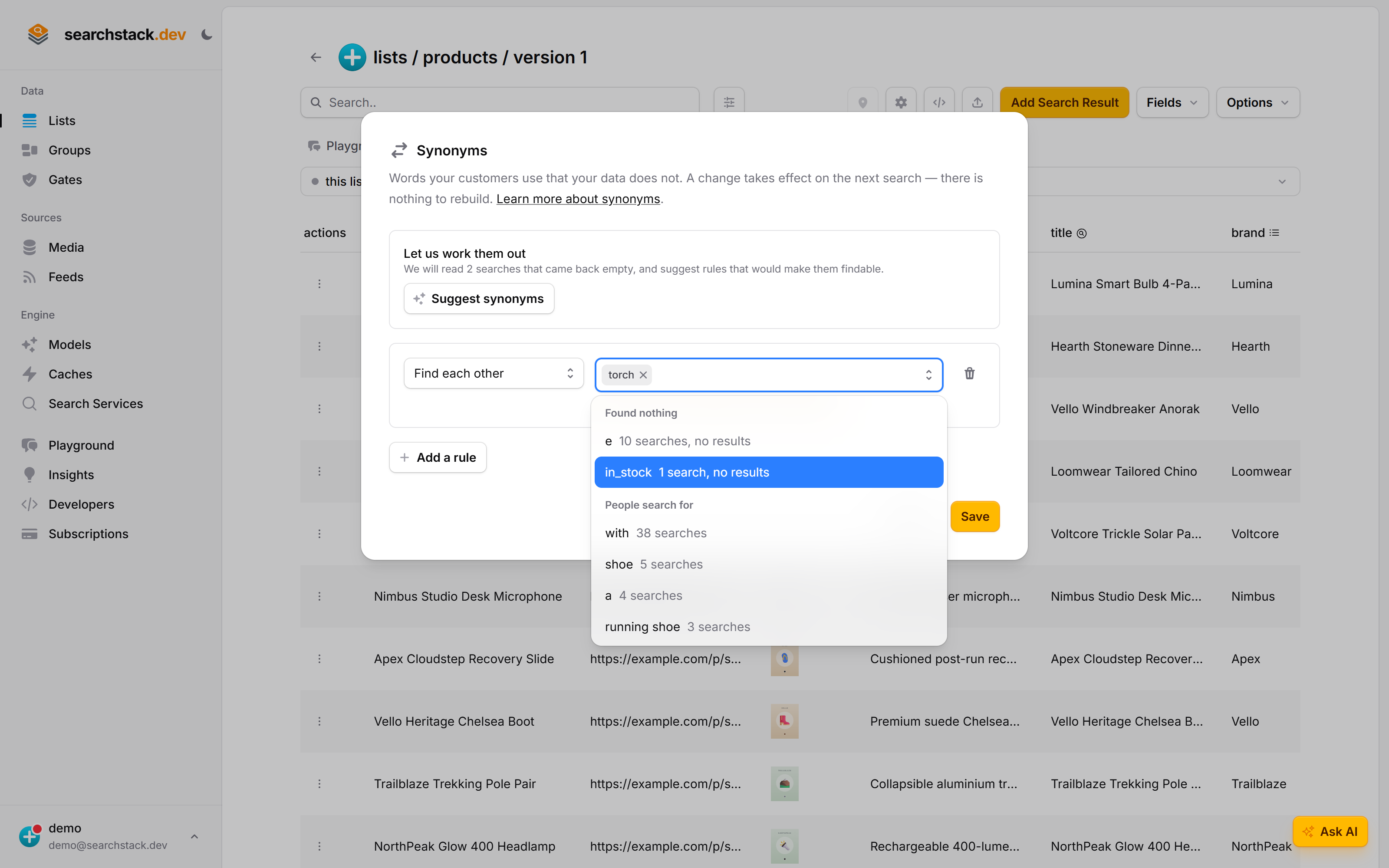
Two kinds of rule, each explained back to you
The page lists the synonyms you have saved; each is added or edited in its own dialog, which saves on its own. A synonym is a bag of words that all mean the same thing, and every word in it finds the same results whichever one is typed — there is no direction to choose. Under each row the console says what it will do in plain English, so you can check the rule reads the way you meant it.
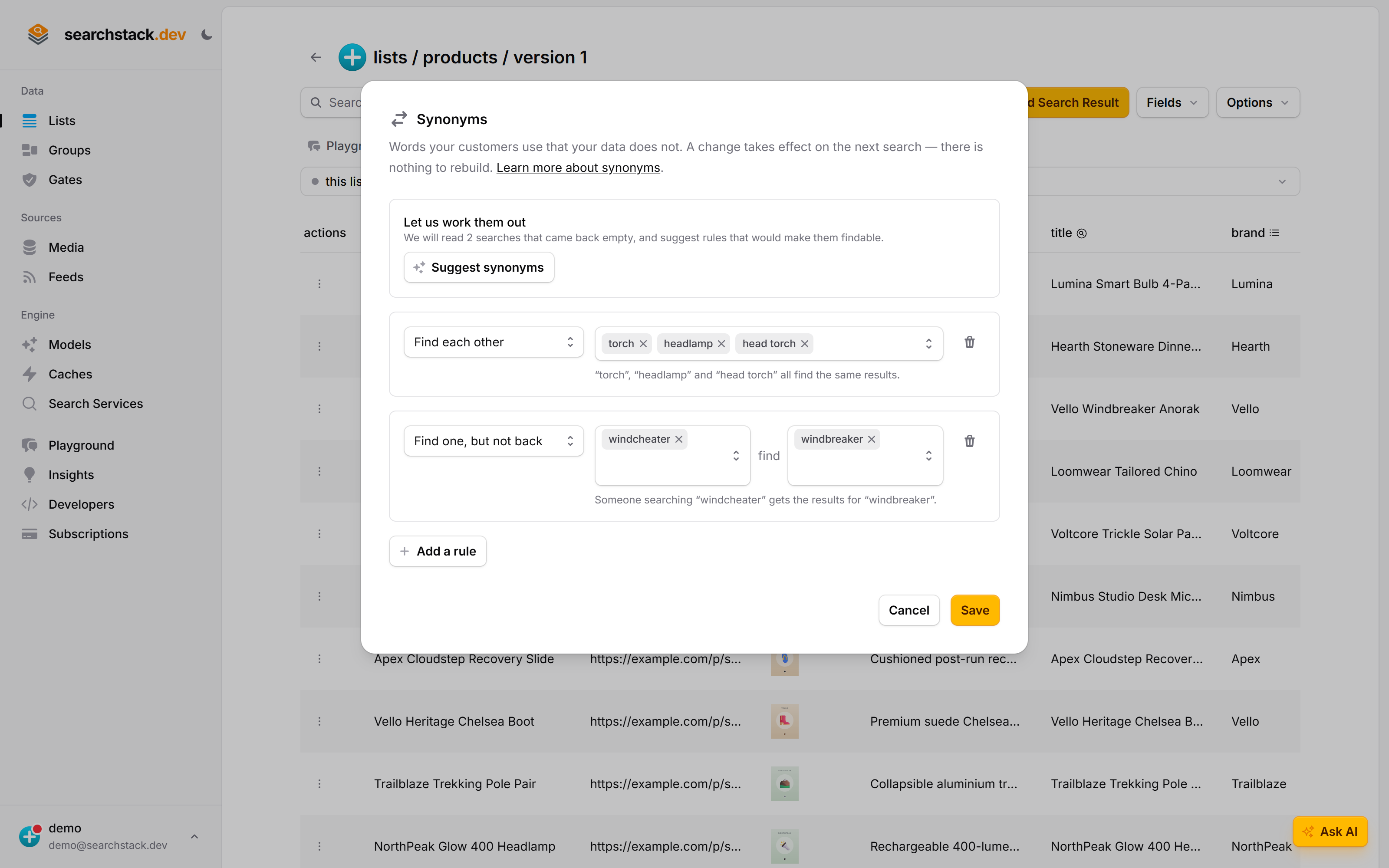
Let us work them out — including when the answer is “none”
Suggest synonyms reads the searches that came back empty and the abbreviations in your own records, and proposes rules with the evidence attached. It also says so when it finds nothing, rather than inventing a rule to look busy: “no synonyms needed” is a common and correct answer.
One rule, both ways
A synonym is a bag of words that all mean the same thing. Adding tee, t-shirt means a search for either finds records containing either — no direction to choose.
One-way rules (lorry finds truck, but not back) still run and are still accepted by the API and list_set_synonyms. The console shows and deletes them, but will not write new ones. Reach for one only when both words are in your records — a toy lorry and a delivery truck.
Writing one
Each rule has its own dialog and saves itself; there is no page-wide Save. Type a word, press enter. Under the box sit your customers’ own searches, one press each:
- Found nothing — searches that came back empty. Your missing synonyms.
- People search for — searches that worked. Every rule needs at least one, or you turn one empty search into a different one.
A word can be a phrase (t shirt), matched across both words. It cannot contain a comma, an arrow, a # or a backslash.
Let us work them out
Suggest synonyms proposes rules from two sources, each with its evidence attached:
- Searches that came back empty, matched against the ones that worked — “14 people searched for lorry; truck is a word your catalogue answers to”.
- Abbreviations in your own records, with real records shown under each. Works on a list you imported five minutes ago, before anyone has searched it.
Proposals land as ordinary editable rows. Nothing is saved until you press Save. Runs on Search Stack’s AI allowance, so it needs no credentials of your own; if the weekly allowance runs out, the table carries on by hand.
When one abbreviation means two things
ST is Street in 12 SMITH ST RICHMOND and Saint in 1 ST KILDA RD.
- You get one proposal per meaning, with records under each.
- The narrower one covers the phrase (
st kilda=saint kilda), and a phrase rule always wins where the phrase appears. - Where your records don’t settle it, the suggestion says so — “Could also mean cross” — rather than picking one.
- Confirming
ST=STREEToffers the rest of the address set in one step (RD,AVE,CRES…), filtered to words your records use. These sets are common usage, not an official postal file — which is why they are proposed, not applied.
Nothing coming back empty and no abbreviations found? The button says so. “No synonyms needed” is a correct answer.
When a query rule fits better
If the word is one of a field’s values — VIC in state — a query optimisation reads it off the query and filters on it. A synonym cannot.
- Query rules run first, on the query as typed. Synonyms are applied inside the engine, to the text a rule left behind.
- So
vicbecomesstate = VIC. Butvictoriais not a stored value, no rule can claim it, and as a synonym it matches the state word in every Victorian record. - Suggestions say so when they spot one — “state has only 8 values and ‘vic’ is one of them” — and say when a rule already reads that field.
- Both can be on at once. Whichever gets the word first wins, and that is always the rule.
Not spelling correction
A misspelling is typo tolerance, on the list’s Settings dialog, and needs no rules: jumpr already finds jumper. Use a synonym only for genuinely different words — jumper and sweater.
Which engines honour them
The Search Stack engine only. Rules travel with each search rather than living in the index, which is what makes them a per-list setting.
Every list created today is on that engine. A list still sitting on a retired customer-registered Azure AI Search, Elasticsearch, OpenSearch or PostgreSQL service ignores synonyms, cannot have its records read for abbreviations, and cannot preview a rule. Suggestions from failing searches and the rule table still work.
Over the API
PUT /list/synonyms/{account-name}/{list-name}

{
  "rules": [
    { "kind": "equivalent", "terms": ["tee", "t-shirt", "tshirt"] },
    { "kind": "rewrite", "terms": ["lorry"], "replace_with": ["truck"] }
  ]
}- Replaces every rule on the list. An empty
rulesarray removes them all. - A list reads its rules back as
synonym_rules. - Clients:
Lists.SetSynonymsAsync,lists.setSynonyms. Agents:list_set_synonyms.
Two read-only calls back the console dialog:
GET /list/synonym-candidates/…— each abbreviation in your records, how many records hold it, one entry per sense.supportedisfalsewhen the search service cannot report its records’ words at all, which is not the same as finding none.POST /list/synonym-preview/…— runs the real search twice per word, on top of the rules already in force, so it reports what this rule adds.aftermatchingbeforemeans the rule changes nothing. Saves nothing.
Agents: list_synonym_candidates, list_preview_synonym_rule. Shapes are in the API reference under List.
Notes
- Read on every search, including searches through a group the list belongs to.
- Nothing is rewritten — a rule changes how a search is read, never what your records say.
- Removing a rule takes effect on the next search.
- Copied when you clone a list.